Mailock authentication
Control access to sensitive emails
Add a recipient check before unlocking sensitive content
Set an email code, SMS code, or question and answer challenge for each message. Protect against email interception and 'wrong recipient' mistakes.
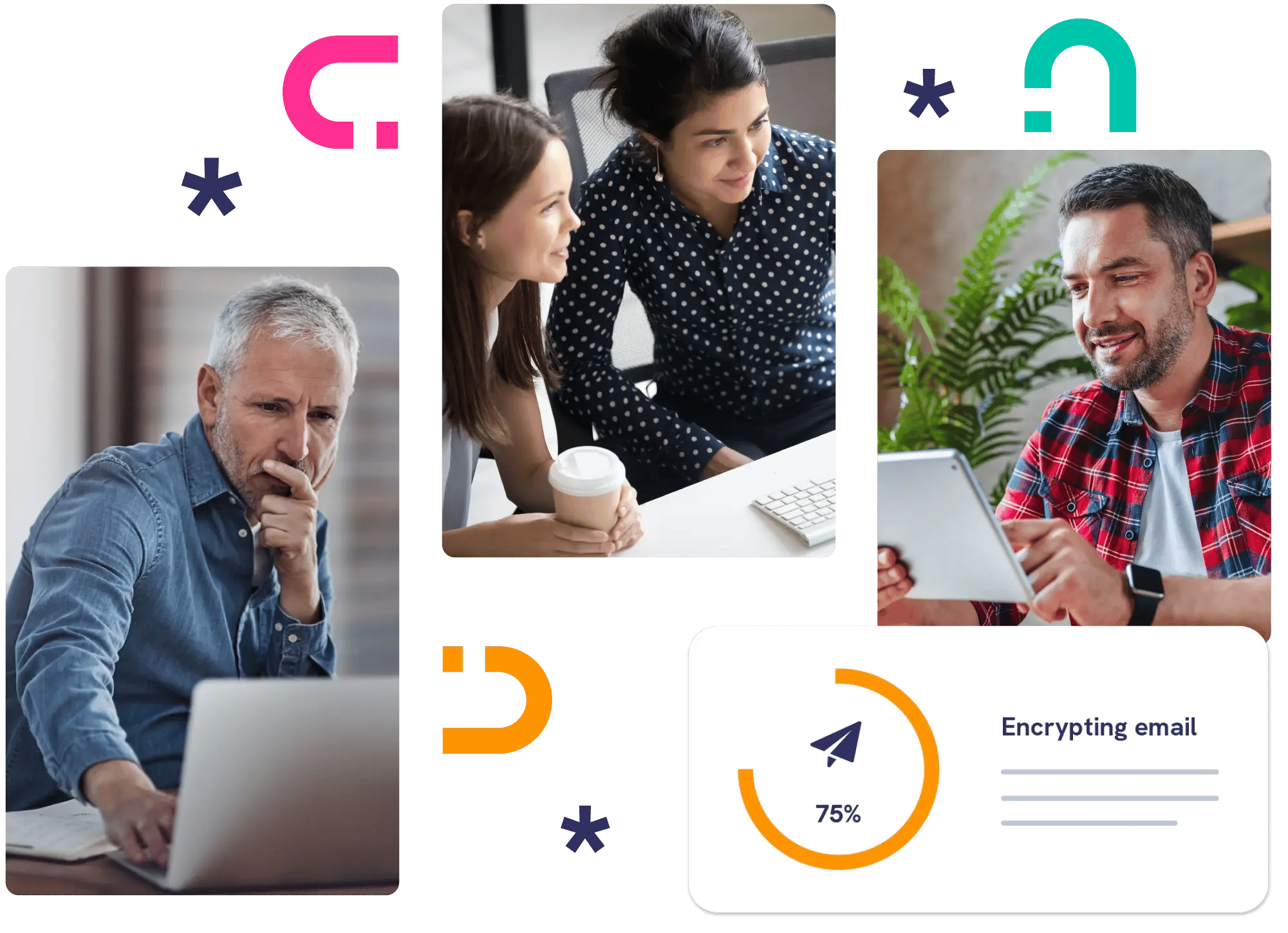





The right email, the wrong reader
Email addresses get mistyped, reused, and shared. A recipient check adds a step before your message opens, so a wrong address doesn't become a data breach.
- Set a check on any sensitive email
- Choose how strong that check needs to be
- See delivery and opening events

Pick the access check that fits the message
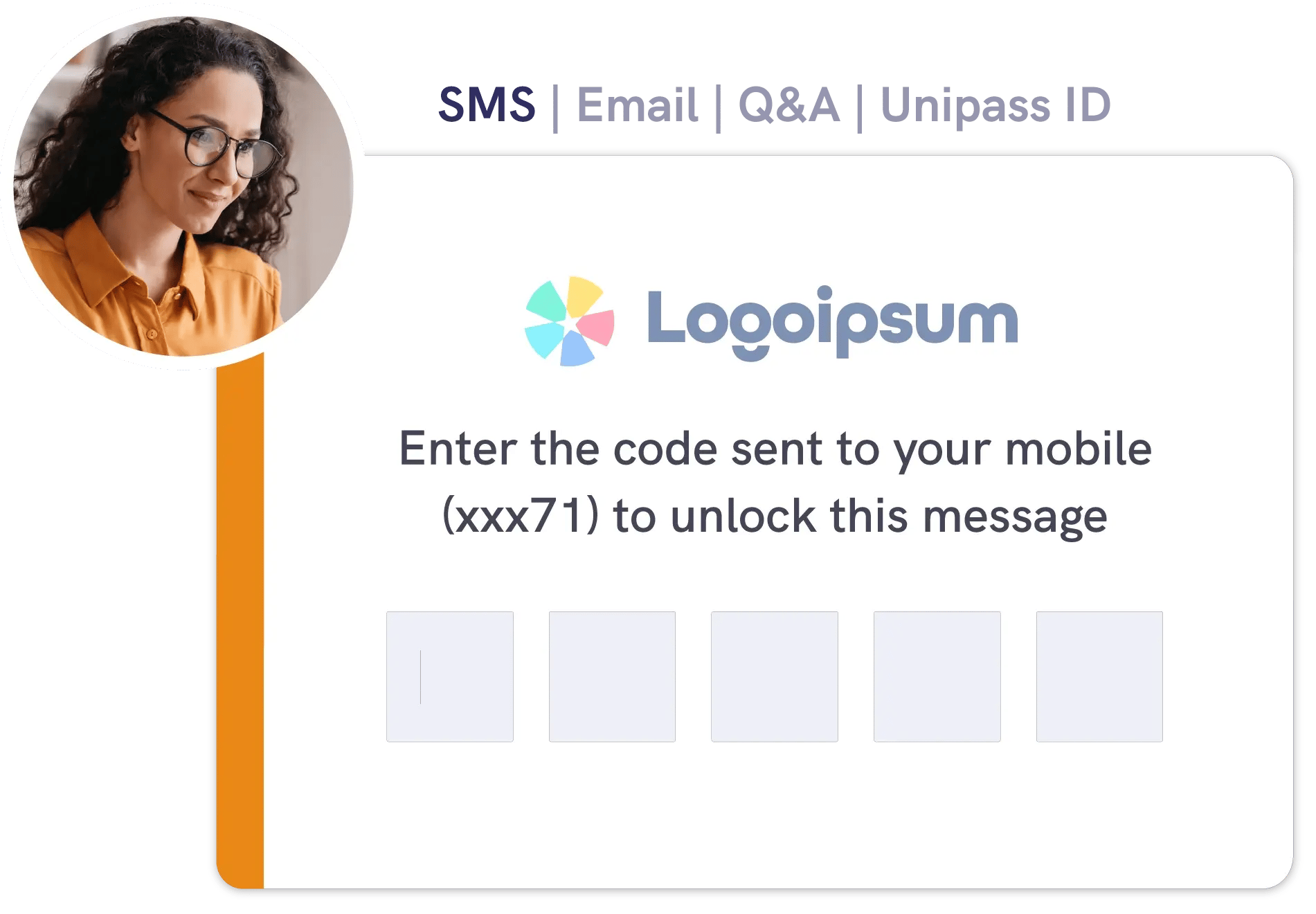
A routine statement and a payment instruction don't call for the same access check. With Mailock® you choose an email code, SMS code, or question and answer for each message.
If your recipient is a financial services professional with a Unipass identity, they can sign in with it, and you can let that stand in place of a check.
- Email code: shows inbox access
- SMS code: shows mobile access
- Question and answer: tests shared knowledge



Testimonial
Who wants to ring a client and say, "your account's been hacked"?
Although email is a simple way to share information, we should always be aware that unencrypted emails can easily be intercepted.


Recipient authentication
Explore recipient authentication
See how each check works, and what your clients experience when a protected message arrives.