Mailock Pro secure email
Exchange confidential files and messages by email (securely!)
Secure email for professionals & teams
Send sensitive emails and attachments securely from Outlook or your browser, with encryption and recipient checks built in. You can also send ID, KYC, and AML checks by secure email.
or, book a guided demo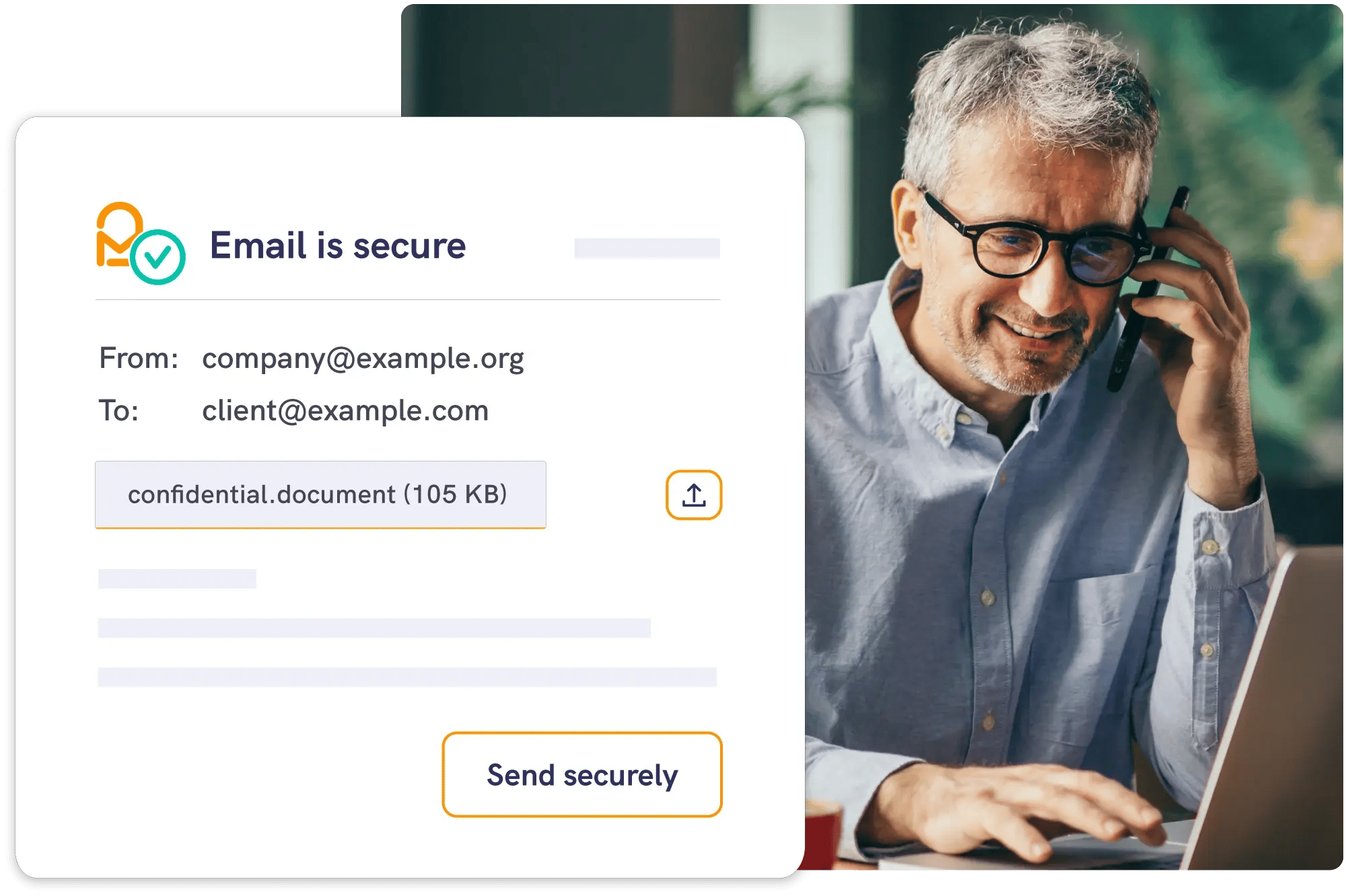



Email sensitive
information, simply
- Encrypt messages and attachments
- Set recipient challenges to limit access
- Send ID, KYC, and AML checks by secure email
- Stop further access after a sending mistake
1. Send
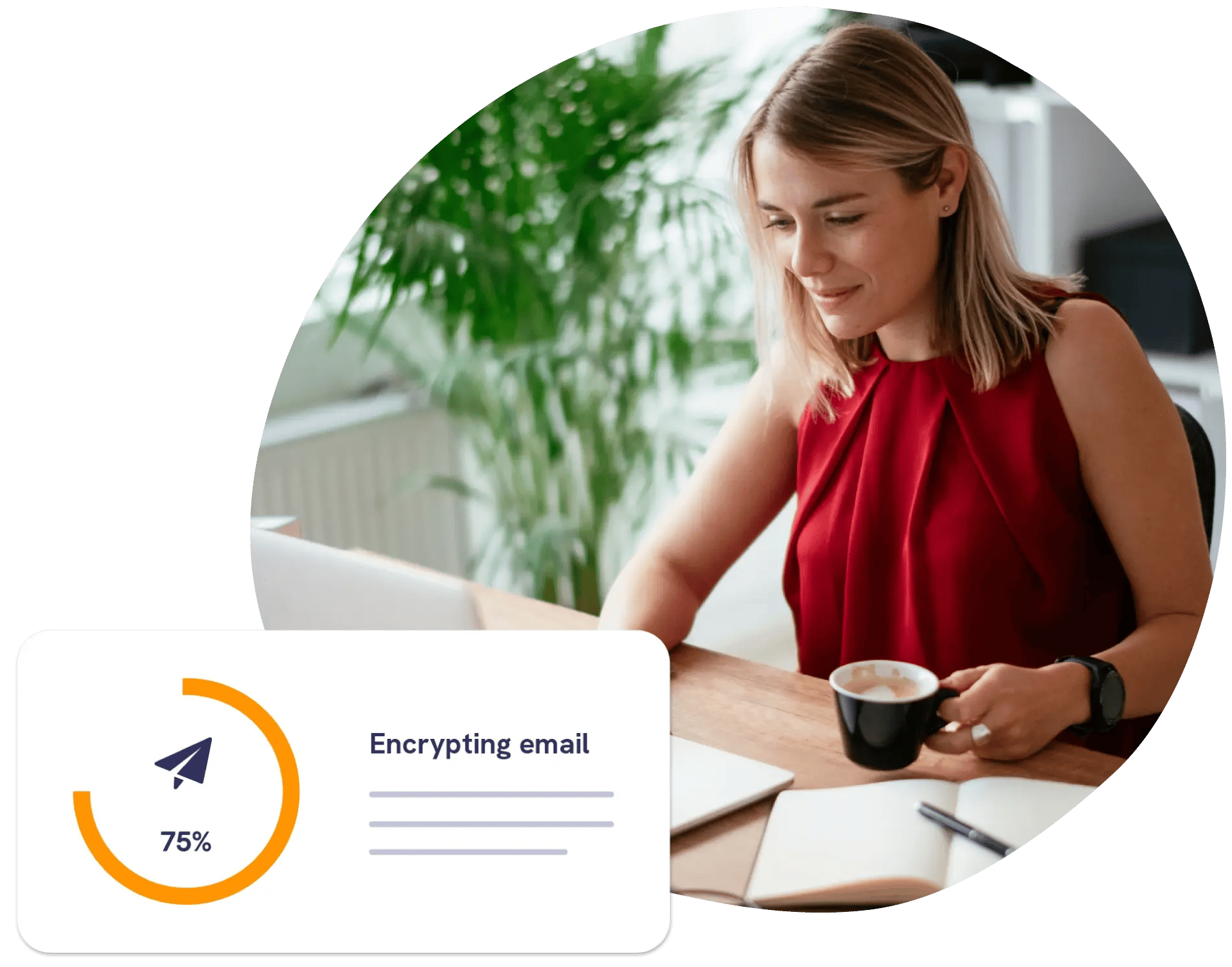
Start a secure email from your desktop or web browser, choosing from a range of recipient authentication challenges.
2. Receive
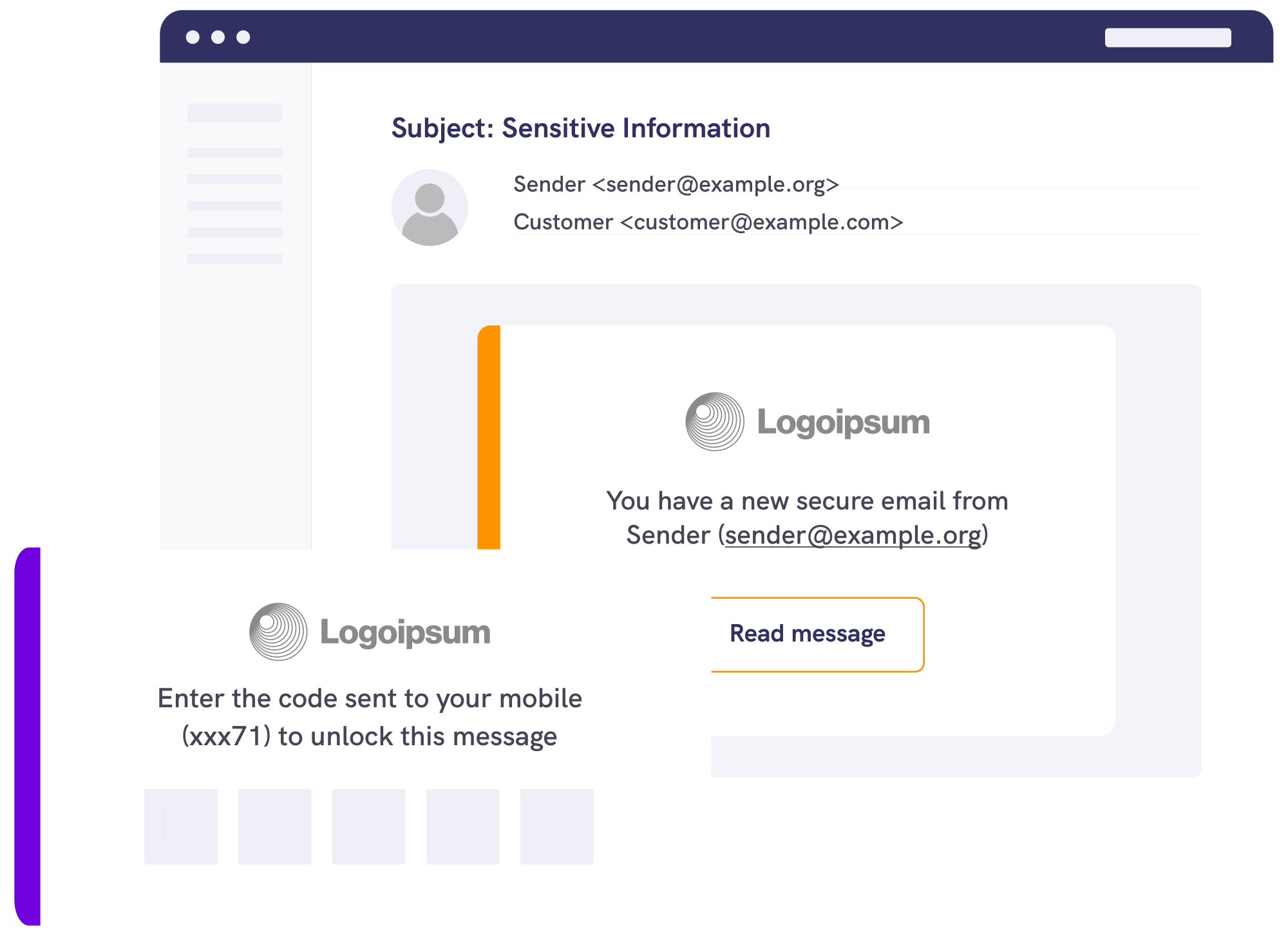
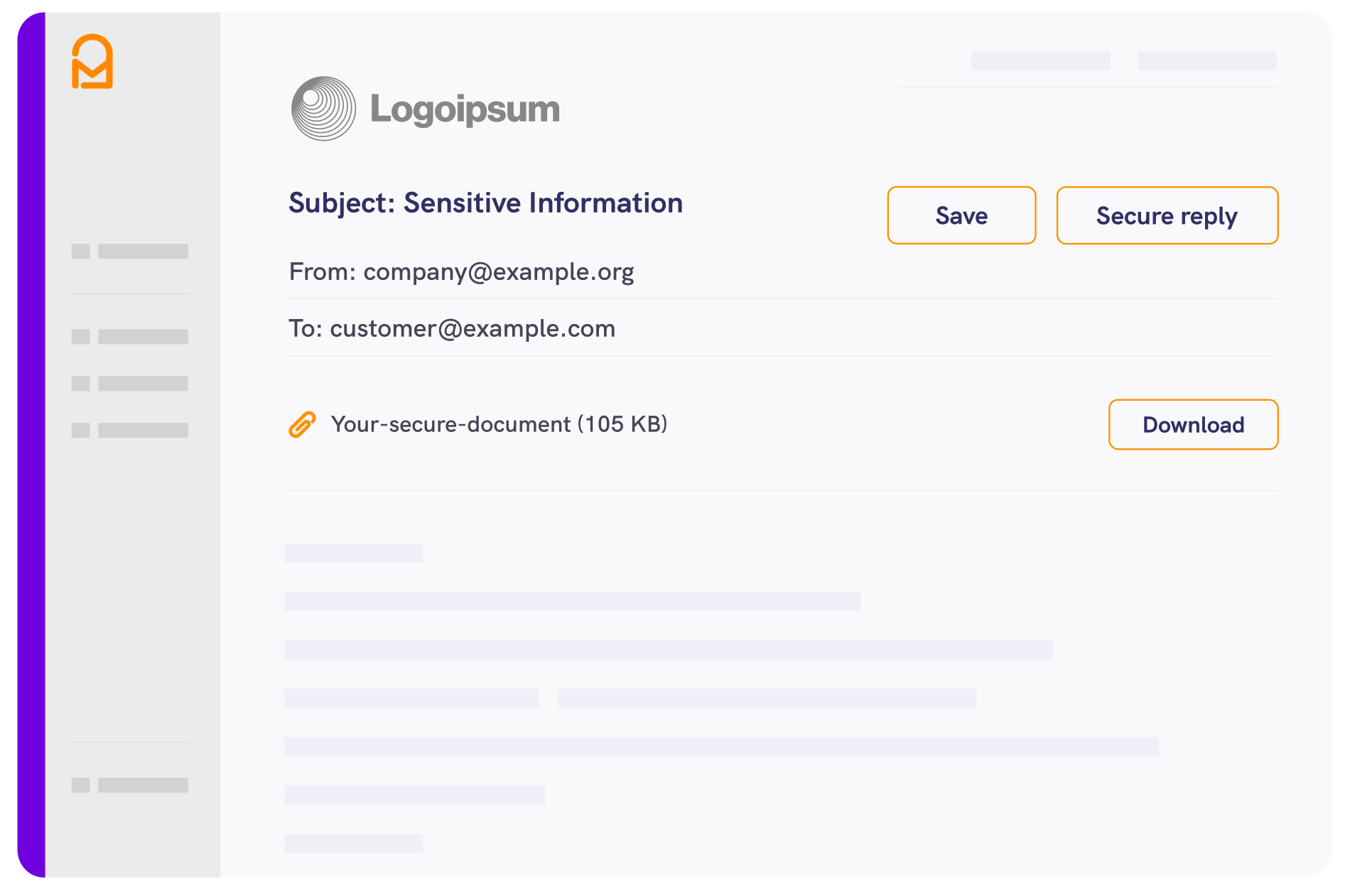
Recipients get a notification in their inbox and must pass your authentication challenge to unlock their message.
3. Reply
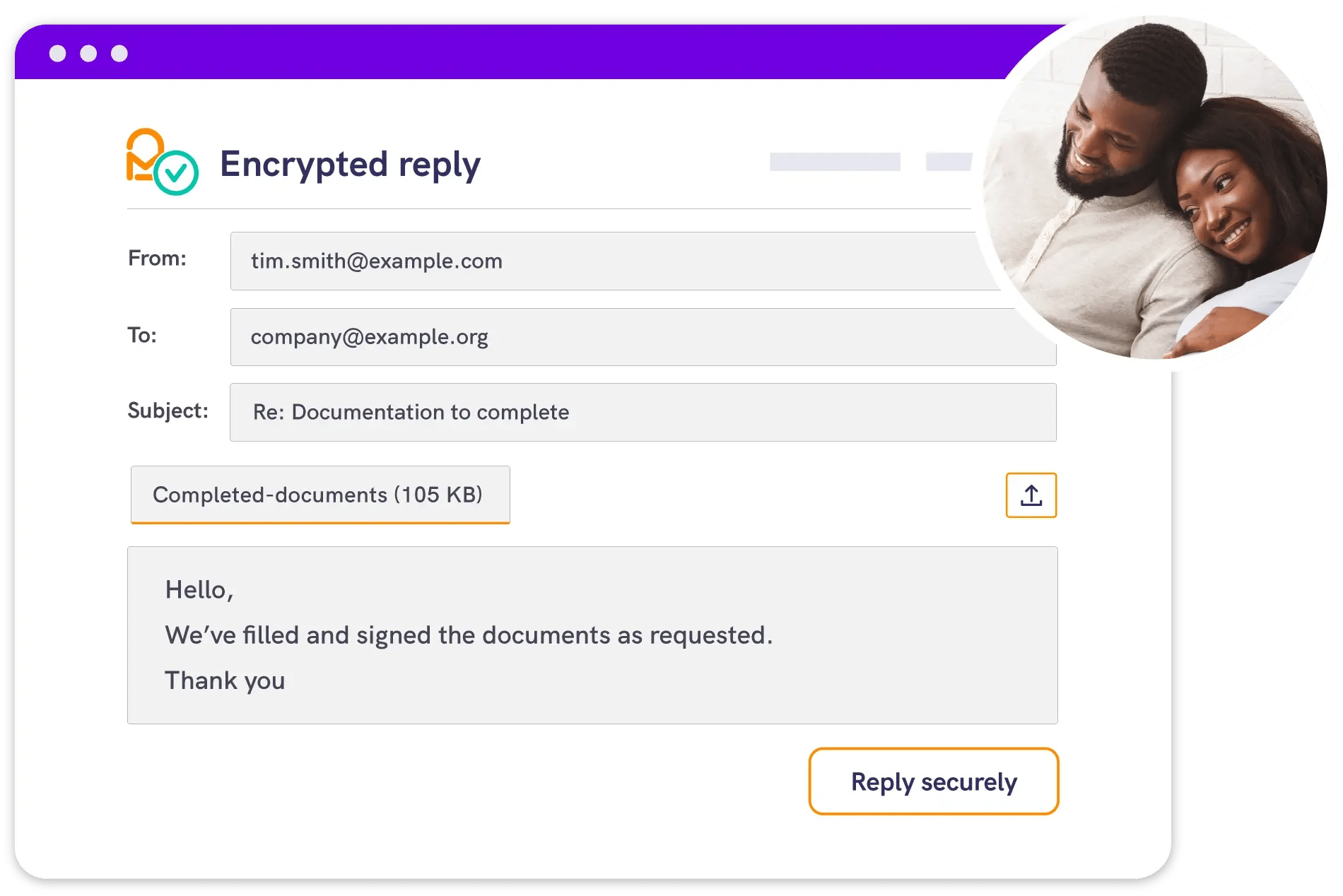
Replying is easy - recipients can use Mailock® for Outlook or web to maintain the security of any confidential information.
Security
Protect data
from interception
Secure emails and replies
Start encrypted email exchanges with a click, adding recipient checks before protected content opens. Choose an email code, SMS code, or question and answer challenge for each message. Protect messages and files on delivery and reply.
Prevention
Stop mistakes
before it's too late
Get security alerts
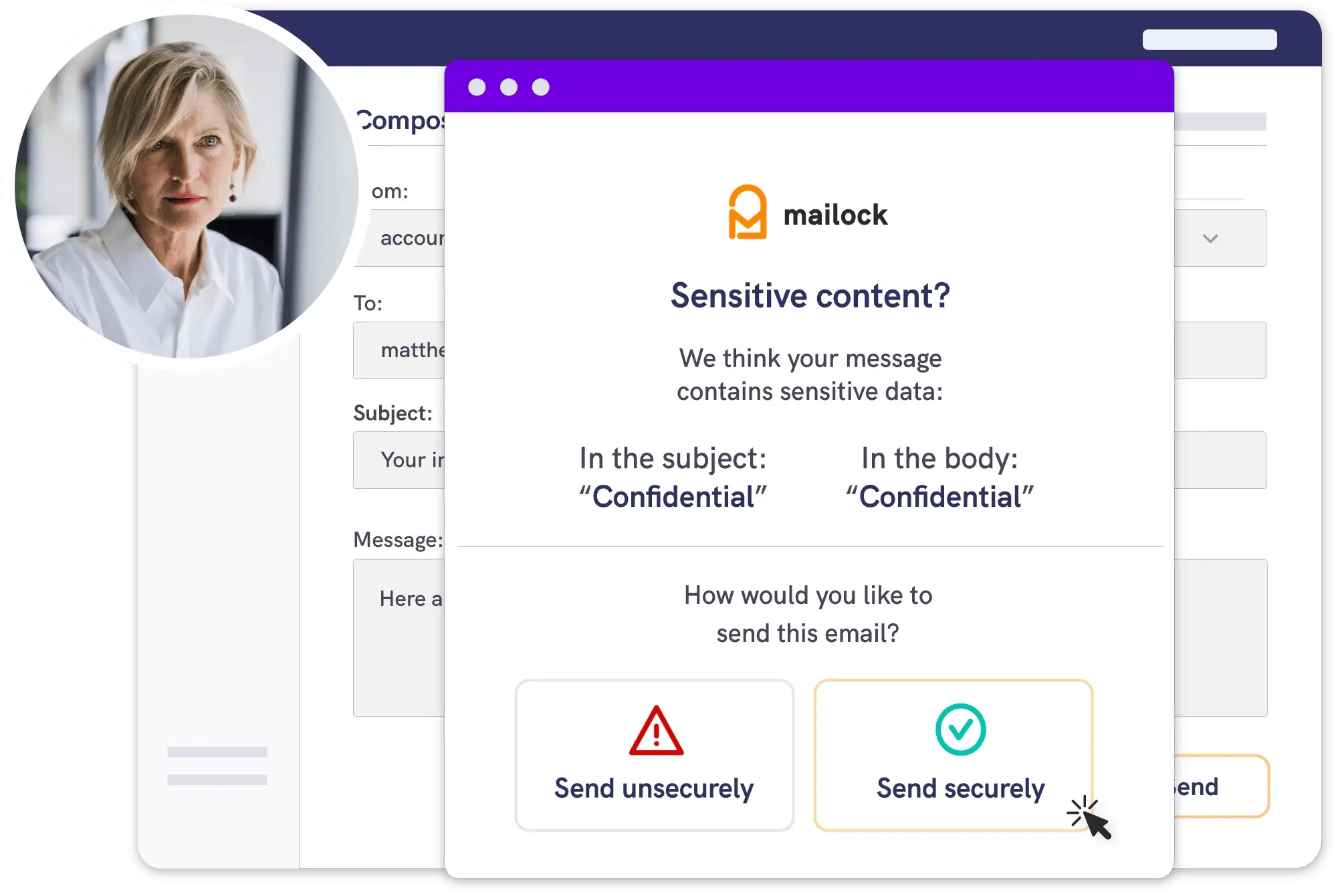
Reduce misdirected email risk by checking sensitive messages before they are sent. Mailock prompts you to send securely when an email contains a trigger word. Choose your own trigger words with custom keyword detection, so alerts match your security policy.
Identity
Send an identity check
by secure email
ID, KYC, and AML checks
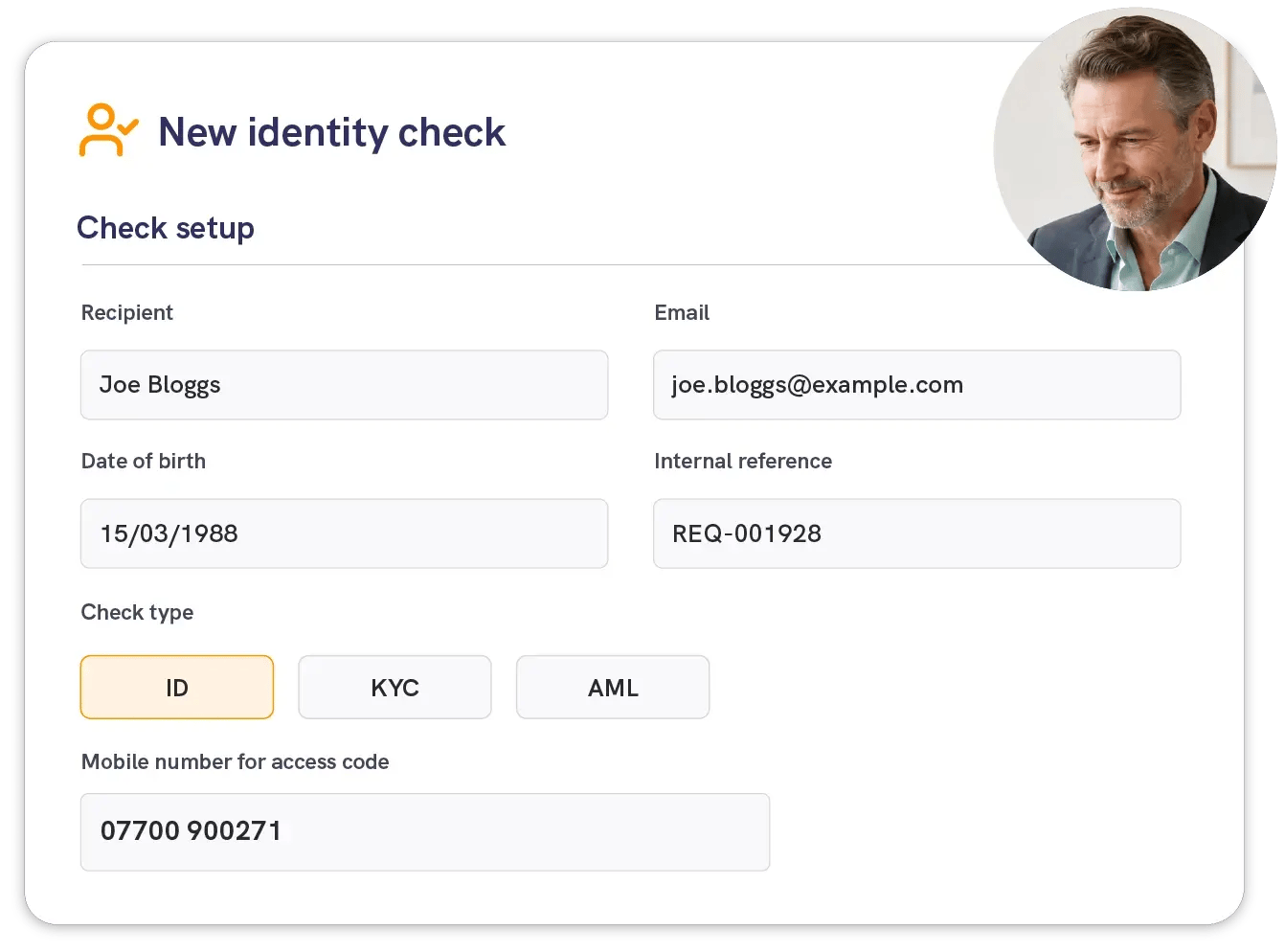
Send a check from Outlook or the Mailock web app, straight to your client’s inbox. They don’t need a new account or app, and the results pack comes back to you by secure email.
Subject to organisation approval, and charged per completed check.
Testimonial
It's become a critical part of our processes
It hasn’t changed the way we work. Email is how most of our clients want to communicate and Mailock enables us to do that securely.








Features
What's in the box?
Here are all the features you can access with Mailock Pro.

Compose
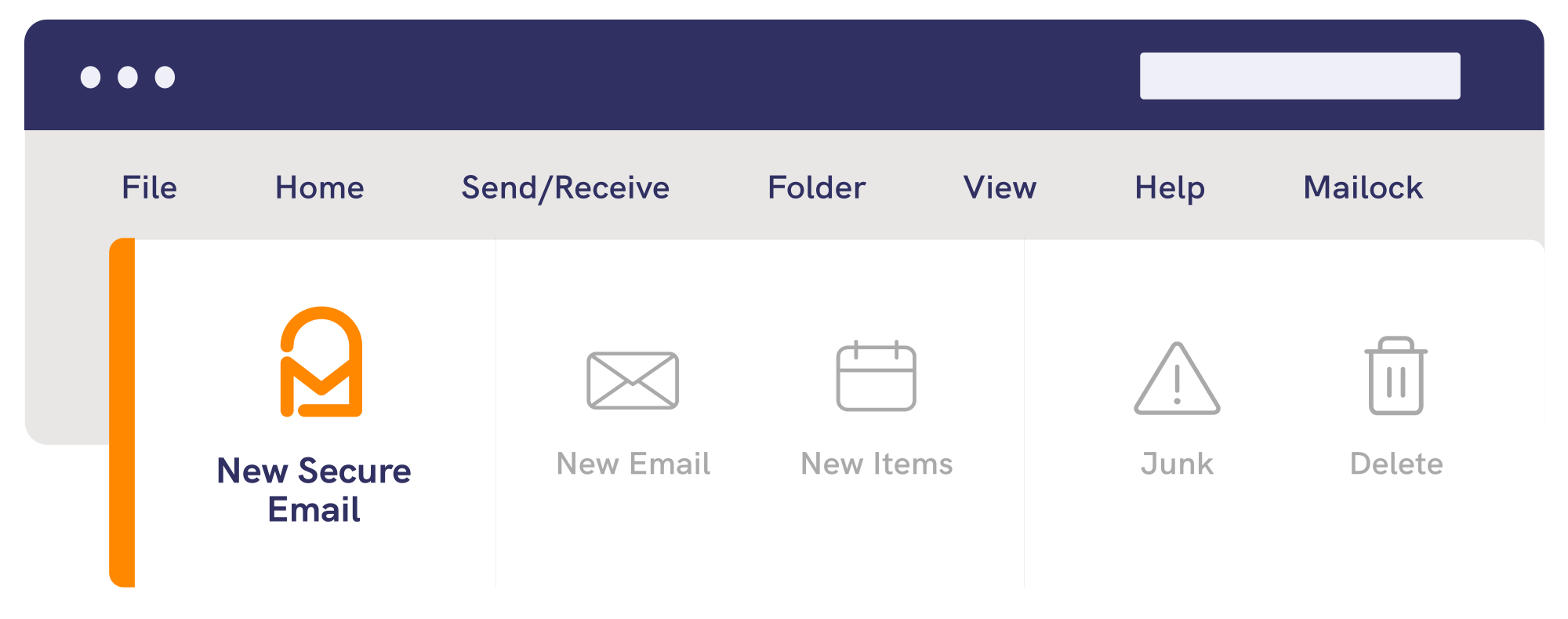
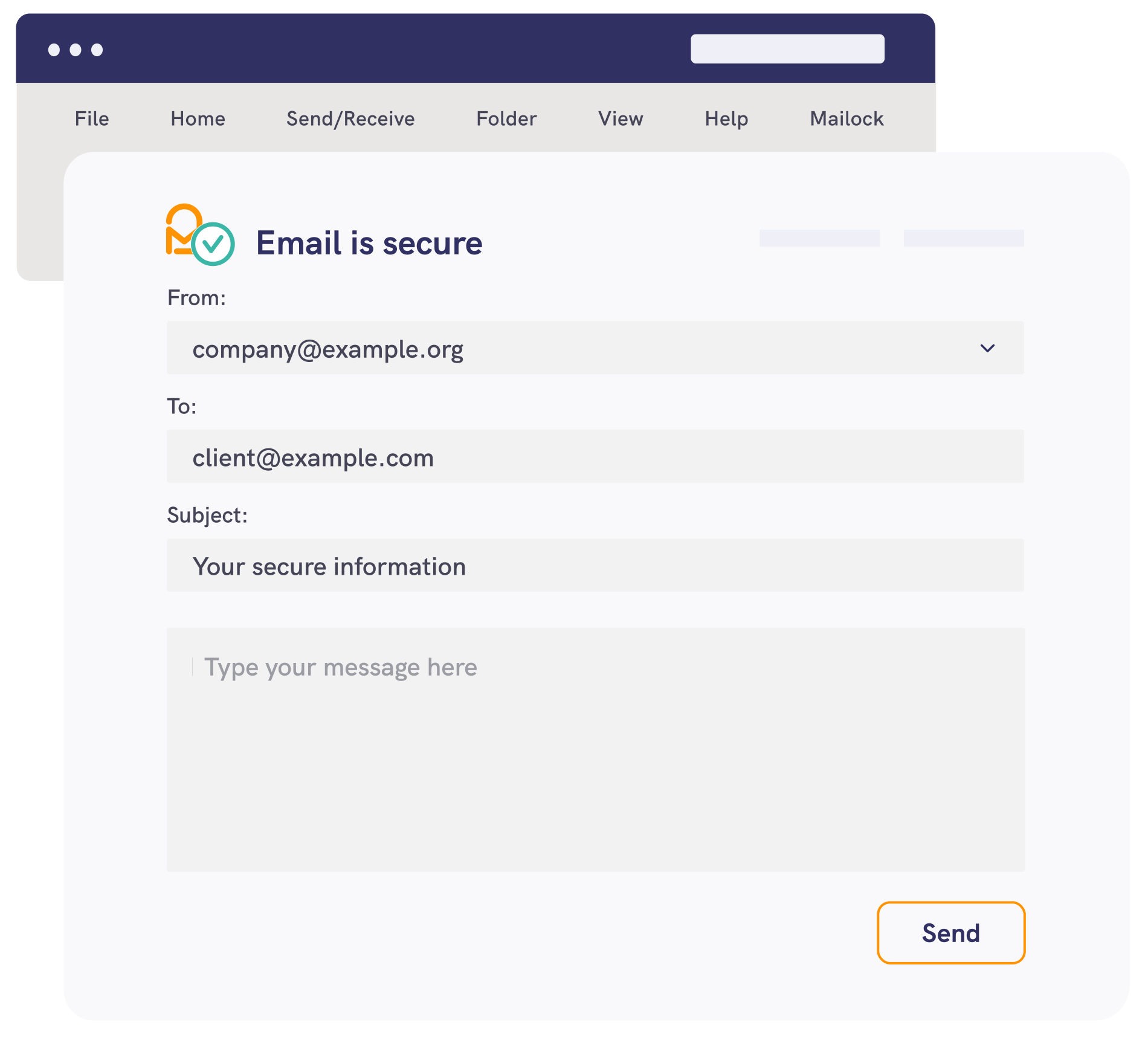
Compose secure emails in Windows Outlook or our web app. Create your message, add attachments, select your challenge and send.

Prevent
Get security alerts when an email contains a trigger word. Choose the trigger words yourself with custom keyword detection.

Encrypt
Your emails and attachments are protected with AES-256 encryption.

Challenge
Choose an email code, security question, or SMS code challenge, plus Unipass ID sign-in for financial services.

Identify
Send ID, KYC, and AML checks by secure email. Your client completes the check from their inbox and the results pack comes back to you.

Engage

Track

Revoke

Brand
Add your logo to the emails your recipients receive with branded email templates, so they know a secure message is from you.

Manage
Manage your team’s users and shared email addresses from the company admin portal.
Integration
Secure email
where it suits you
Use with Outlook or on the web
Secure emails using the Mailock add-in for Windows Outlook, our secure web app, or upgrade to our Enterprise plan to integrate with any email client or provider.

Integrations
Mailock for Windows Outlook
Connect Mailock with classic Outlook for Windows to send, receive, and manage secure emails without leaving your inbox.

Industries
Mailock for Financial Advisers
Discover how Mailock helps financial advisers support compliance obligations and deliver a straightforward client experience.

Resources
Mailock case studies

Questions?
Talk to us
Book a demo with our team to see Mailock in action and get your questions answered.

Egress Alternatives: Secure Email Options Compared
Reviewing Egress, now part of KnowBe4? Compare six alternatives on how recipients get in, where each fits, and what to check at renewal.

SendSafely vs Mailock: Secure Email and File Transfer Compared
SendSafely and Mailock compared on encryption, recipient access, replies, file transfer, hosting, pricing, and identity checks.

How to Collect Client Documents Securely: Fact Finds, Payslips, and Statements
Ask clients for fact finds, payslips, statements, and personal details in a way they can answer securely, with a reply that comes back protected.