Features > Challenge
Recipient authentication for secure email
Help ensure sensitive emails open only for the intended recipient. Add a recipient access check to reduce wrong-recipient risk, without creating unnecessary friction.





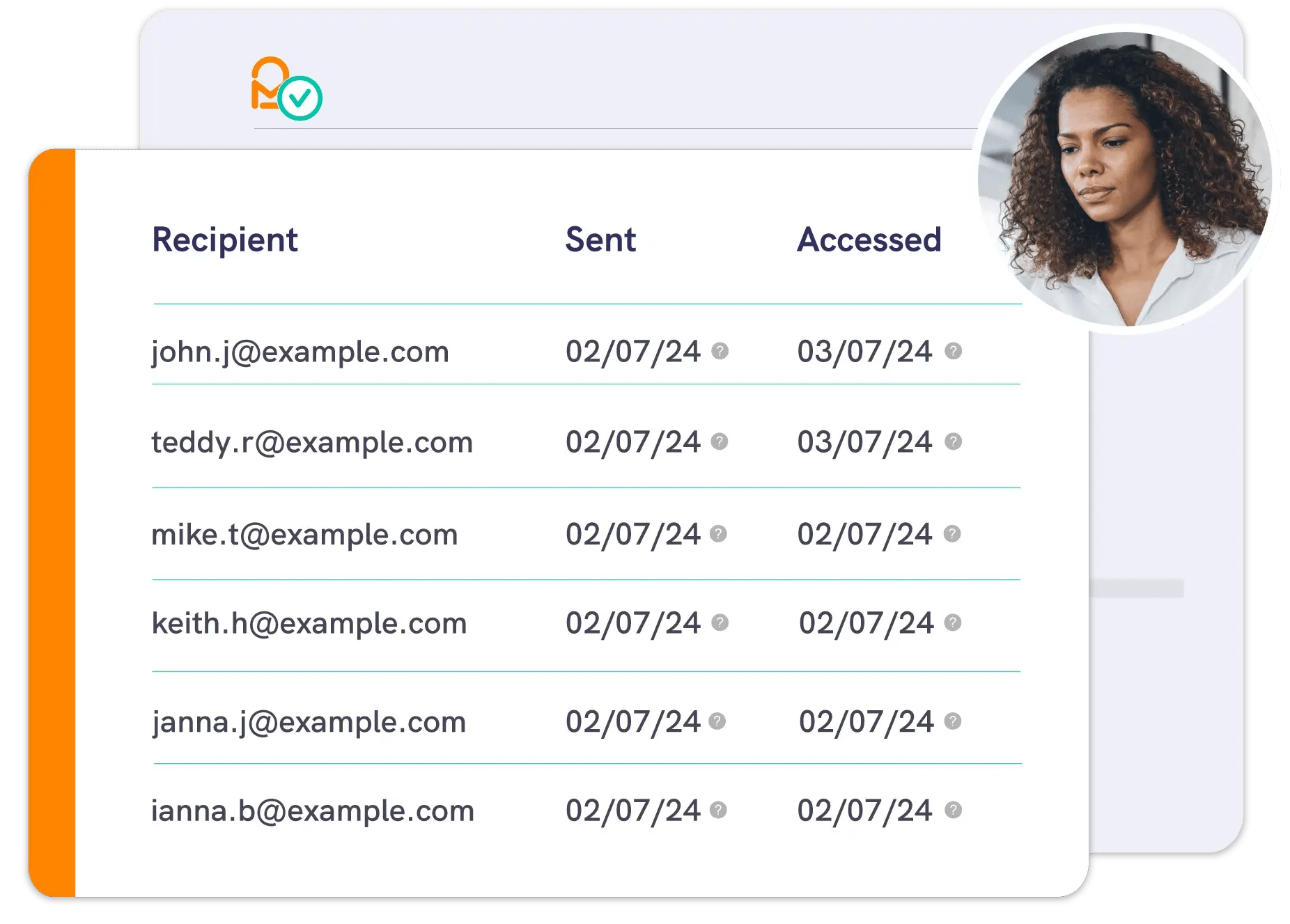
Inbox delivery to the right people
Mailock® encrypts every sensitive message.
Recipient authentication adds an extra layer of control by requiring an access check before the encrypted content can be opened, helping reduce wrong recipient access.
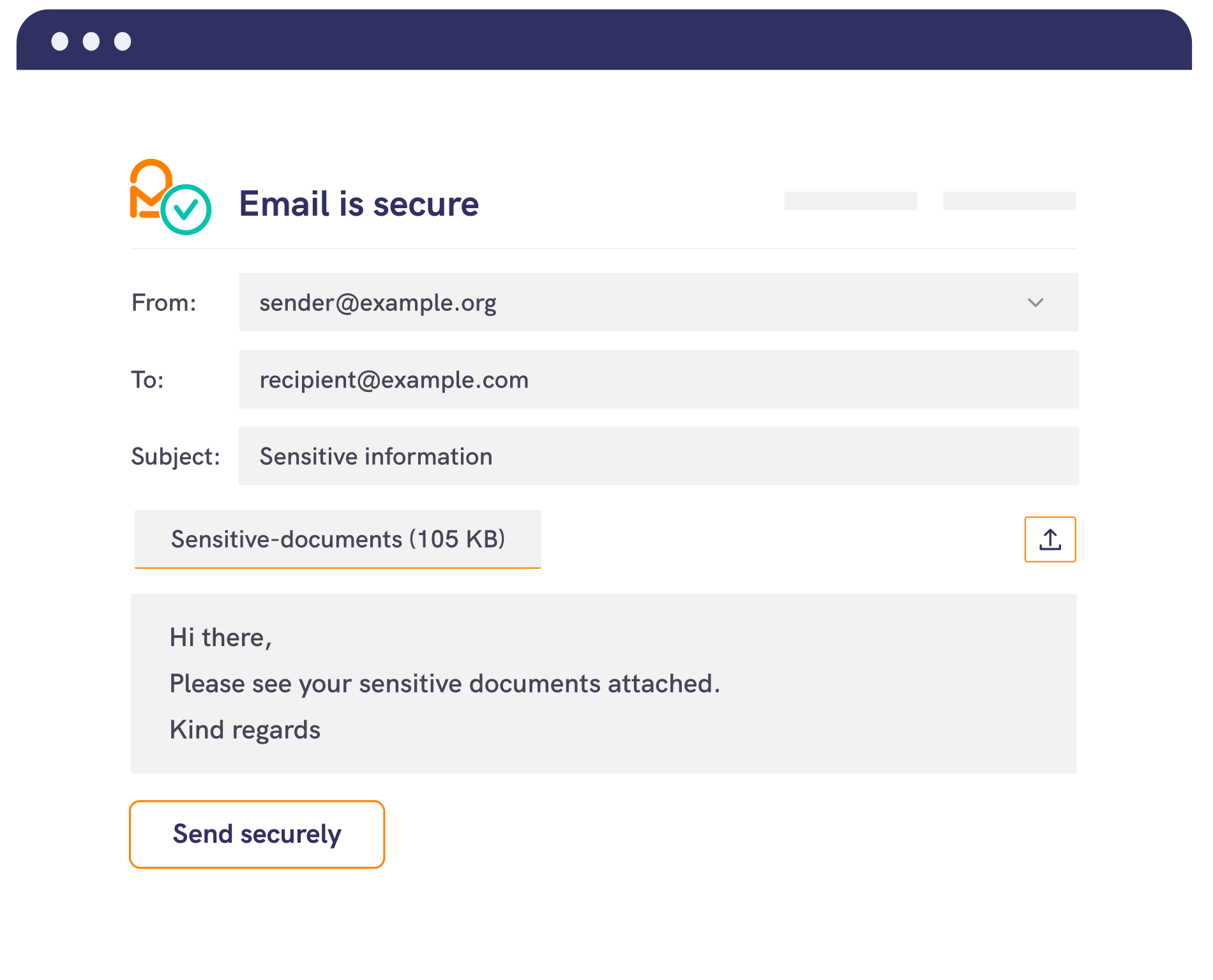
1. Compose
Send a secure email from Outlook or the Mailock web app, adding attachments if needed.
2. Encrypt
Mailock encrypts the email and attachments. You can send with encryption-only, or add an access check for extra control.
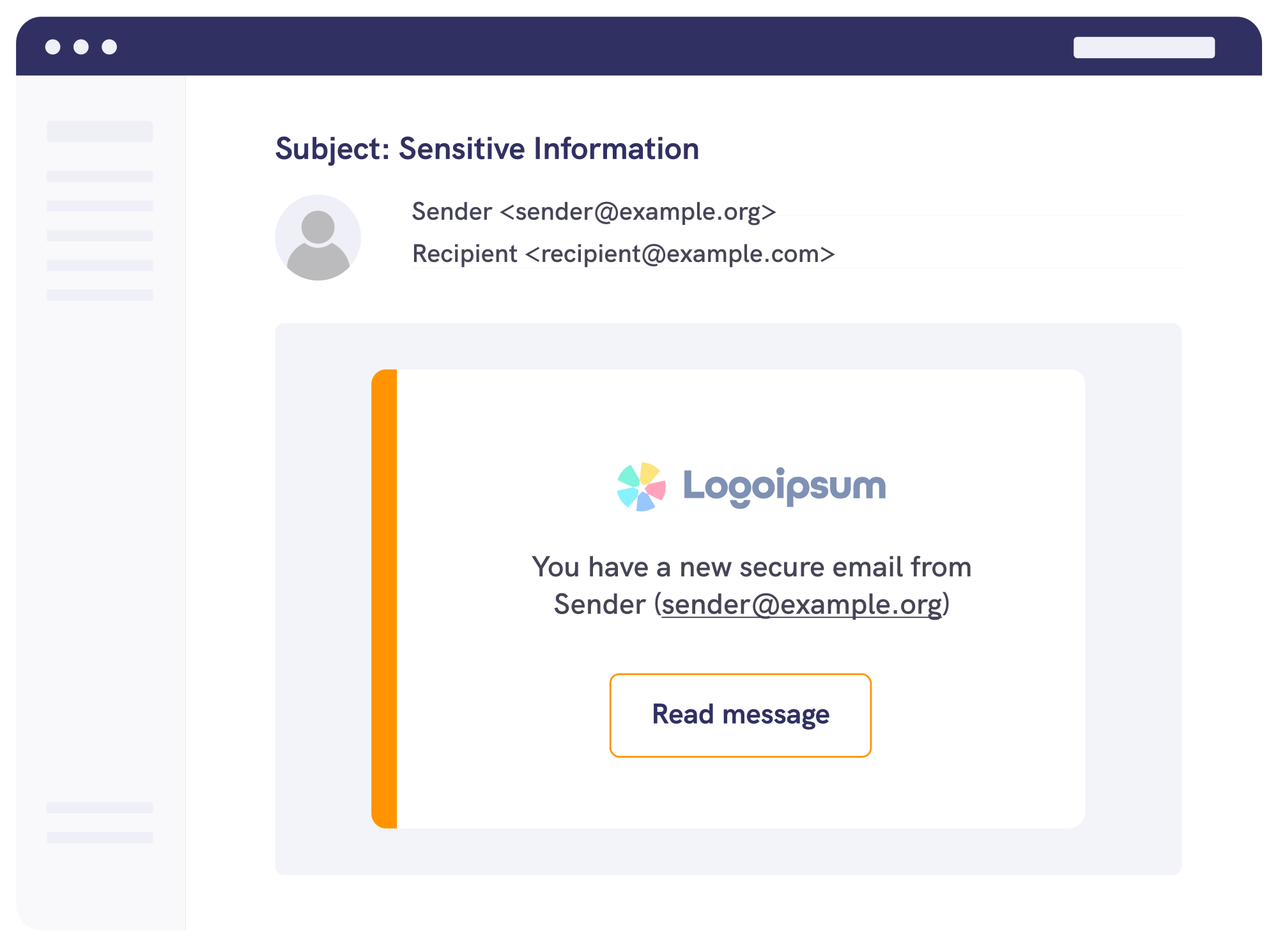
3. Challenge and access
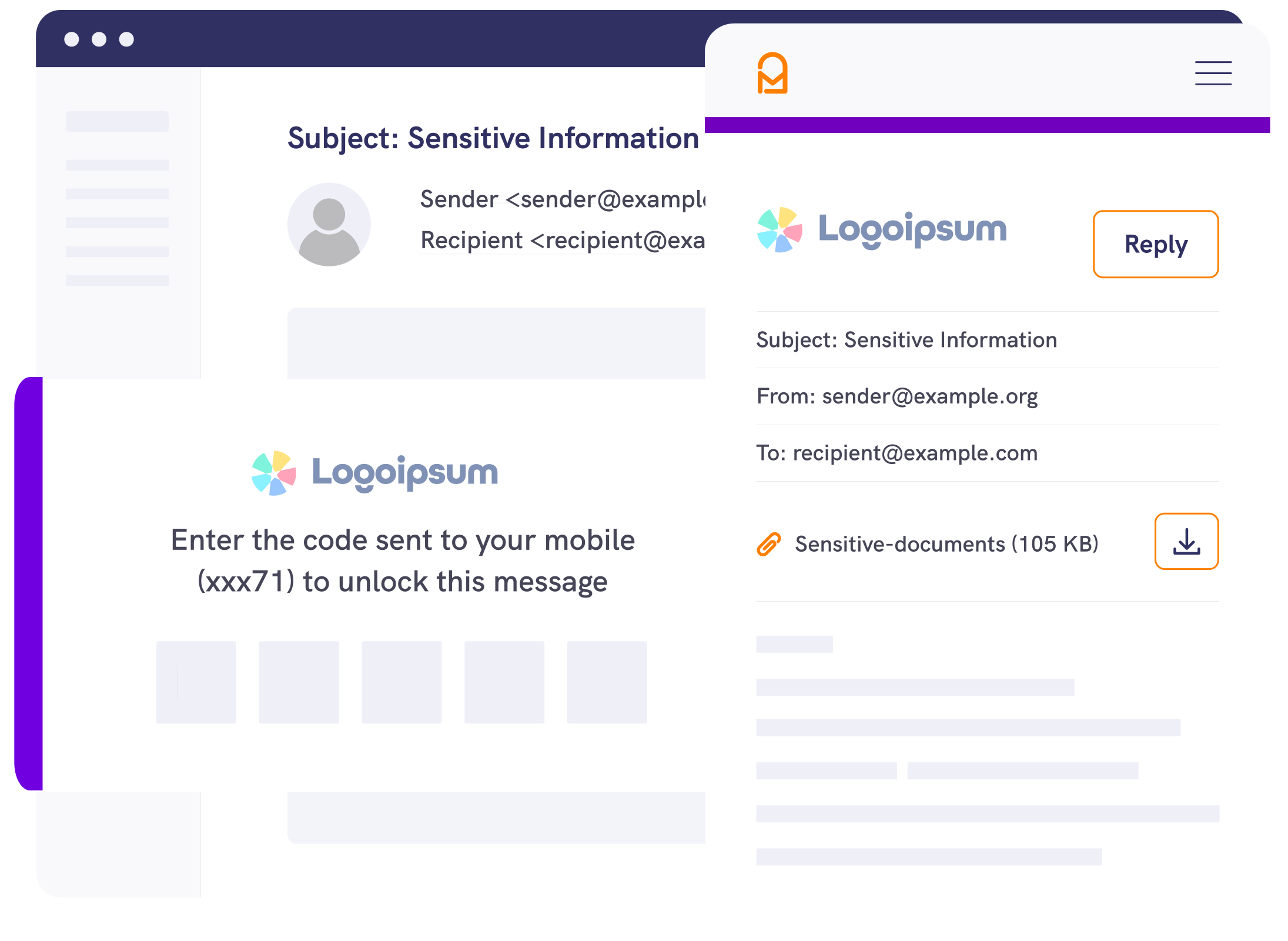
If a challenge is applied, the recipient must complete it before they can open the encrypted message. If they can't pass the check, access is blocked.
Security & Compliance
Stronger access control for sensitive email
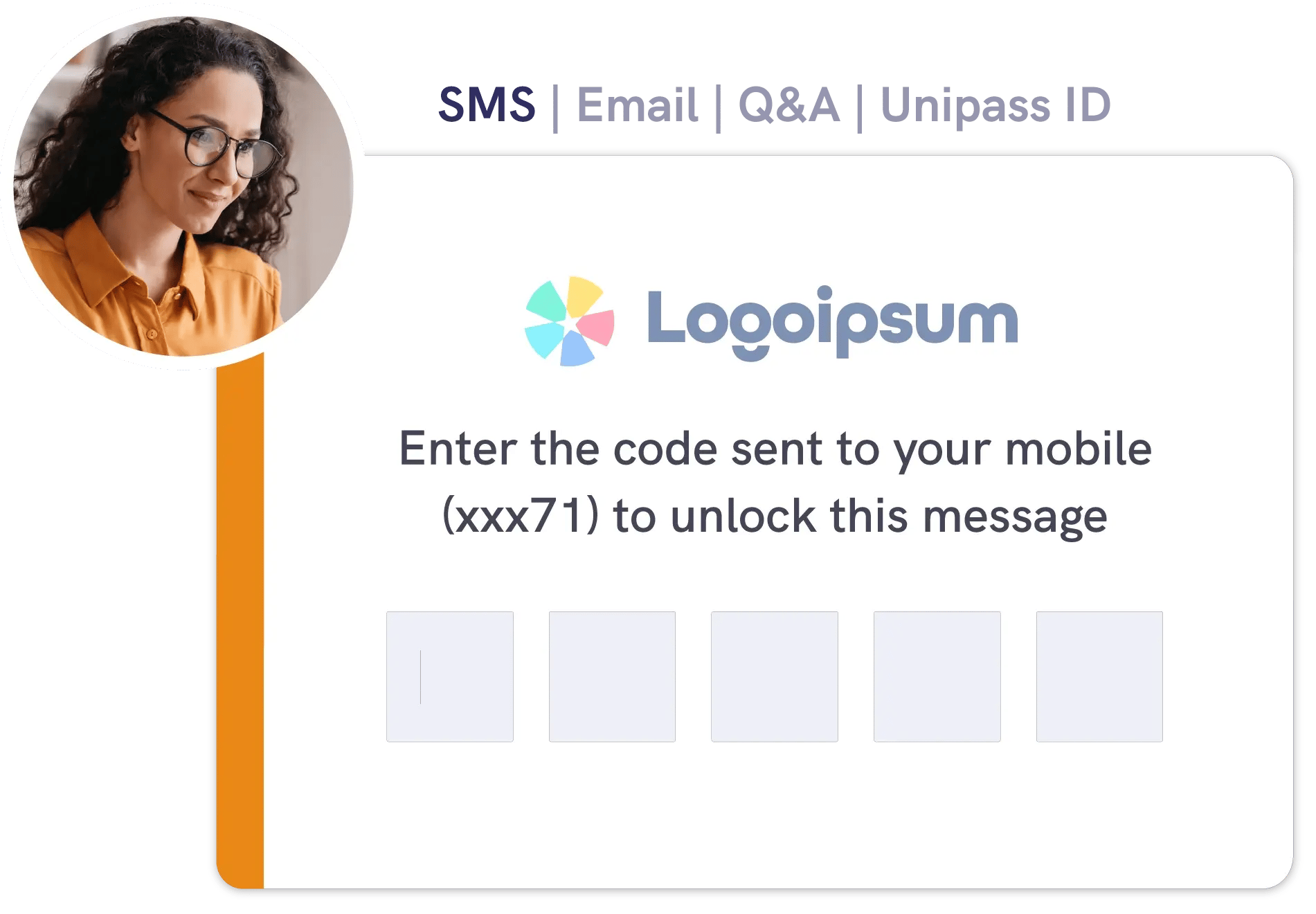
Recipient authentication controls who can open encrypted messages using email, SMS, or security-question access checks.
This extra access step helps reduce unauthorised disclosure risk and support expectations from regulators including the ICO and the FCA around protecting sensitive communications.

Access checks
Ways to authenticate a recipient
Choose the check that suits the recipient and the sensitivity of the message.

SMS verification

Question and answer

Unipass ID

Email verification
Identity
Send an identity check by secure email
ID, KYC, and AML checks
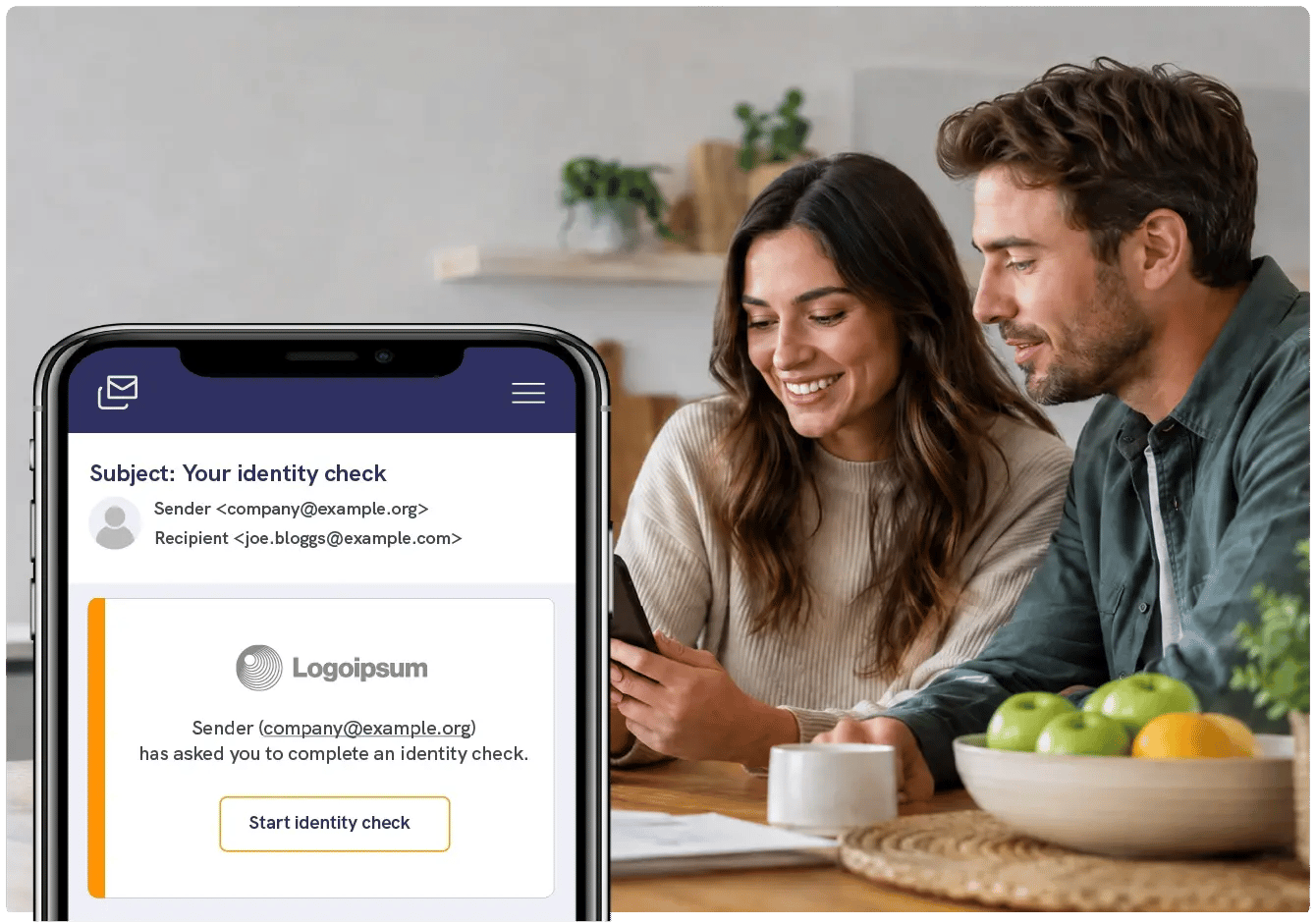
An identity check evidences who your client is and returns a results pack to you. Send one by secure email from Outlook or the Mailock web app.



Pro
For professionals and teams
Add recipient access checks to day-to-day secure email, without changing how you communicate.
-1.jpeg?width=1500&height=875&name=Woman%20smiling%20in%20offer%20using%20laptop%20to%20secure%20emails%20next%20to%20colleagues%20(1)-1.jpeg)
Enterprise
For high-volume contact
Apply recipient authentication consistently across teams and workflows, including integrated delivery through the Mailock Secure Email Gateway.

Automated
For scaled digital delivery
Deliver customer communications at scale with automated secure email delivery, with recipient challenges built into the access experience when required.
.png?width=1082&height=700&name=Buiness%20team%20looking%20at%20laptop%20and%20smiling%20around%20board%20table%20(1).png)
Plans & pricing
View plans
Take a look at our plans to address your communications security challenges.

From ‘We Sent It’ to ‘We Know Who Received It’, in One Trusted Customer Journey
Mailock and LexisNexis® Risk Solutions connect customer data, LexisNexis® IDVerse® identity verification, and secure delivery in one customer journey.
.png?width=600&height=400&name=Adviser%20meeting%20clients%20(1).png)
Which Identity Check Do You Need? ID, KYC, or AML
ID, KYC, or AML? A practical guide to what each identity check covers, which one fits common client situations, and what firms in each sector do.
Identity Checks: The Next Step for Secure Email
Founder Paul Holland explains why identity checks belong in secure email journeys and how firms can use stronger evidence at higher-risk moments.