Industry > Legal
Secure email for legal services
Send confidential documents, collect secure replies, and request client identity checks from the email workflow your team already uses. Keep each exchange connected to the matter.
Keep the matter moving securely
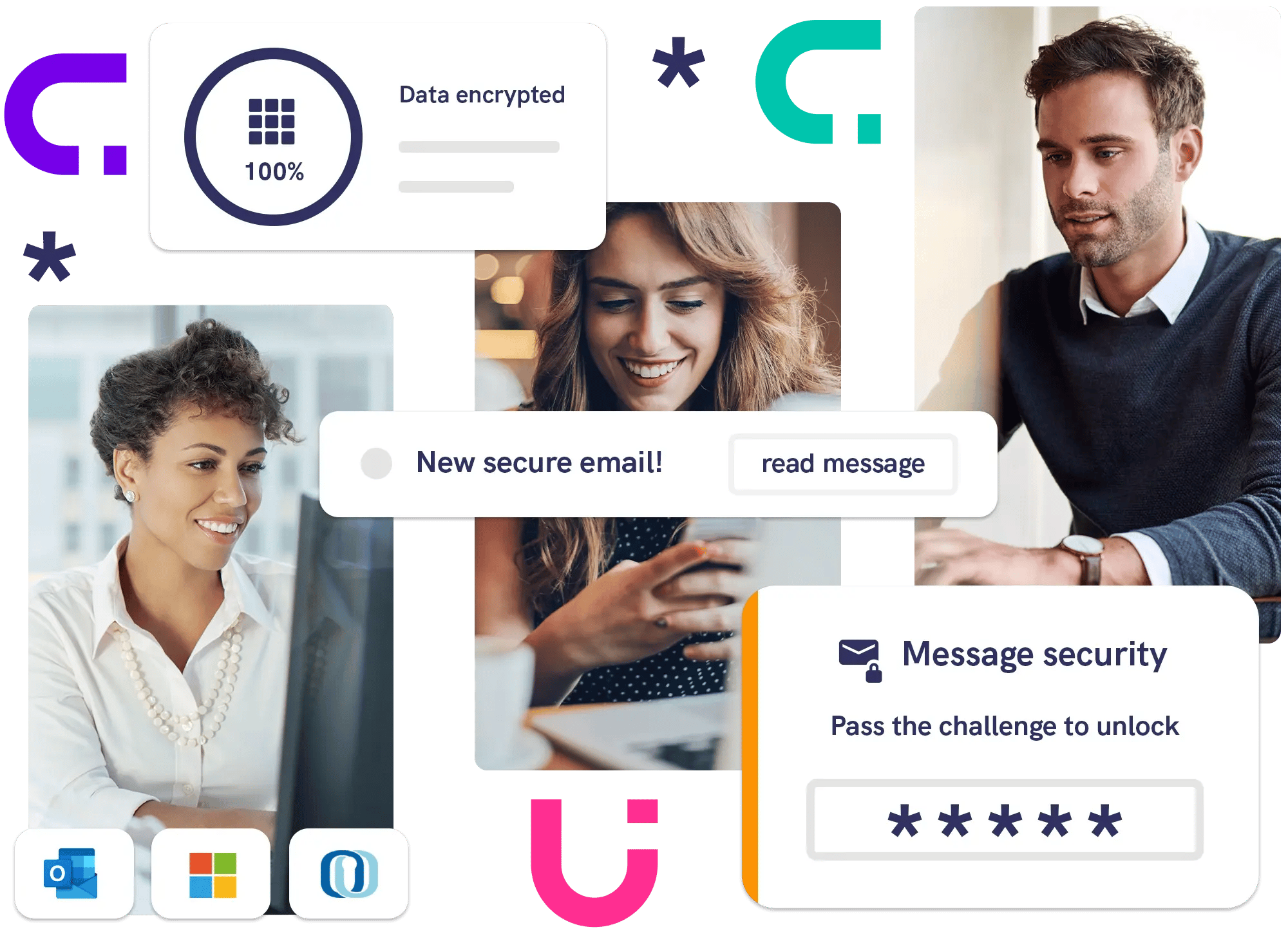
A client needs to return a bank statement. Another is waiting for draft documents. Mailock® gives your team a protected email route for both, with encryption, recipient access controls, and secure replies.


Solicitors and law firms
For sole practitioners and multi-office firms exchanging client documents and identity evidence. See how Brearley Law uses Mailock.

In-house legal and operations
Protect contract packs, employee information, and confidential exchanges with external advisers through your organisation’s email workflow.
Client communications
Send documents. Get secure replies.
Protect messages and attachments with AES-256 encryption, and choose an access check before the client opens them. Clients can reply securely without creating a Mailock account.

Message control
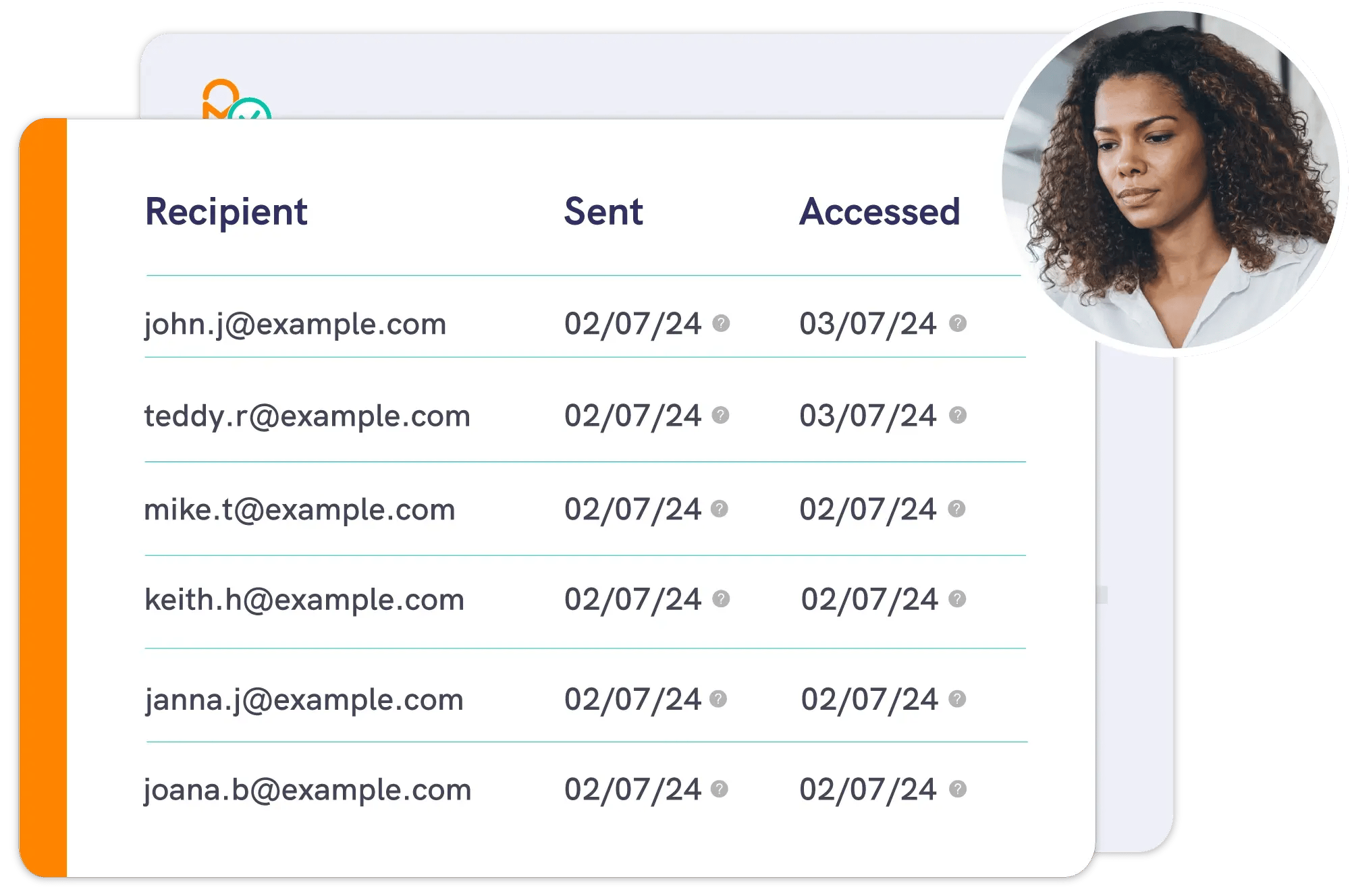
Keep a record of access
Message tracking records when protected content was accessed. Revoke can close future access after a sending mistake, although it cannot recover downloaded copies. Keep those records on the matter file alongside the documents and your team’s decisions.
Client identity
Client checks in your email workflow
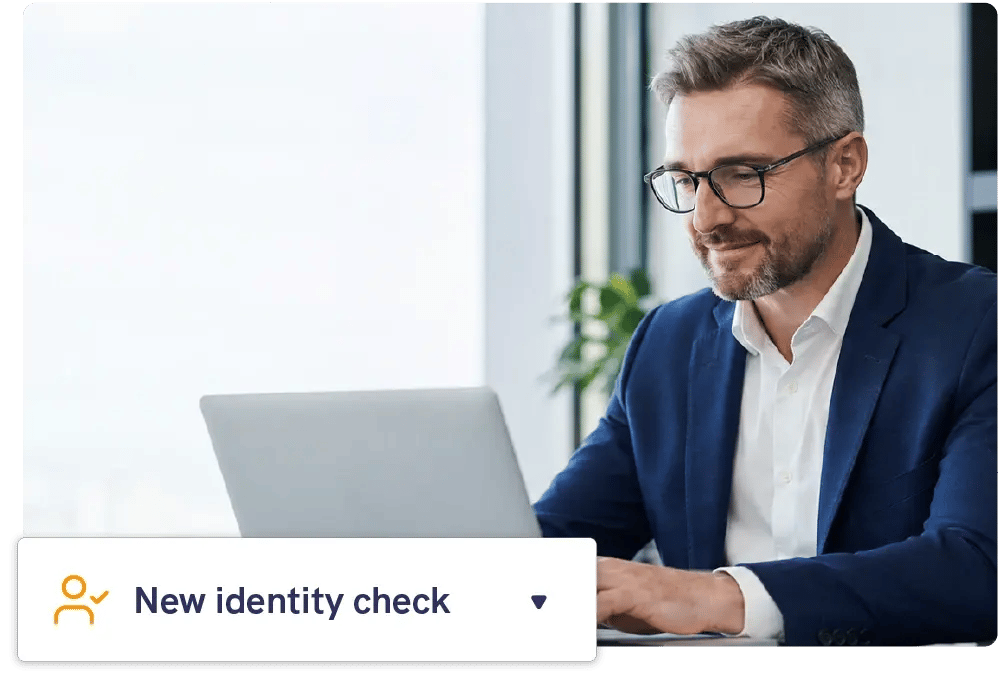
Send individual ID (Identity Document), KYC (Know Your Customer), or AML (Anti-Money Laundering) checks by secure email. LexisNexis® Risk Solutions provides the checking service. The results pack returns securely for your team to review.

Pro
For professionals and teams
Send client documents and collect secure replies from Outlook or the web app.

Enterprise
For your organisation
Protect email across larger teams, with branding and integration options.

Automated
For automated delivery
Deliver sensitive documents at scale through automated secure email.

Your next step
Talk through your workflow
Explore secure email, identity checks, and integrations for your firm.

Secure Email for UK GDPR: An Evaluation Guide for Enterprises
How enterprise compliance teams can evaluate secure email against UK GDPR security expectations: encryption, recipient authentication, and audit trails.
Regulated AI: Explainability, Oversight, and Defensible Financial Crime Decisions
Understand the importance of explainability, oversight, and defensible decisions in regulated AI for financial crime and fraud analysis.
From Complexity to Clarity: How L&G is Transforming Regulated Customer Comms
Jenny Hazan shares how Legal & General is improving regulated customer communications using behavioural insight, guided journeys, and outcome-led measurement.