Mailock® Free
Free secure email
For individual light users
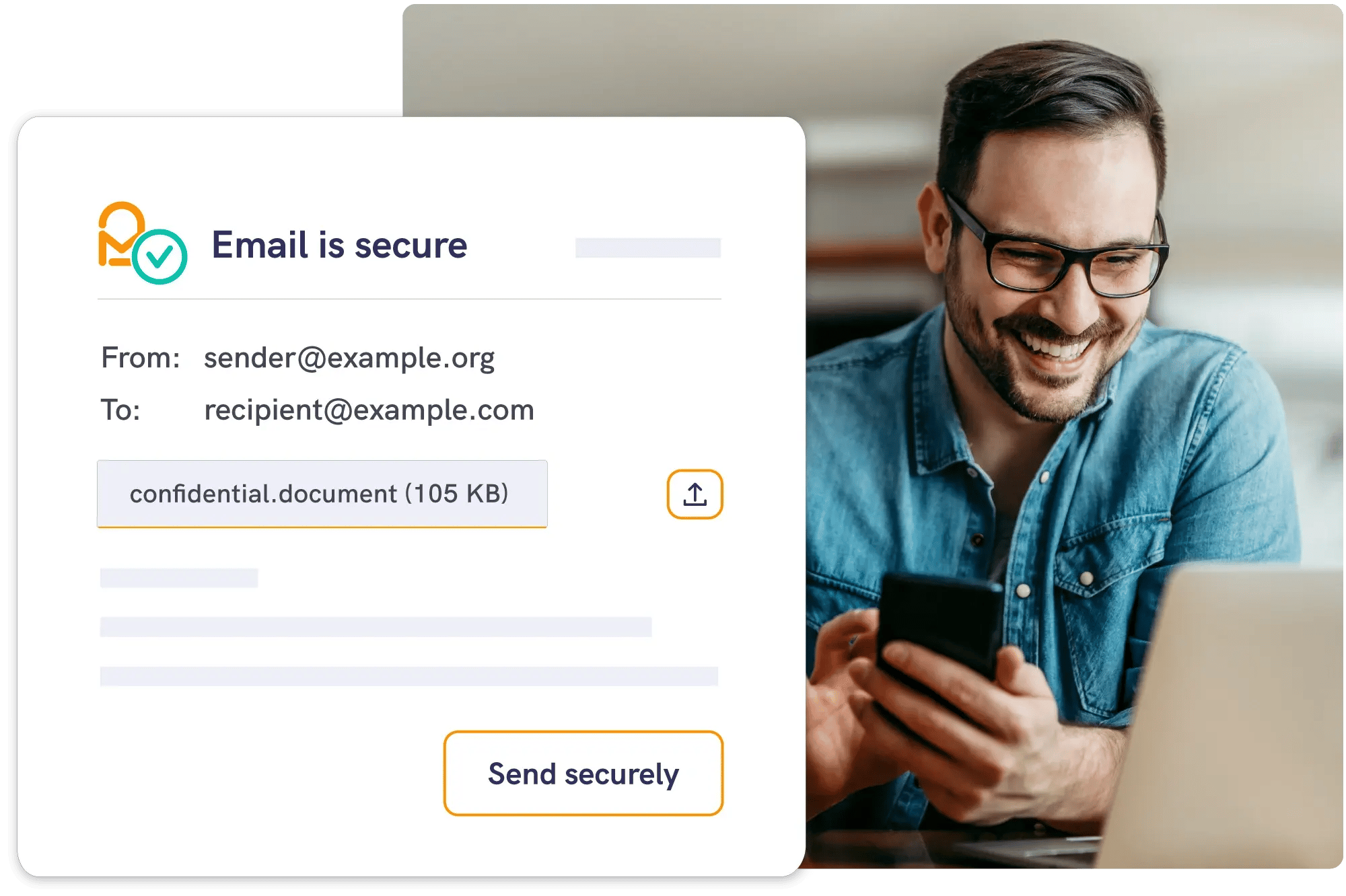
Send information securely by encrypting your emails and authenticating recipients.
5 secure sends per month
Unlimited secure replies


Free secure email
Encrypt emails
from any device
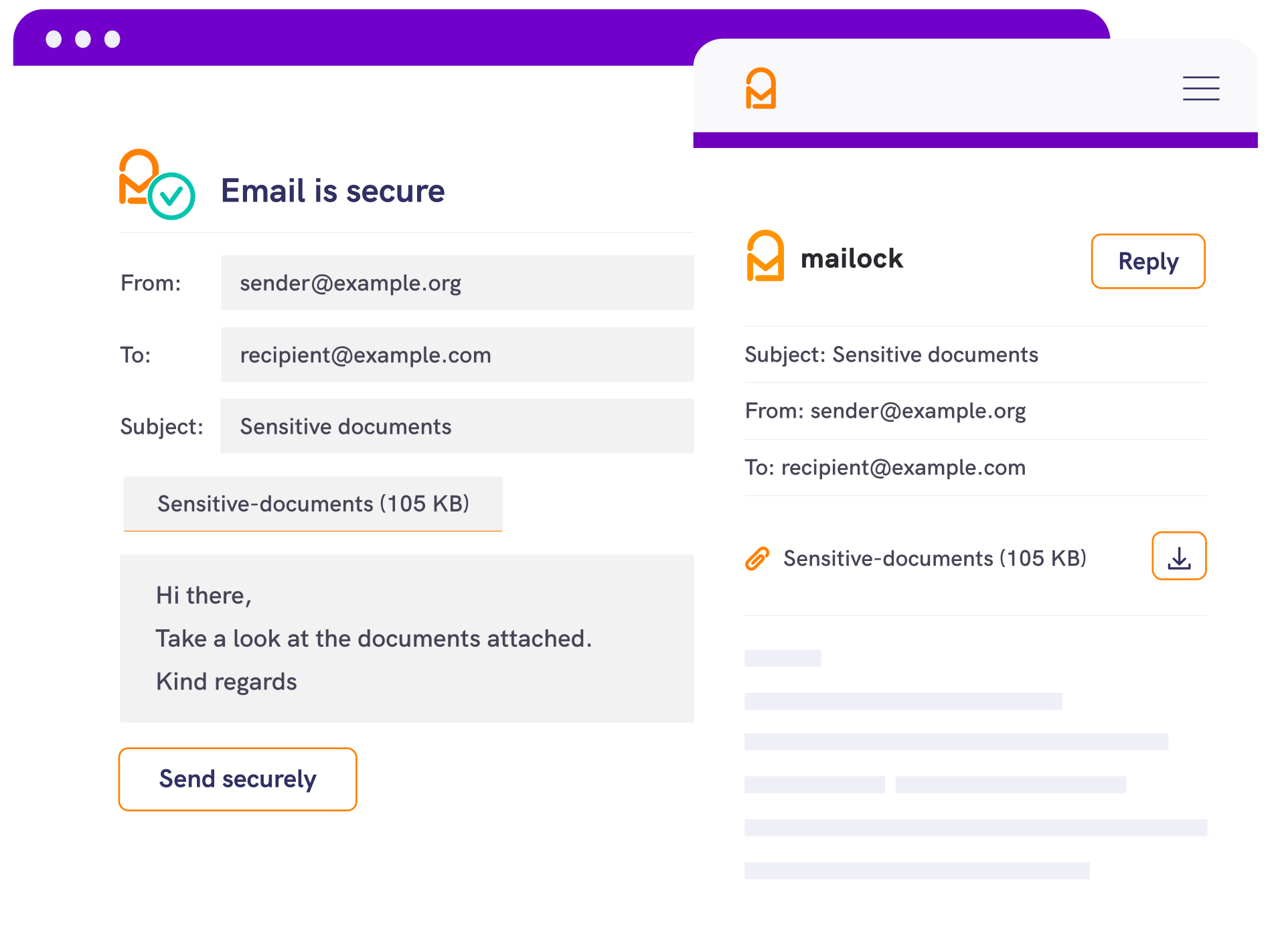
Easily secure sensitive emails and files at no cost with our Outlook add-in or web app.
- AES-256 email encryption
- Security alerts with preset keyword detection
- Email code and security question challenges
- Free secure replies for recipients
Question and answer challenge
Reach the right
people, only
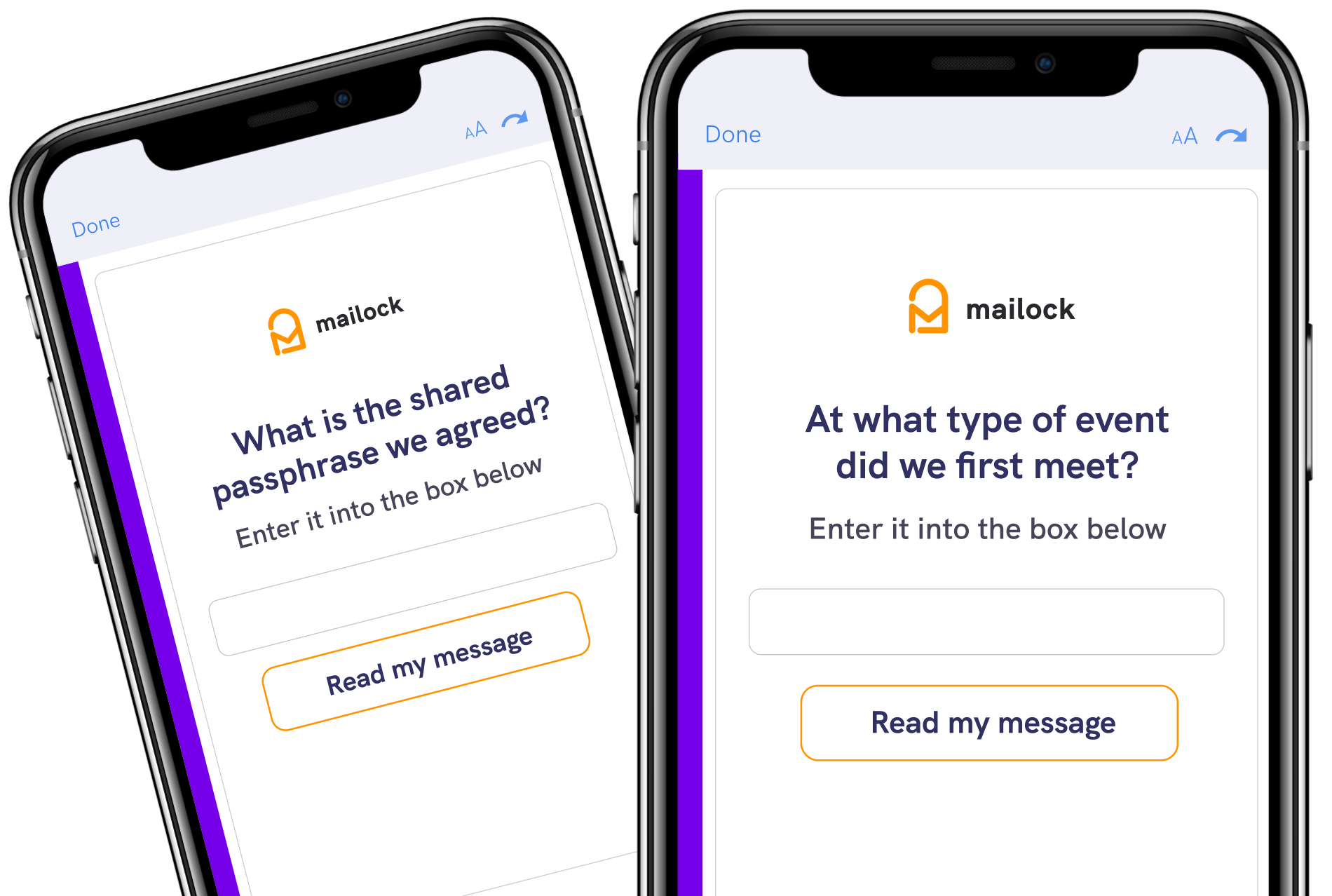
Protect messages with a question only the correct recipient could answer.
- Protect personal information
- Prevent email interception
- Support GDPR expectations
Testimonial
Perfect for exchanging sensitive documents
Sending documents back and forth is easy, and it's secure, unlike post, which can be intercepted or sent to the wrong address.


Get started
Create an account
Our free secure email account gives you unlimited secure message replies and a monthly allowance of secure sends.

Human Error and Outbound Email Security: Risks & Solutions
Human error email security: why mistakes happen, what they cost, and practical steps to reduce mistakenly sent data with training, process, and safeguards.
The Most Dangerous Button in Your Business: ‘Reply All’
Learn how ‘Reply All’ and misaddressed email mistakes cause data breaches, and which policies, training, and technical safeguards help reduce the risk.
From Pocket Money to Policy: Building Financial Fluency For The UK
Financial education is set to change in England. Leon Ward of Money Ready explains what works, what teachers need, and the risks kids face online.