
Key Features

Discover what Mailock® can do

Understand the key features of Mailock secure email to see if it's the right fit.

Encrypt iconEmail encryption

Secure sensitive emails with Mailock’s AES-256 encryption. Send manually or in batches, with recipient authentication for added protection.
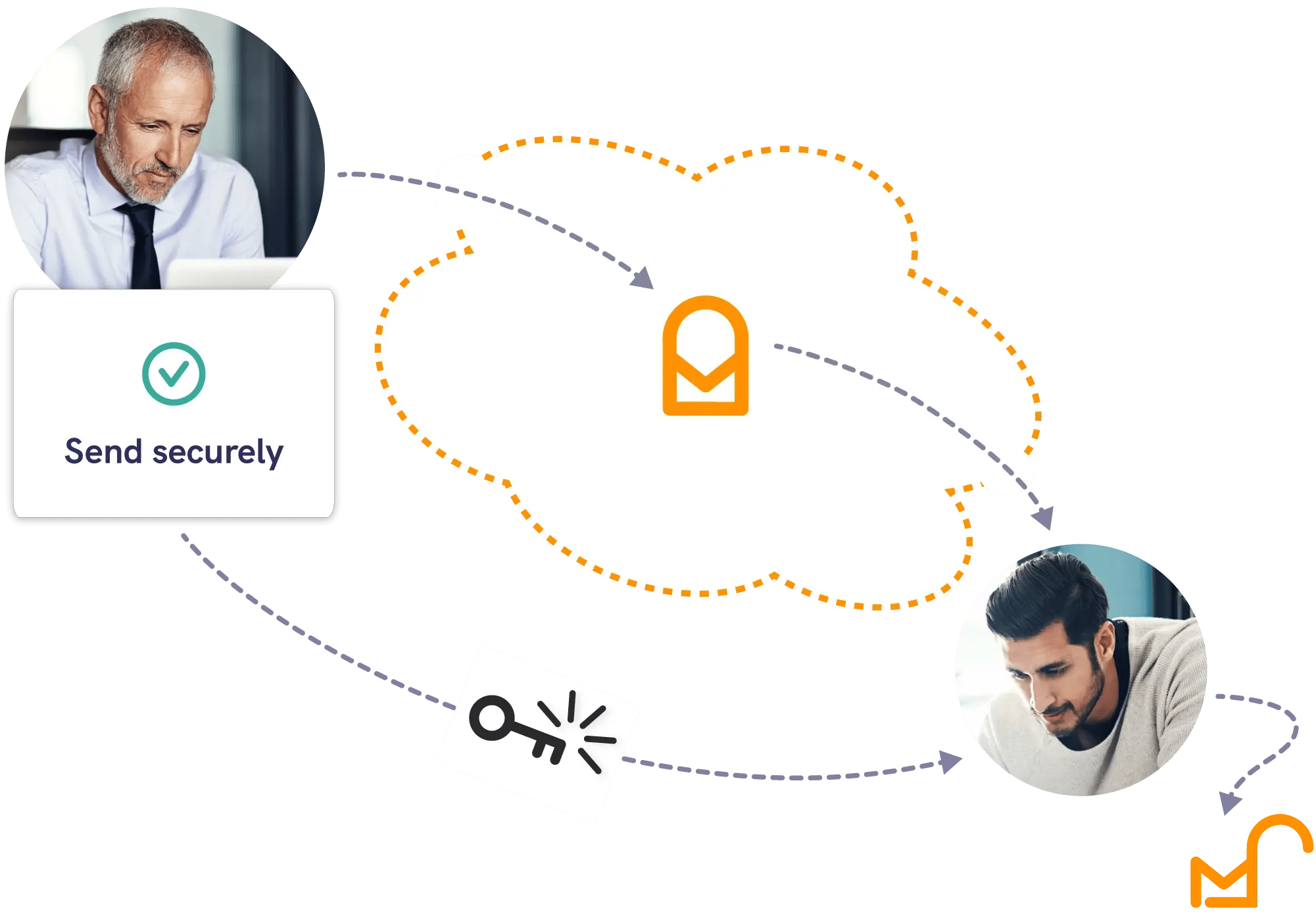
Send sensitive information securely with Mailock, using protected delivery and controlled recipient access

Customer focus iconRecipient authentication

Mailock’s recipient authentication helps ensure only the intended recipient can access your emails, using SMS, Q&A, and email verification, plus Unipass ID sign-in for financial services.
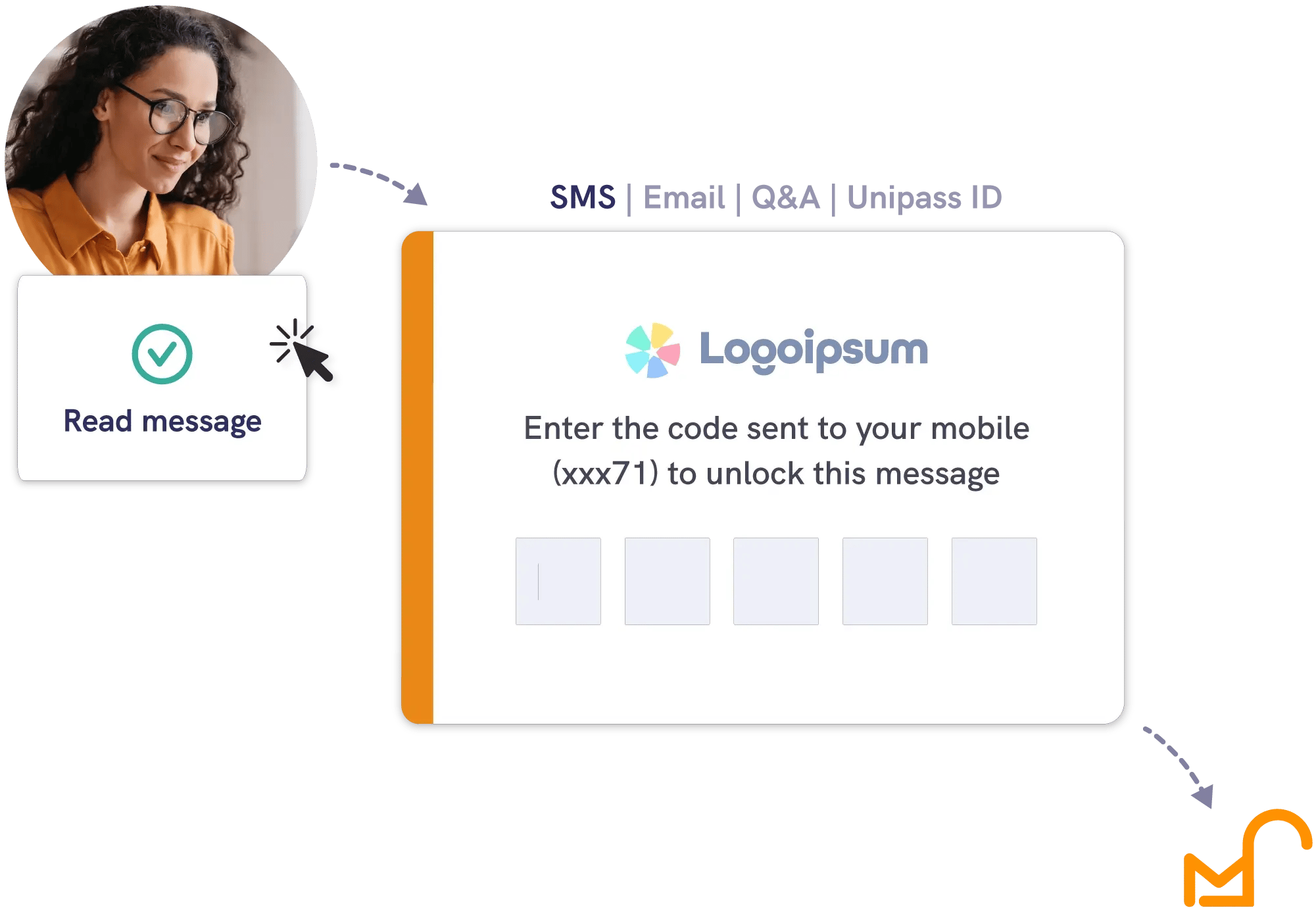
Authenticate recipients using SMS, email, and Q&A, plus Unipass ID sign-in for financial services

Automated iconAutomated delivery

Deliver at scale with Mailock Automated, an optional add-on for batched and bulk delivery using automation.
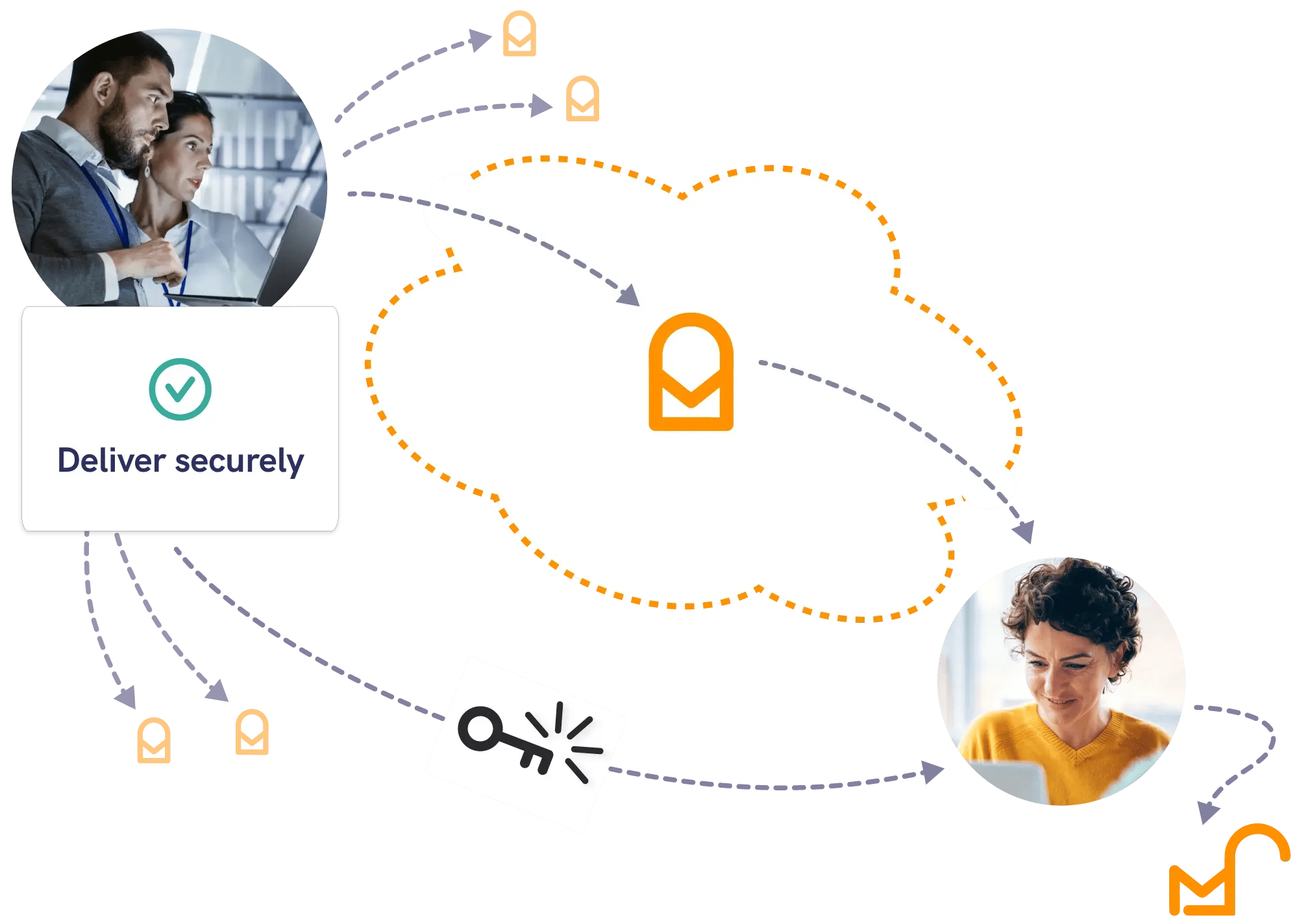
Send automated messages with Mailock

Verification iconIdentity checks

Send ID, KYC, and AML checks by secure email, from Outlook or the Mailock web app.

Identity checks are available as a separately charged add-on.
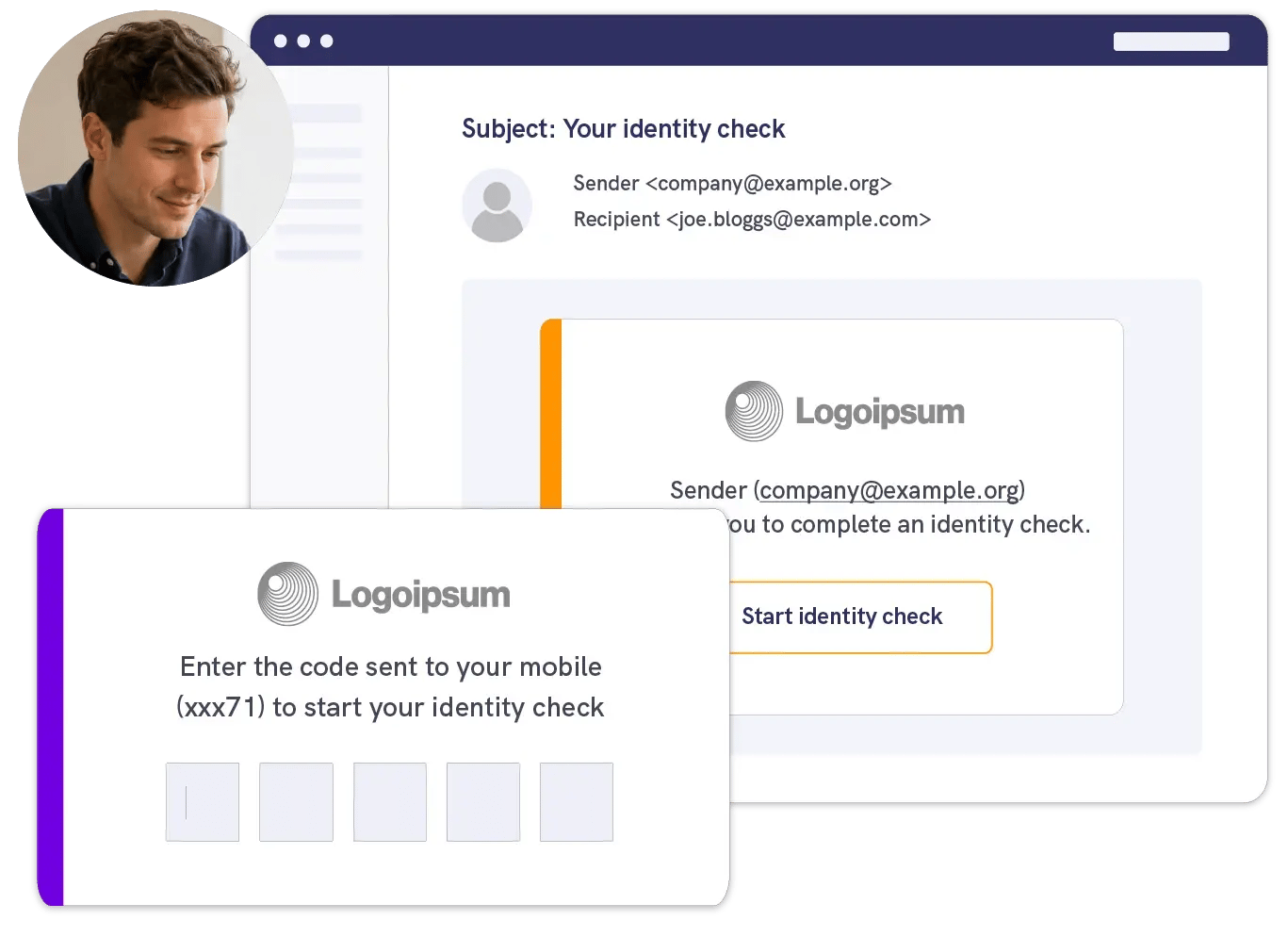
A client receiving a secure email invitation to start an identity check, entering a code sent to their mobile
Email inbox icon

Secure compose

Mailock lets you compose secure emails via desktop or web, using the Outlook add-in or automated rules for easy encryption and batch delivery.

Data warning icon

Security alerts

Mailock’s security alerts feature detects sensitive email content and prompts secure sending. You can customise it to match your security policies.
Challenge icon

Read notifications

Track engagement with read notifications that provide timestamped access logs, giving you insight and helping with timely follow-ups.
Lightbulb icon

Secure replies

Recipients can reply securely using the Mailock web app or Outlook add-in, keeping messages and attachments encrypted.
Tracking report icon

Message tracking

Mailock’s message tracking shows when secure emails were sent, accessed, or revoked, helping you manage sensitive communications securely and compliantly.

Revoke icon

Message revoke

Mailock’s message revoke lets you close future access to sent emails, and manage access via the classic Outlook for Windows add-in or the Mailock web app - essential for security and compliance.
Branding icon

Company branding

Mailock’s custom branding lets you add your logo and messaging to secure emails, reinforcing trust, brand consistency, and a professional recipient experience.
Chart icon

API & webhooks

Connect Mailock with your systems to automate secure email delivery and gain real-time insights. Strengthen security, compliance, and decision-making.
300K+
Users
2.5K+
Companies
3.5M+
Recipients
Send sensitive information confidently, with recipients accessing messages securely from any device.

Questions?

Talk to us

Book a demo with our team to see Mailock in action and have your questions answered.