Financial services > Advisers
Secure client communications for financial advisers
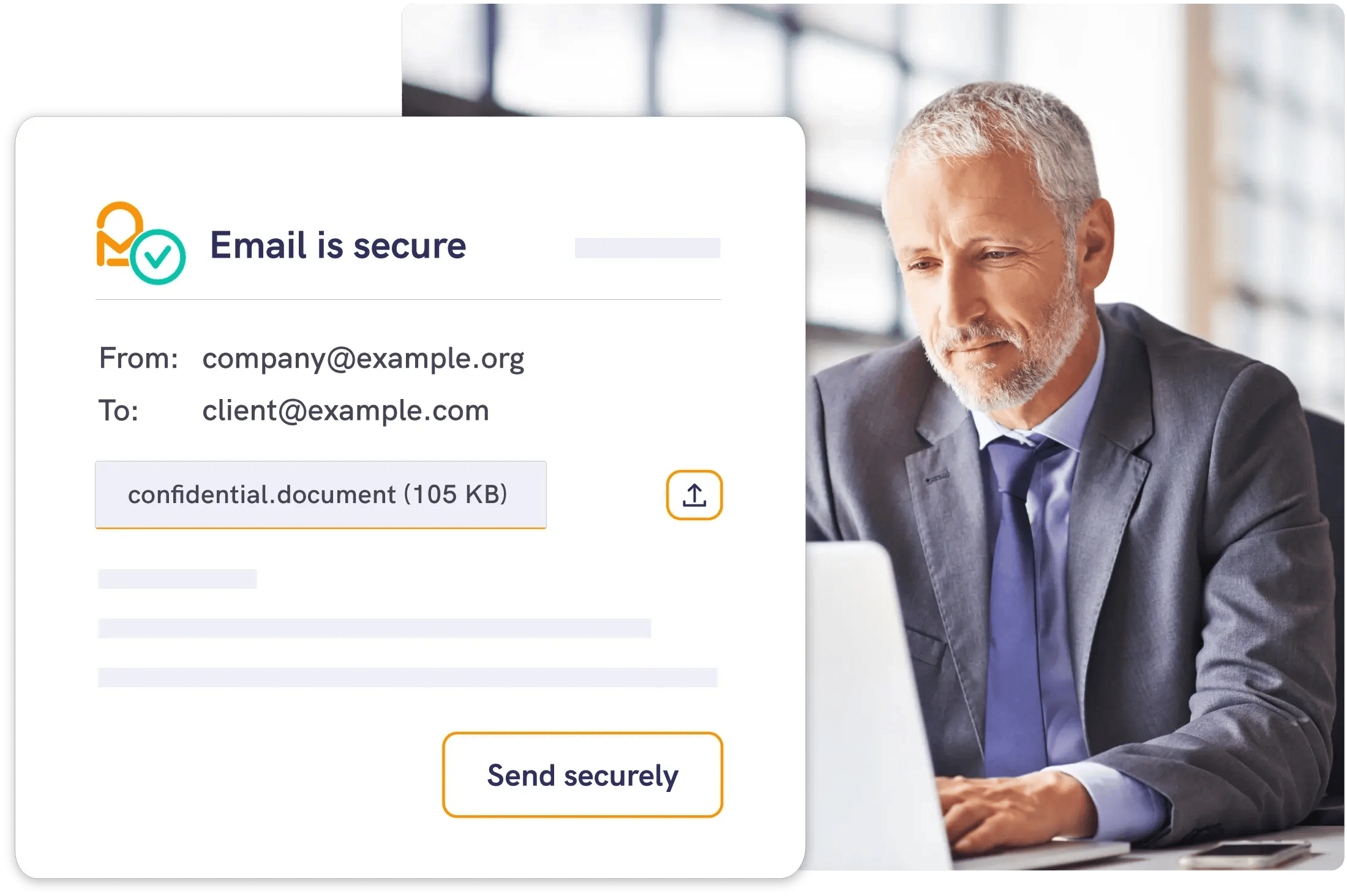
Send reports and review packs securely, let clients reply with their documents, and run an identity check when you need one, all from the email workflow you already use.





Keep clients informed
and protected
Mailock helps financial advisers email sensitive information securely, in a way that supports FCA expectations.
- Supports GDPR, Consumer Duty, and FCA expectations
- Reduce misdirected-email risk
- Engage clients on their channel of choice


Communicate with confidence
Send and receive sensitive client information securely, straight from Outlook or your browser.

Avoid awkward calls
Mistakenly sent an email? Revoke it, even if it’s been opened - and stay in control of your communications.

Build industry trust
Mailock integrates with Unipass, the identity platform used by product providers, platforms, and other firms.

Support compliance
See when each message was opened, with a record that helps you evidence how you handled it.

Reports and reviews

Pension transfers

Fact finds and statements

New or changed details

Passport copies

The wrong recipient
Sending and receiving
Send documents, get documents back
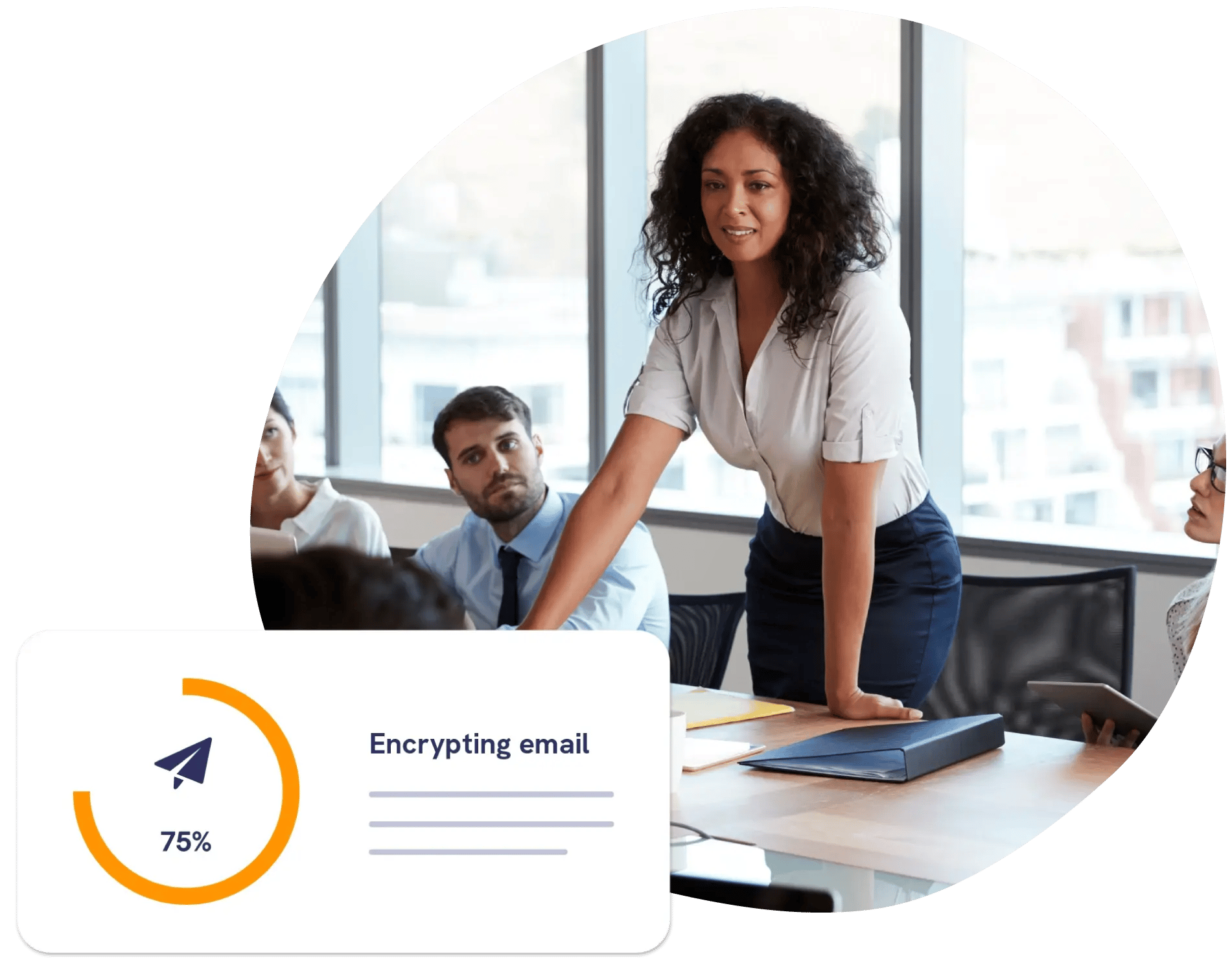
Encrypt reports and attachments from Outlook or the Mailock web app, and choose an access check your client passes before reading. Clients open everything in a few clicks, and can reply securely with their own documents.
- Encrypt emails and attachments with AES-256
- See when each message is opened
- Clients reply securely, with no account
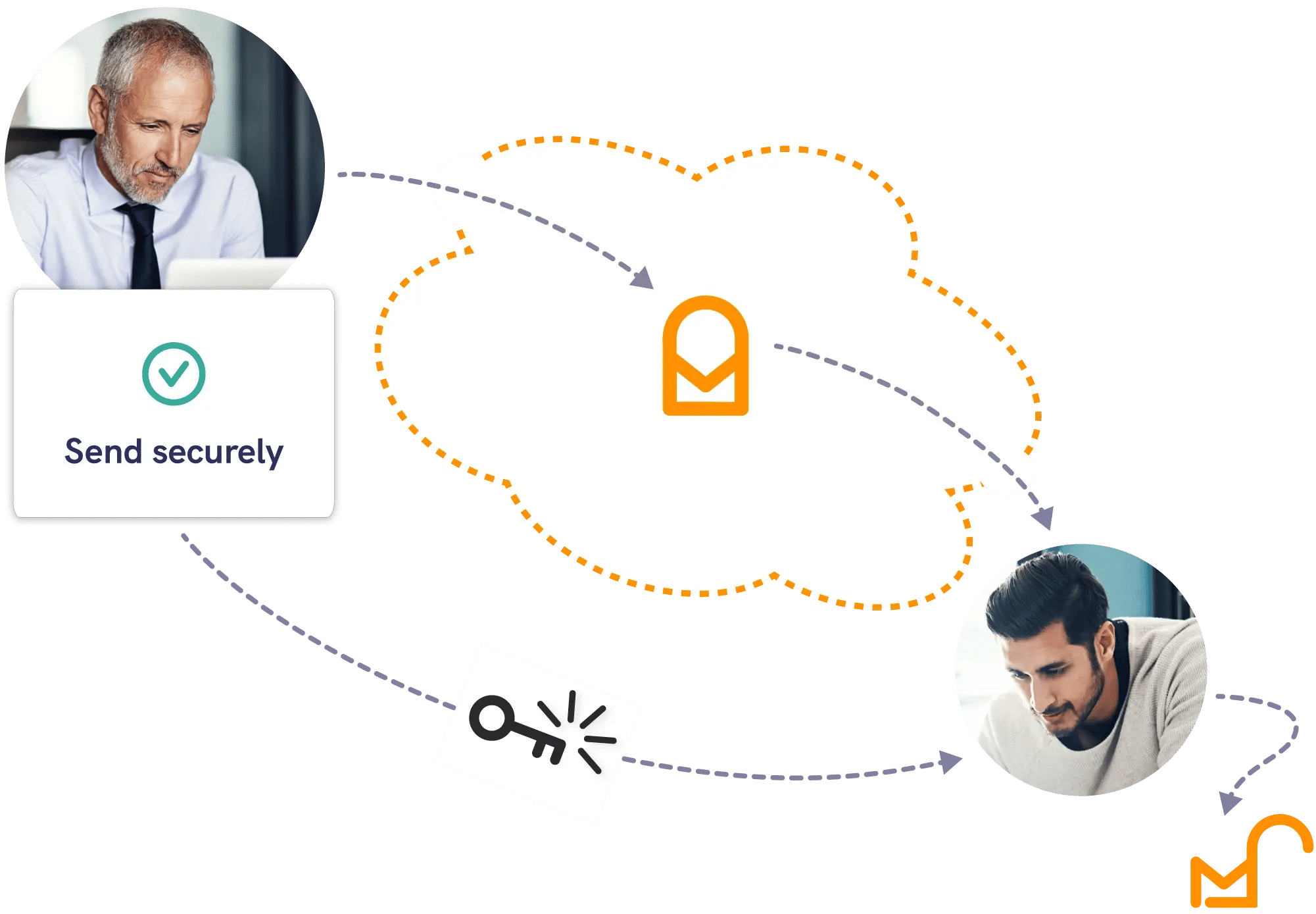
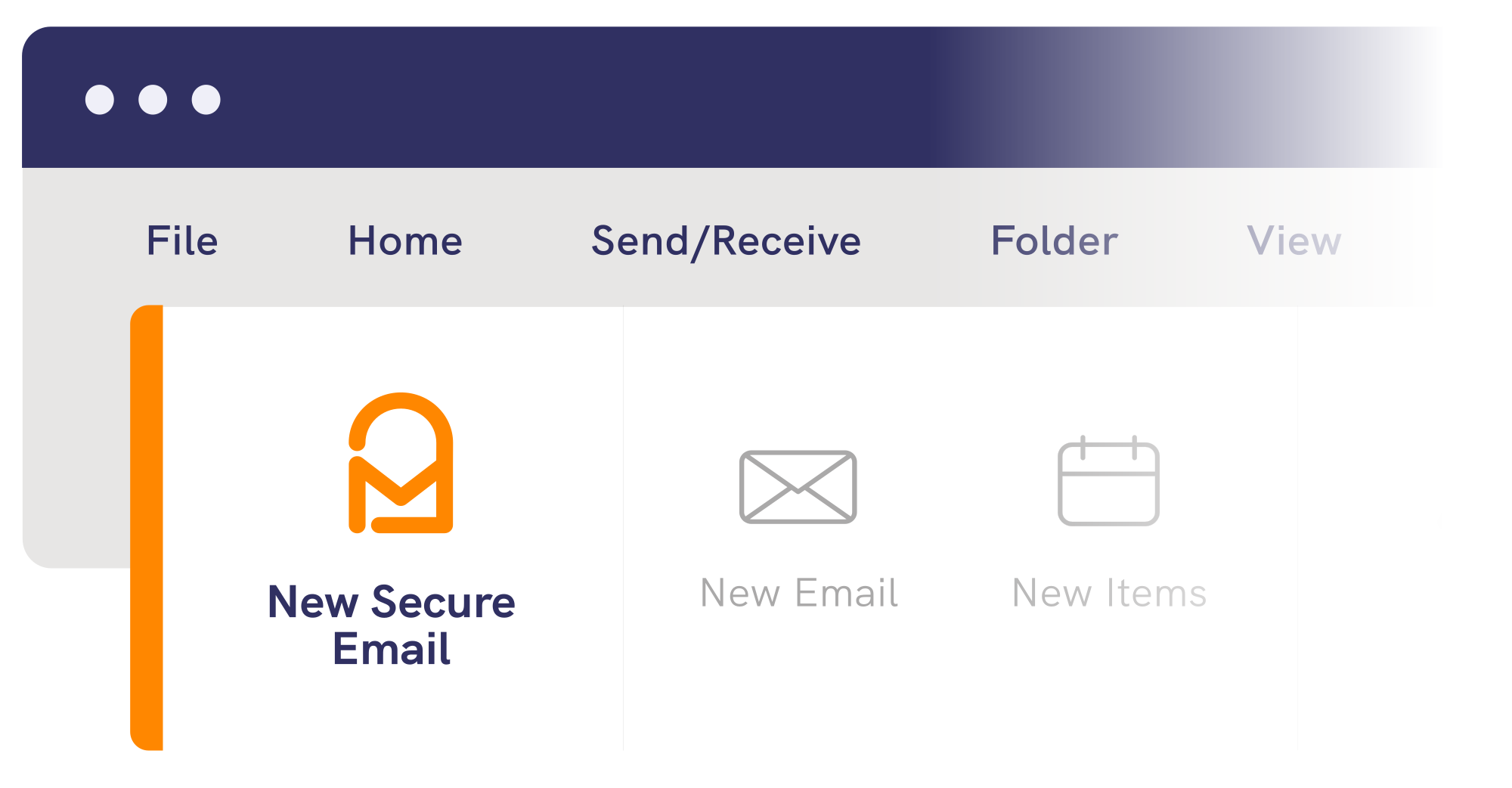
1. Compose
Compose your email in Outlook or the Mailock web app.
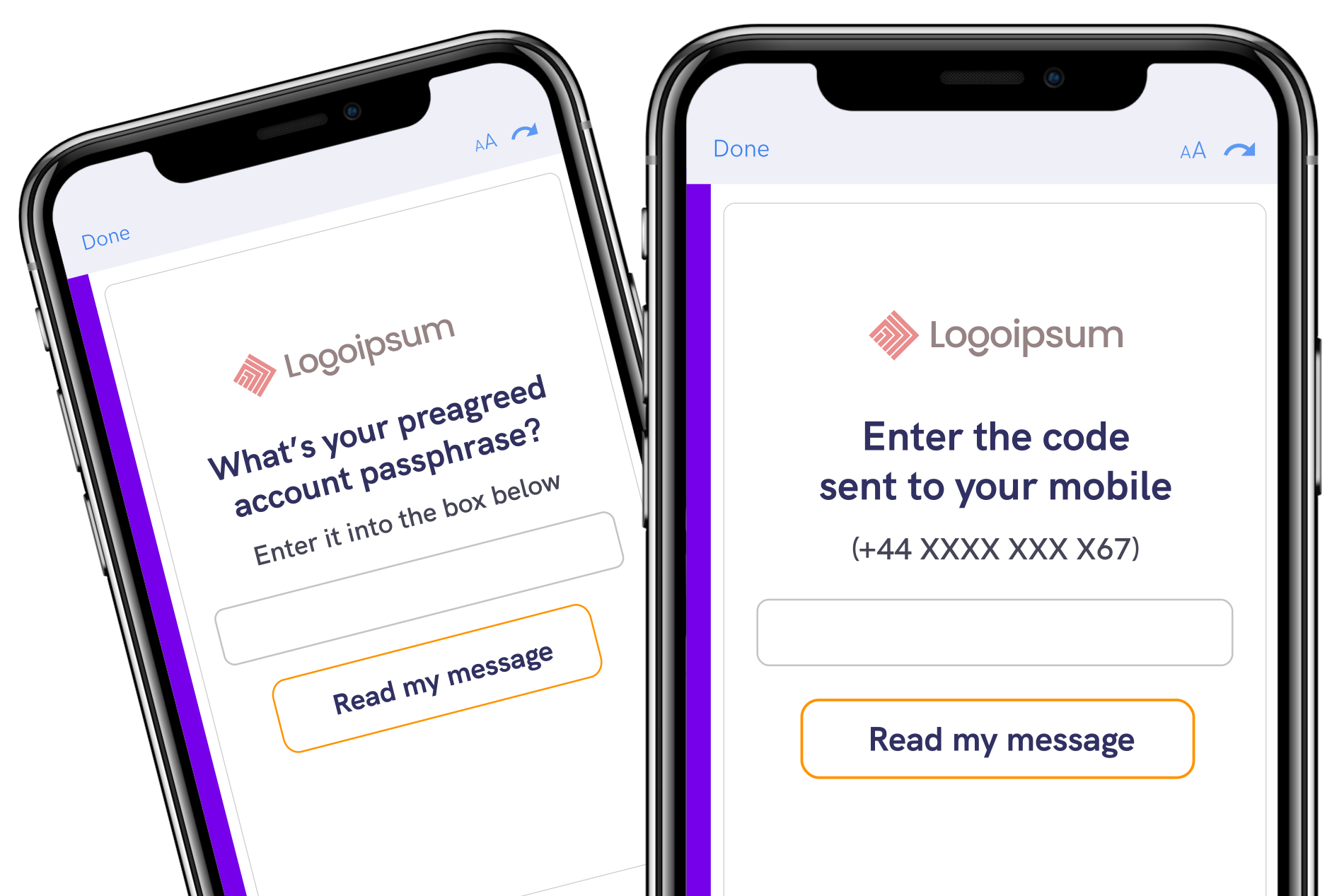
2. Challenge
Apply an email code, question, or SMS code challenge, or let advisers sign in with their Unipass ID.
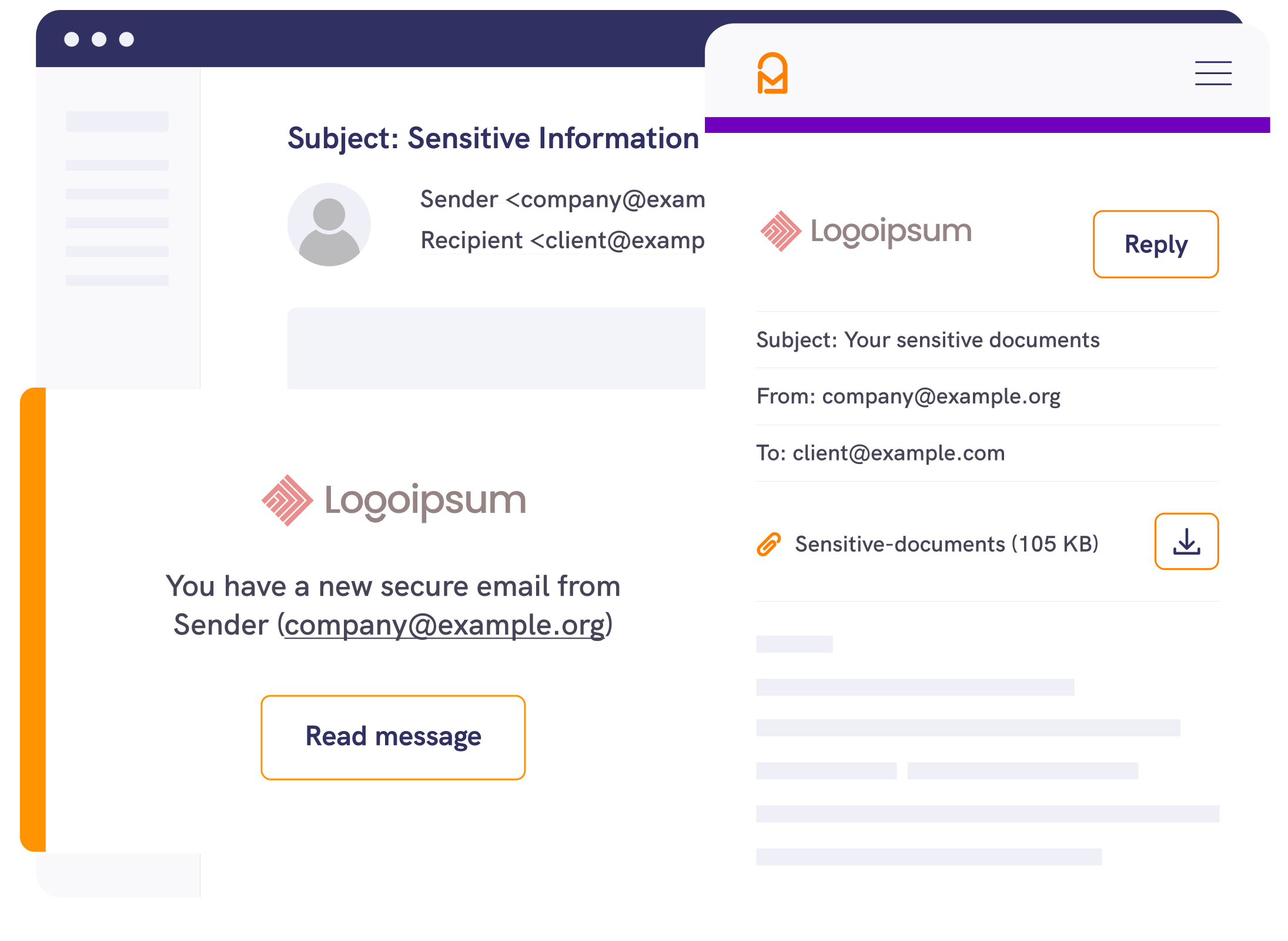
3. Deliver
Send securely - clients receive a notification by email and unlock sensitive content using the authentication method you choose.
Client identity
Know who you
are dealing with
Send an ID (Identity Document), KYC (Know Your Customer), or AML (Anti-Money Laundering) check by secure email at onboarding, at a transfer, or when a client’s details change. The checks use LexisNexis® Risk Solutions technology, and the results pack comes back by secure email. Which check do you need?
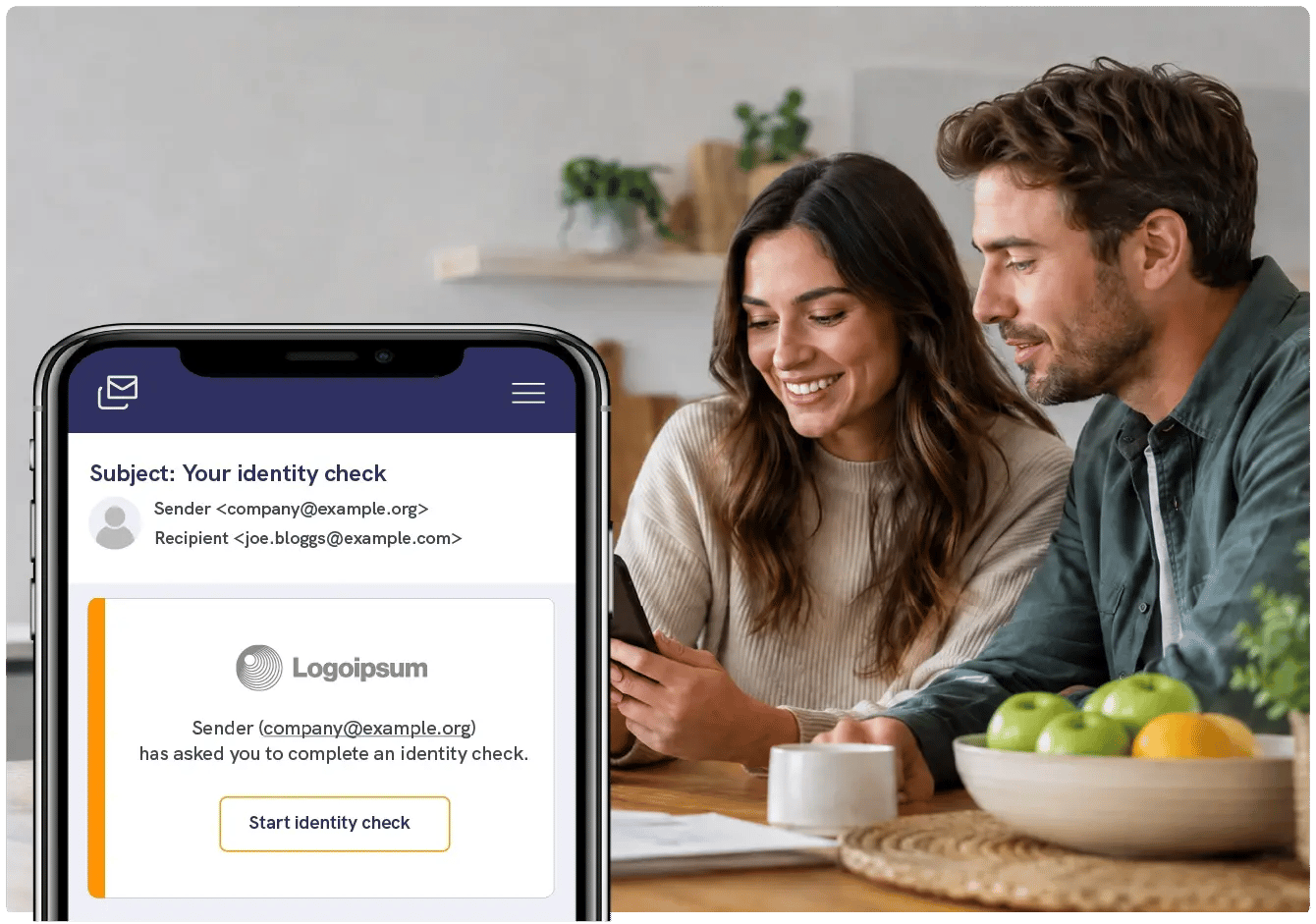
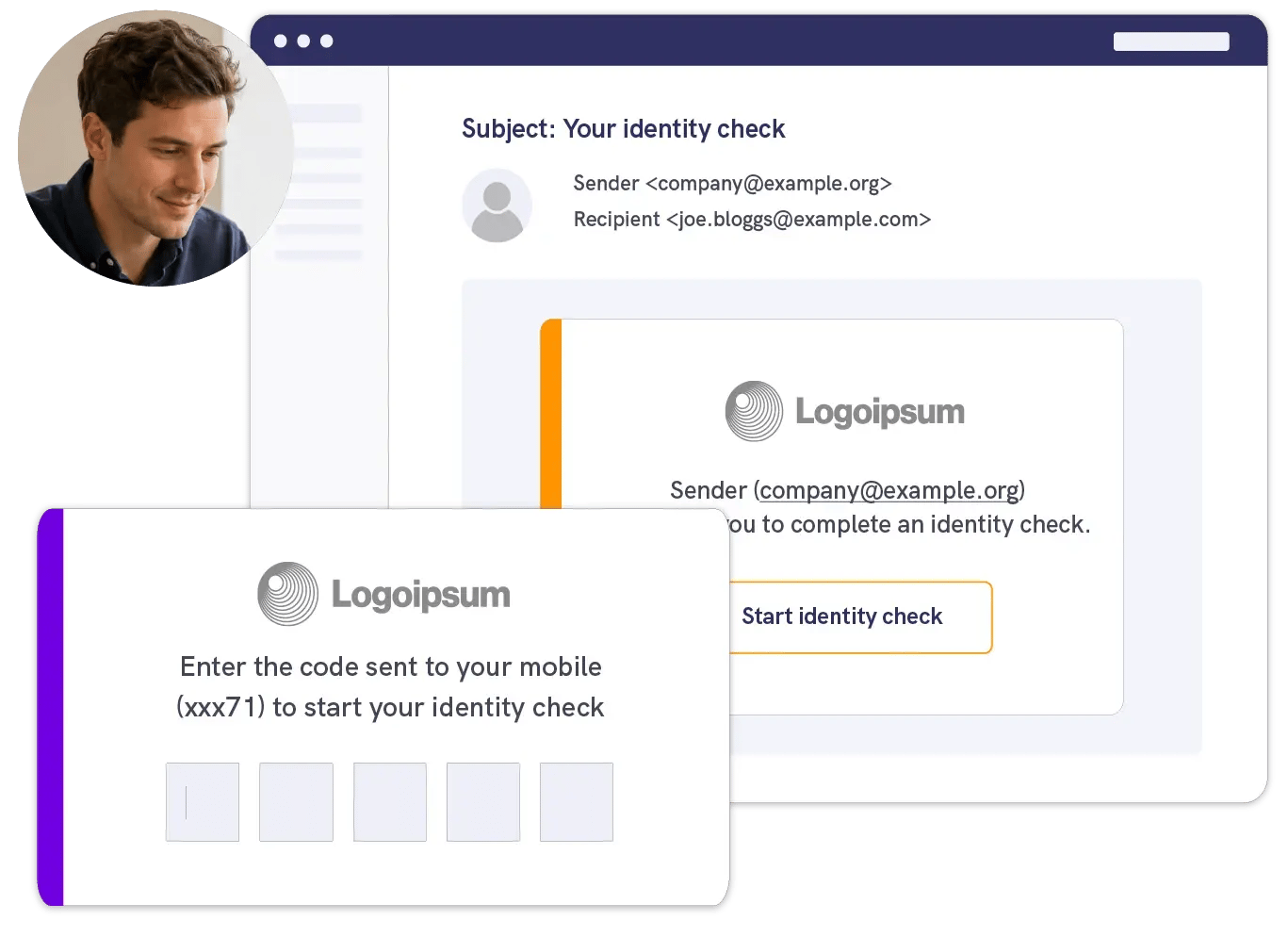
1. Open the request
Your client gets an email from your firm and opens it with a code sent to their mobile.
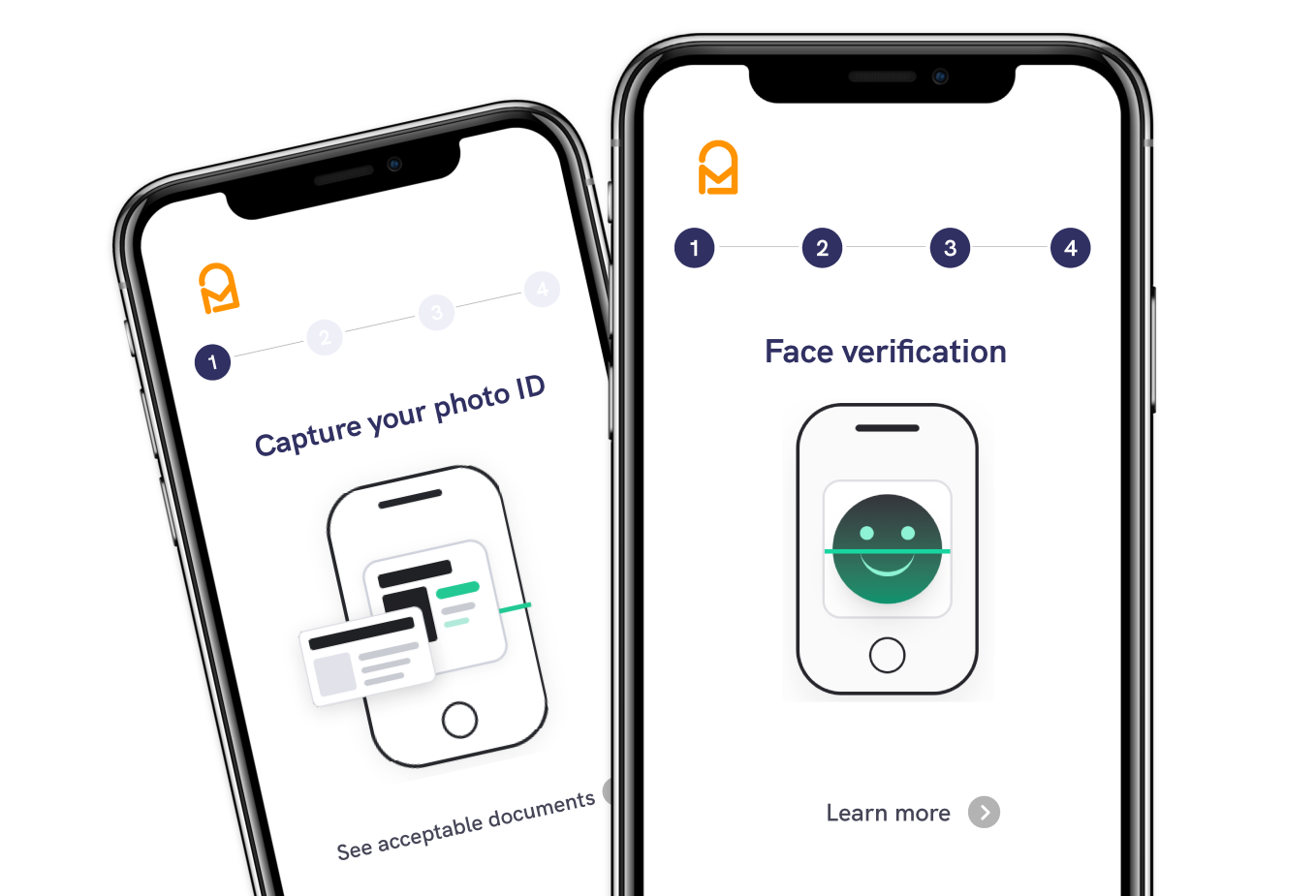
2. Scan and selfie
They photograph their passport or driving licence, then take a live selfie that is matched to the document.
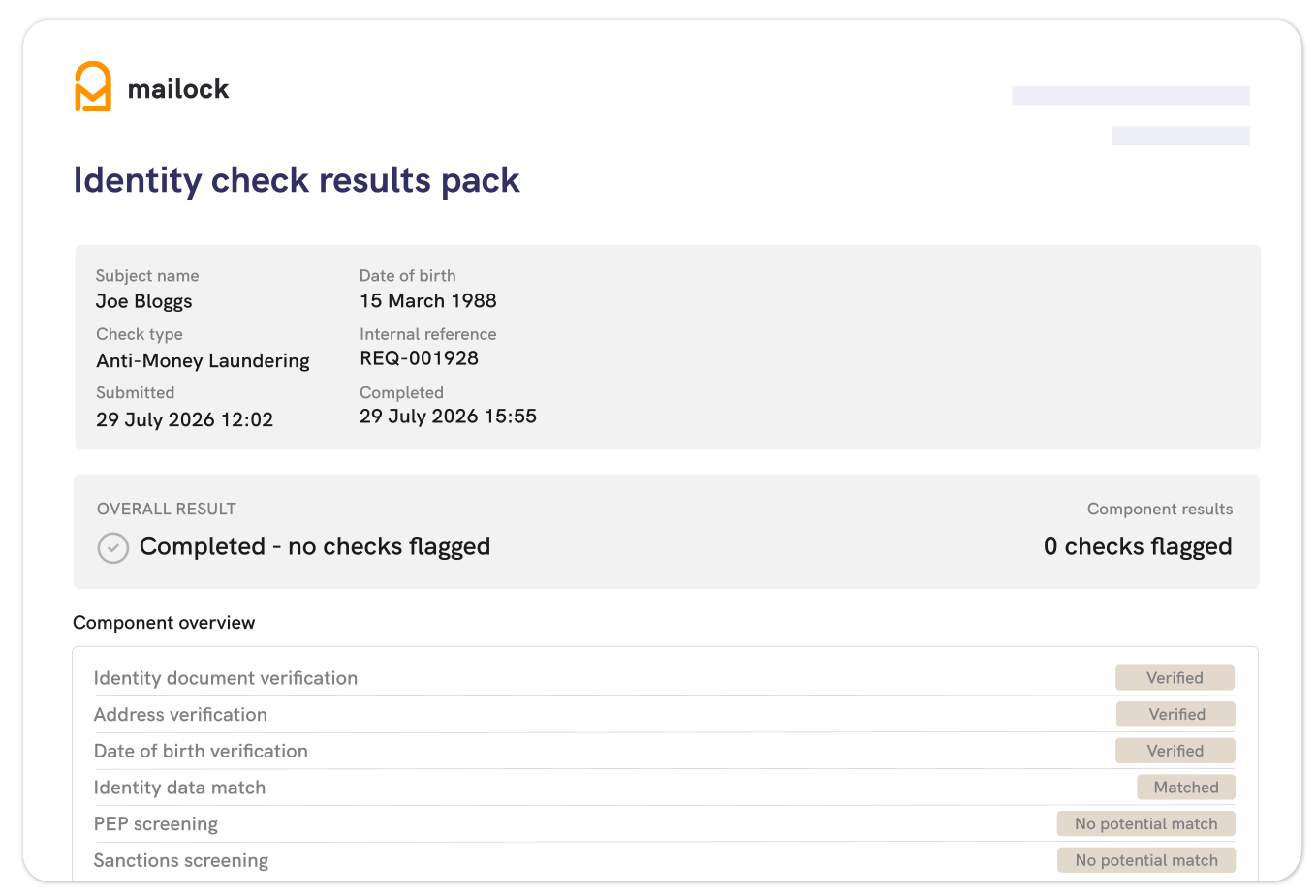
3. Results to you
The results pack comes back to you by secure email, showing anything flagged for review.


Our community
Trusted by advisers nationwide
Trusted by thousands of professionals
Join a growing community of advisers using Mailock to deliver peace of mind and support their regulatory obligations.

Testimonial
“It hasn't changed the way we work.”
“It sits in my email, and I don't think about it as being Mailock, I just think about it as being email.”


Is Mailock right for you?
Is Mailock right for your firm?
Mailock suits advisers who send sensitive documents by email. It isn't a client portal or document store, and its identity checks verify people rather than companies. If you are weighing up providers, see how Mailock compares. Individual advisers and small teams can start a free 14-day trial, and larger firms or teams needing integrations can book a demo.
- Built for individual advisers and small teams
- Clients open messages without an account
- Works alongside the email you already use

Plans
Mailock Pro: features
Explore the full set of features for secure email that supports compliance obligations tailored to small teams and individual advisers.

Integrations
Mailock for Outlook
Send and manage secure emails directly from your Outlook inbox with our easy-to-use add-in.

Resources
Mailock case studies
See how other adviser firms are using Mailock to protect data and improve client communication.

Questions?
Talk to us
Larger firm, integration needs, or interested in identity checks? Book a demo with our team.

How to Collect Client Documents Securely: Fact Finds, Payslips, and Statements
Ask clients for fact finds, payslips, statements, and personal details in a way they can answer securely, with a reply that comes back protected.

Sending Suitability Reports and Review Packs Securely, and Evidencing Delivery
Send suitability reports and review packs securely, understand what access records show, and plan client follow-up, replies, and document retention.
Keeping Advice Human: Secure Technology Clients Will Actually Use
IFA Ben Beck and Carole Howard on how small advice firms can adopt secure client technology, cut login steps, and keep the personal side of advice.