Mailock Revoke
Revoke emails
in Outlook
Close future access to emails sent in error
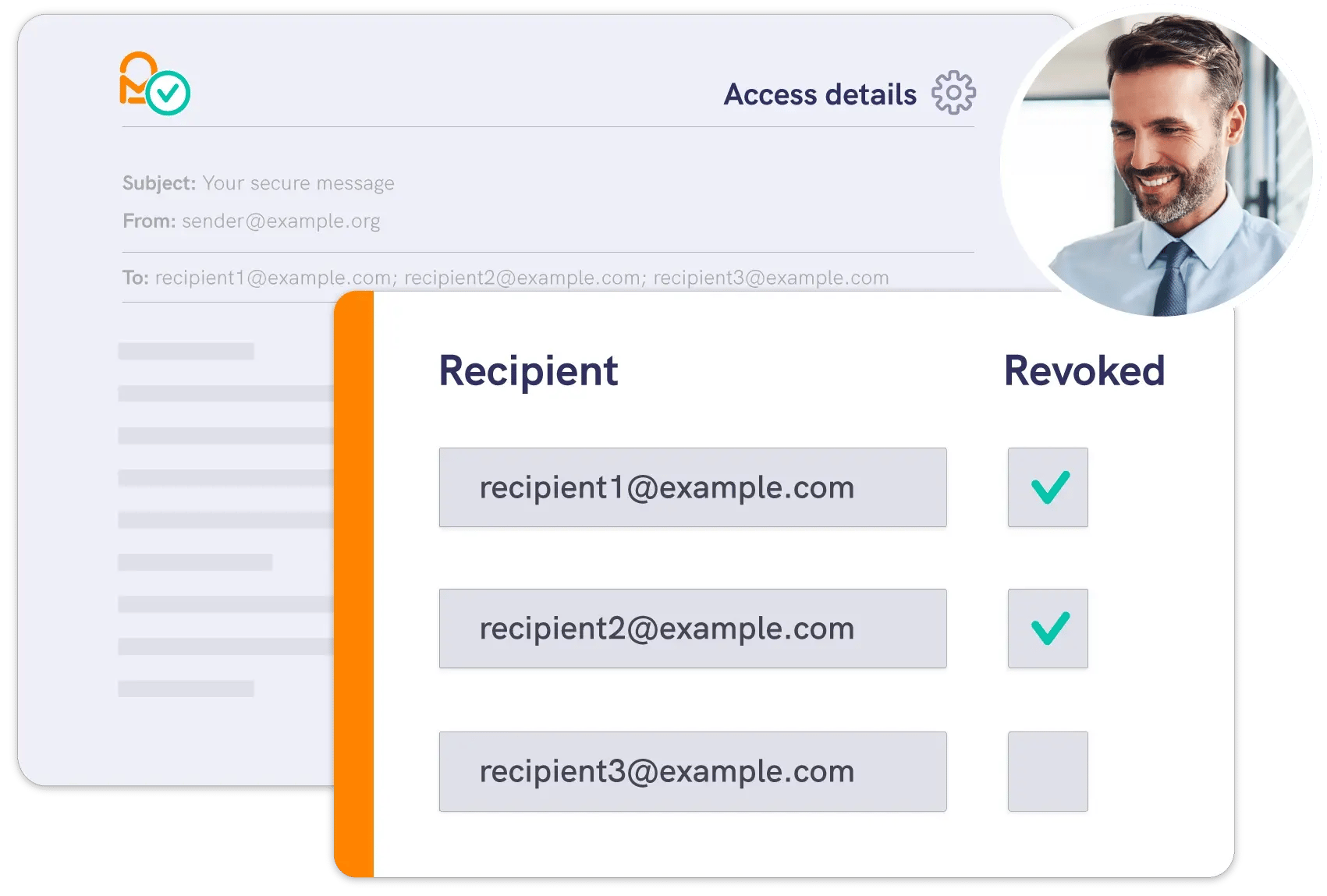
Human error is the top cause of data breaches. Revoke sensitive messages individually or in bulk to reduce risk and contain breaches.






Protect against the
top cause of a breach
Email mistakes are the leading cause of data breaches. Mailock® gives you the power to revoke misfired messages and keep sensitive data secure.
- Secure outbound emails and replies
- Prevent ‘wrong recipient’ mistakes
- Revoke messages to contain a breach
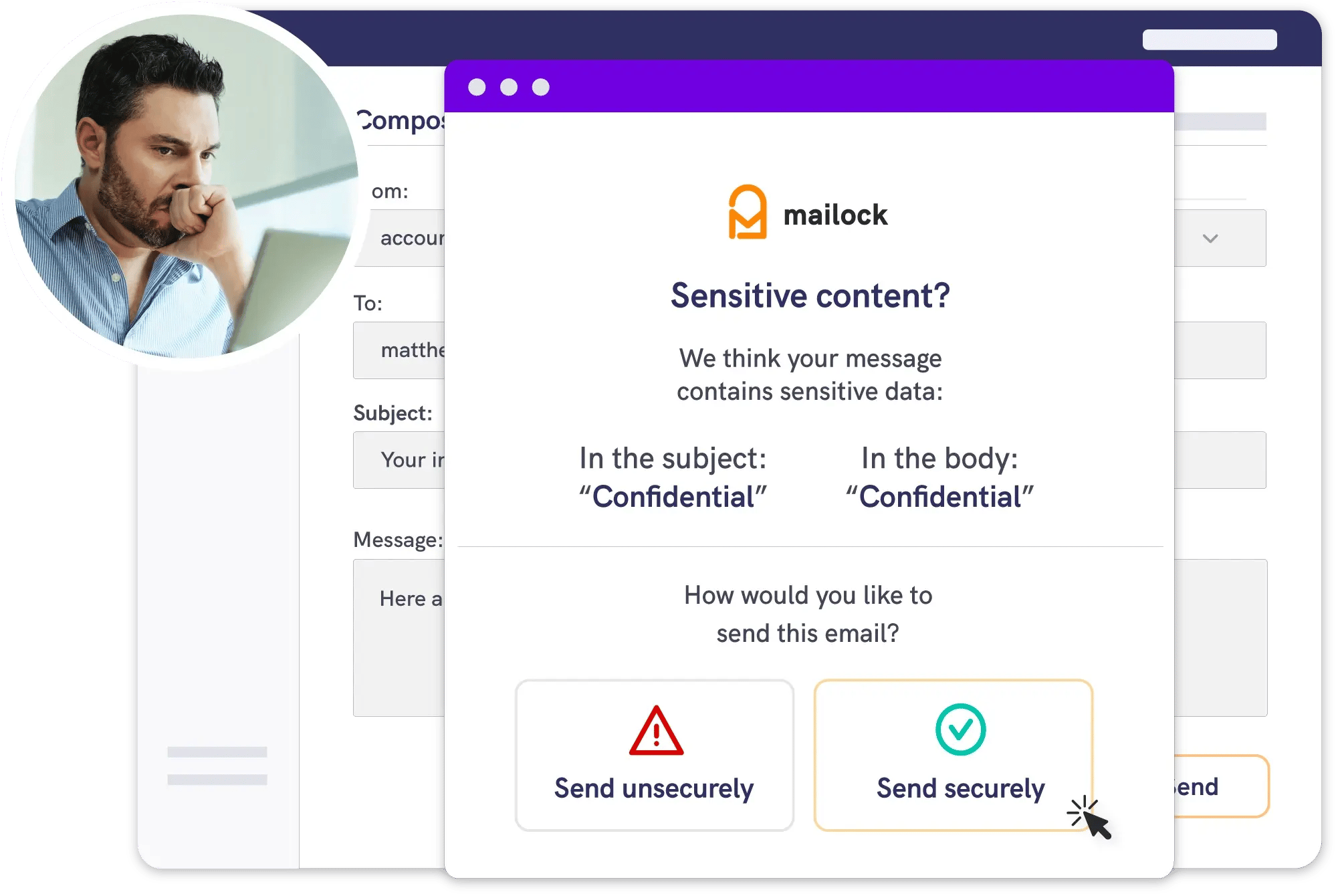
When Outlook's native 'recall' is not enough
Outlook’s built-in recall only works in limited scenarios. With Mailock, secured sensitive messages can be revoked to contain a breach.
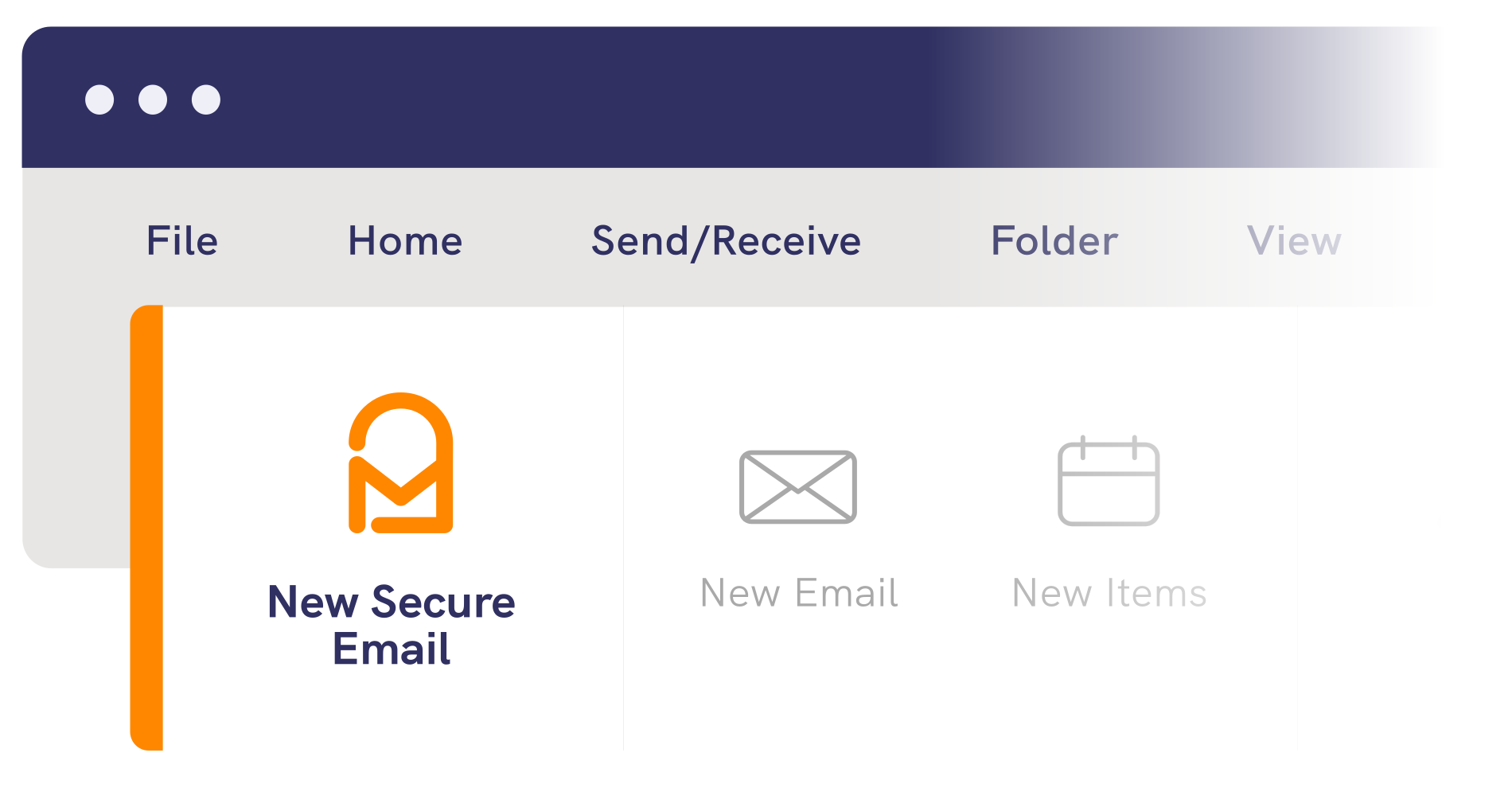
- Install our easy-to-use classic Outlook for Windows add-in
- Send secure emails from your desktop
- Track and revoke sent messages



Testimonial
Message revoke is a game-changer
Message revoke is a game-changer. If an email is sent to the wrong recipient, we can instantly block access, which is invaluable for our data protection team.


Get started
Create an account
Create a Mailock account to download the Outlook add-in and start sending secure emails.