Financial services > Advisers
Secure email for financial advisers
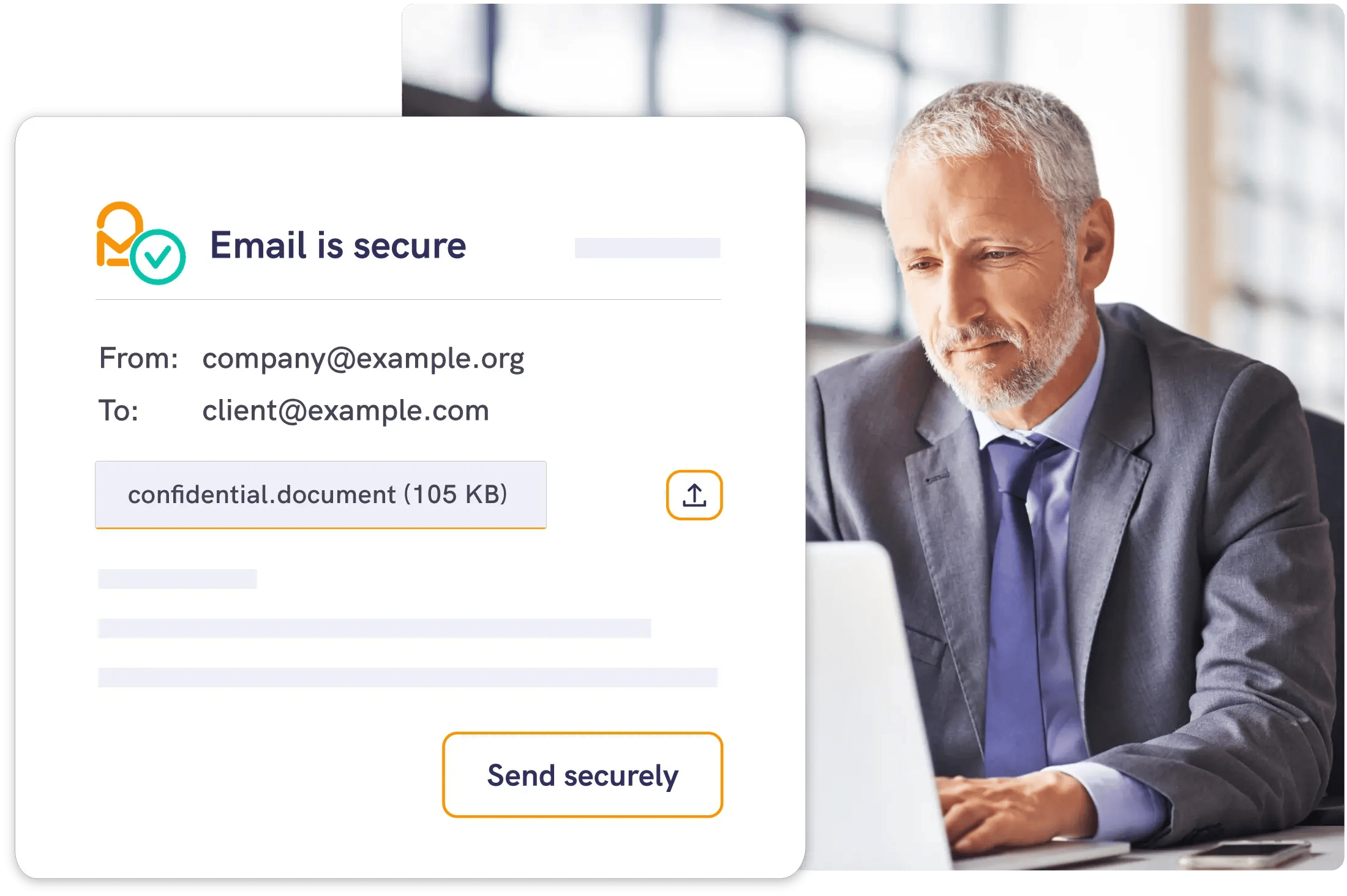
Send sensitive client emails and attachments securely from Outlook or the web, with encryption and recipient access checks built in.





Keep clients informed
and protected
Mailock empowers financial advisers to securely email sensitive information while supporting FCA expectations.
- Align with GDPR, Consumer Duty, MiFID and FCA data security guidance
- Reduce misdirected-email risk
- Delight clients on their channel of choice


Communicate with confidence
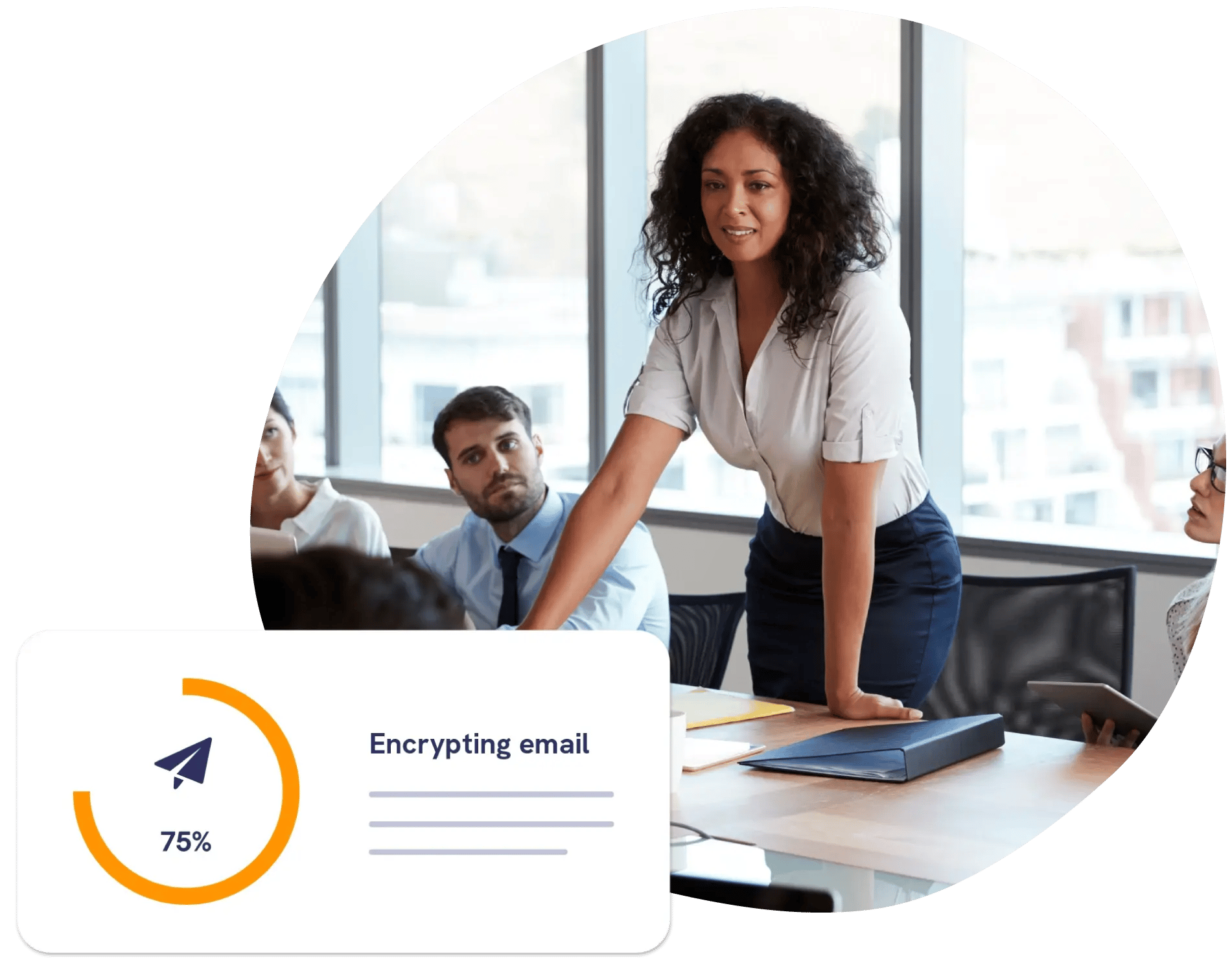
Send and receive sensitive client information securely, straight from Outlook or your browser.

Avoid awkward calls
Mistakenly sent an email? Revoke it, even if it’s been opened - and stay in control of your communications.

Build industry trust
Mailock integrates with Unipass, the identity platform used by product providers, platforms, and other firms.

Support compliance
The FCA expects firms to protect client data and keep appropriate records. Encryption, authentication and activity logs support those obligations.
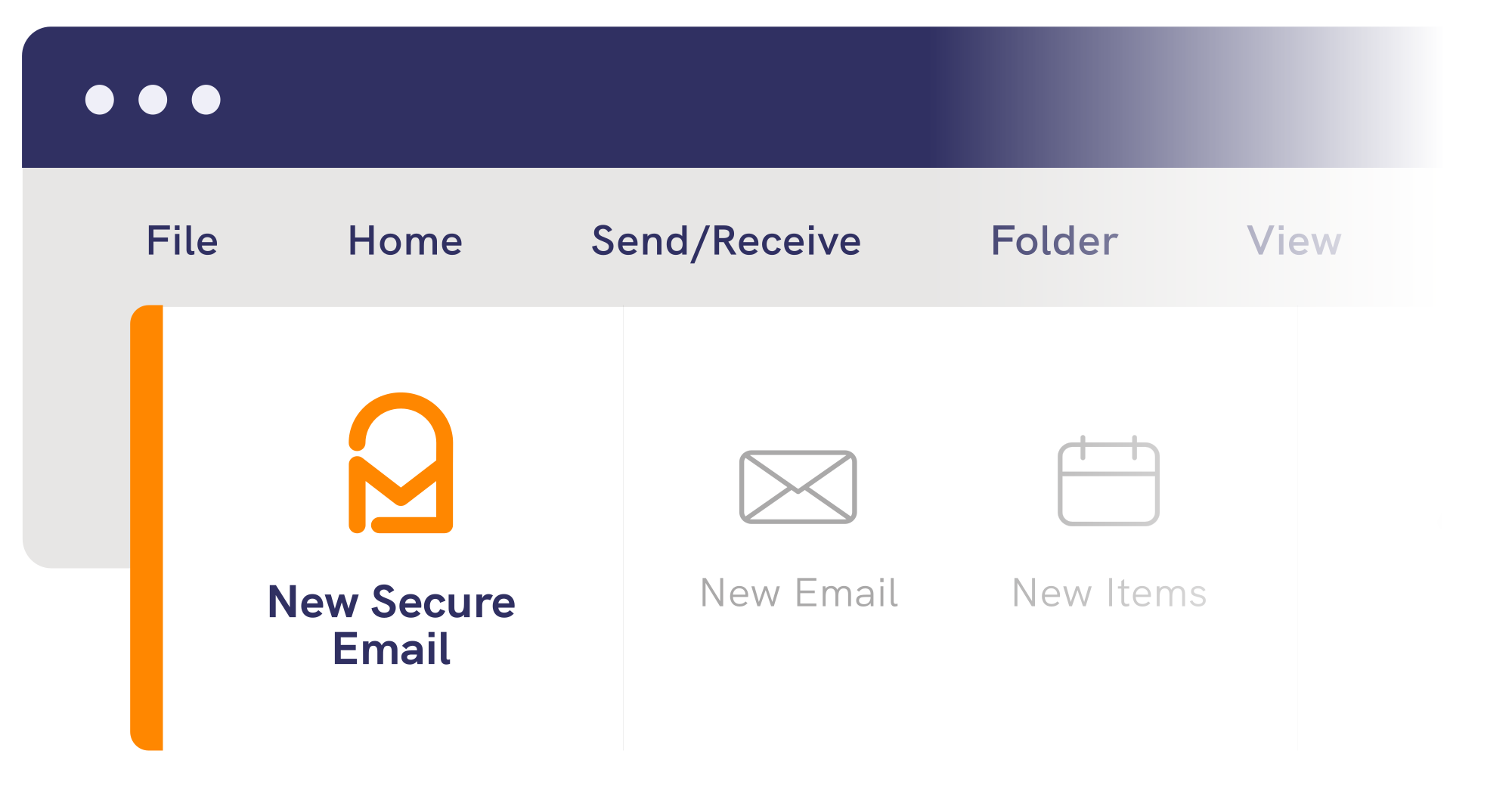
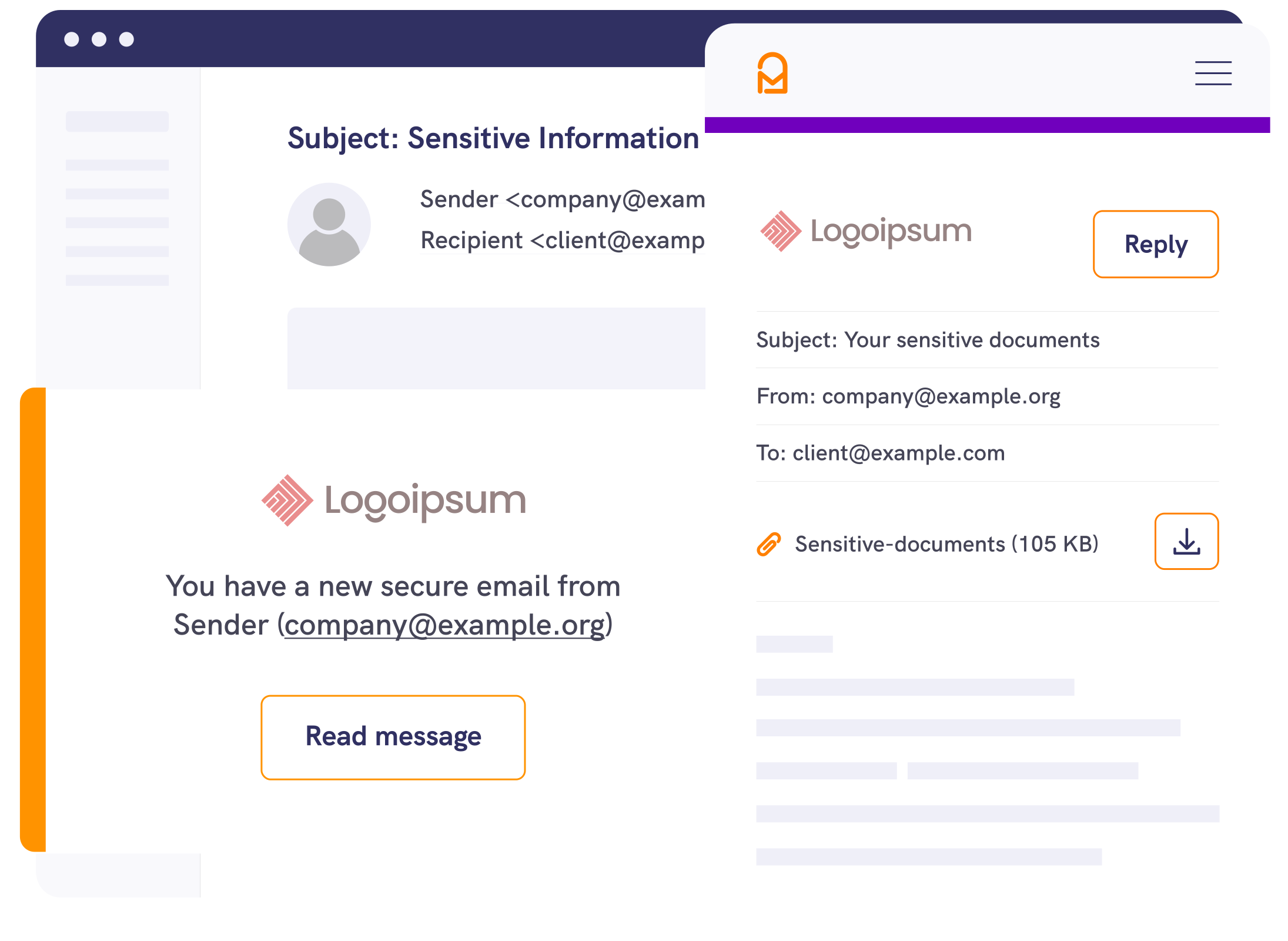
1. Compose
Compose your email in Outlook or the Mailock web app.
2. Challenge
Apply a recipient authentication challenge like email verification, SMS, or Q&A, or let advisers sign in with their Unipass ID.
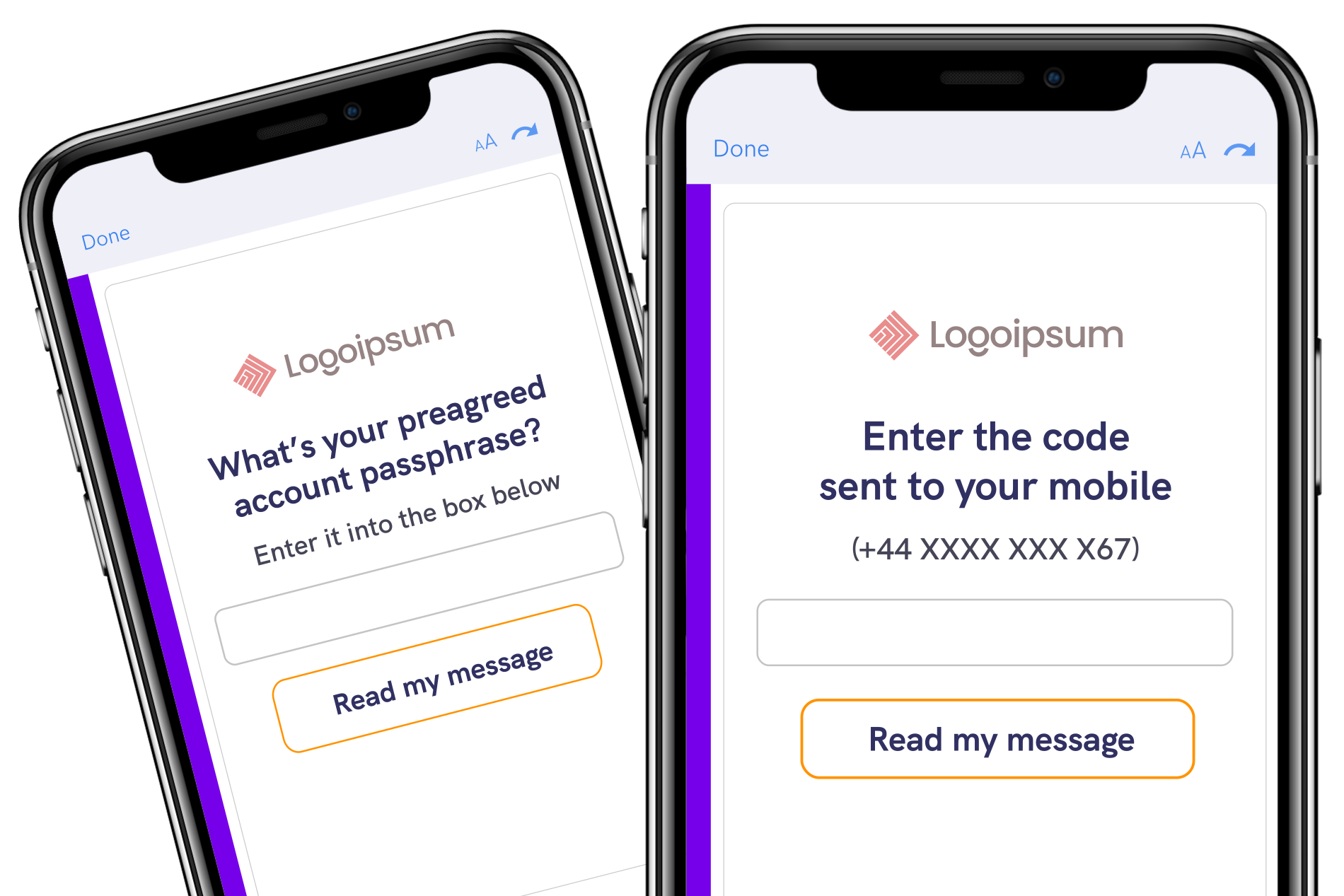
3. Deliver
Send securely - clients receive a notification by email and unlock sensitive content using the authentication method you choose.
Client identity
Know who you
are dealing with
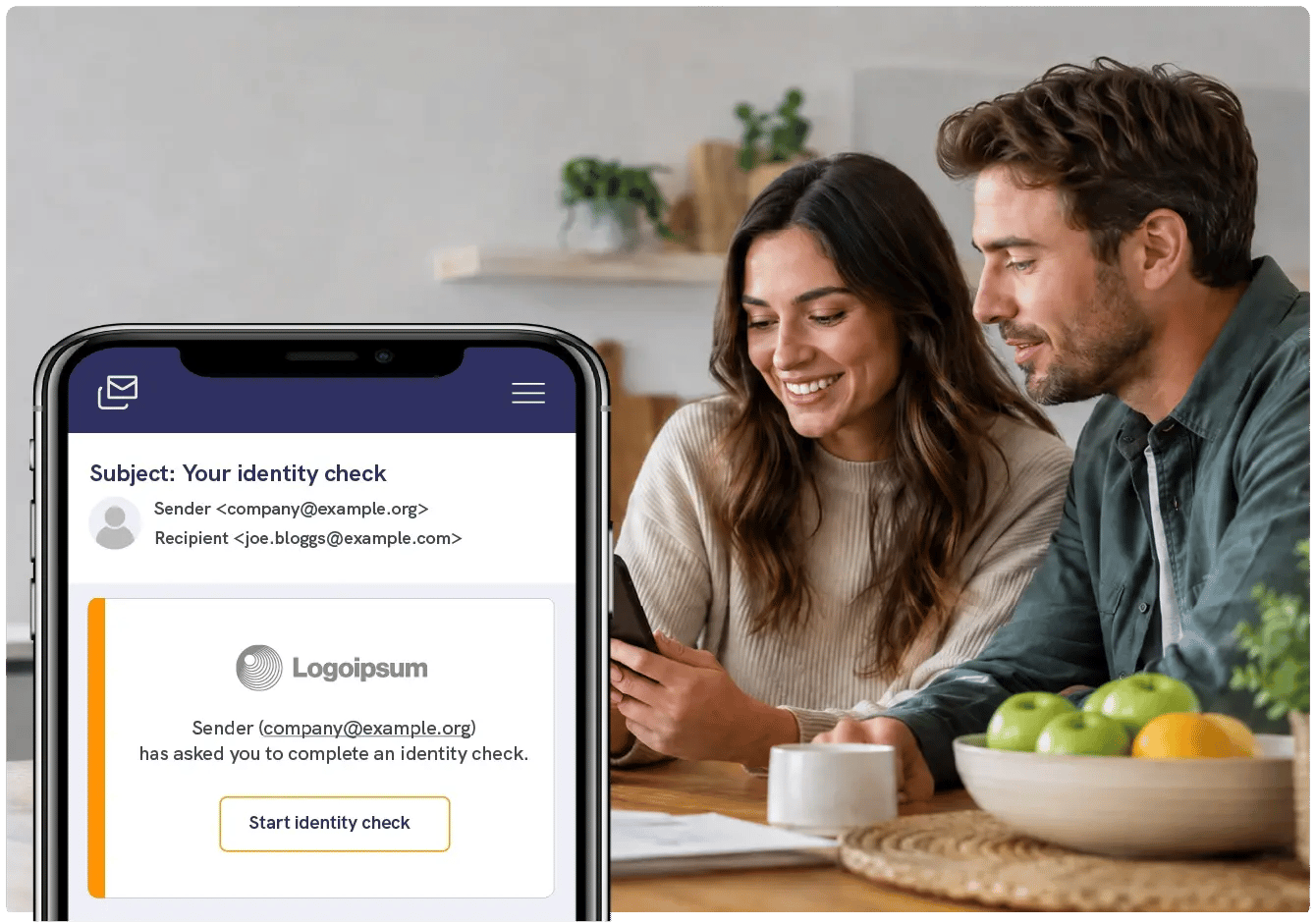
Advisers run identity checks at onboarding, at transfer, and when a client’s circumstances change. Mailock sends ID, KYC, and AML checks on the channel people prefer for communication, keeping them in the same email workflow as your existing daily communications.



Our community
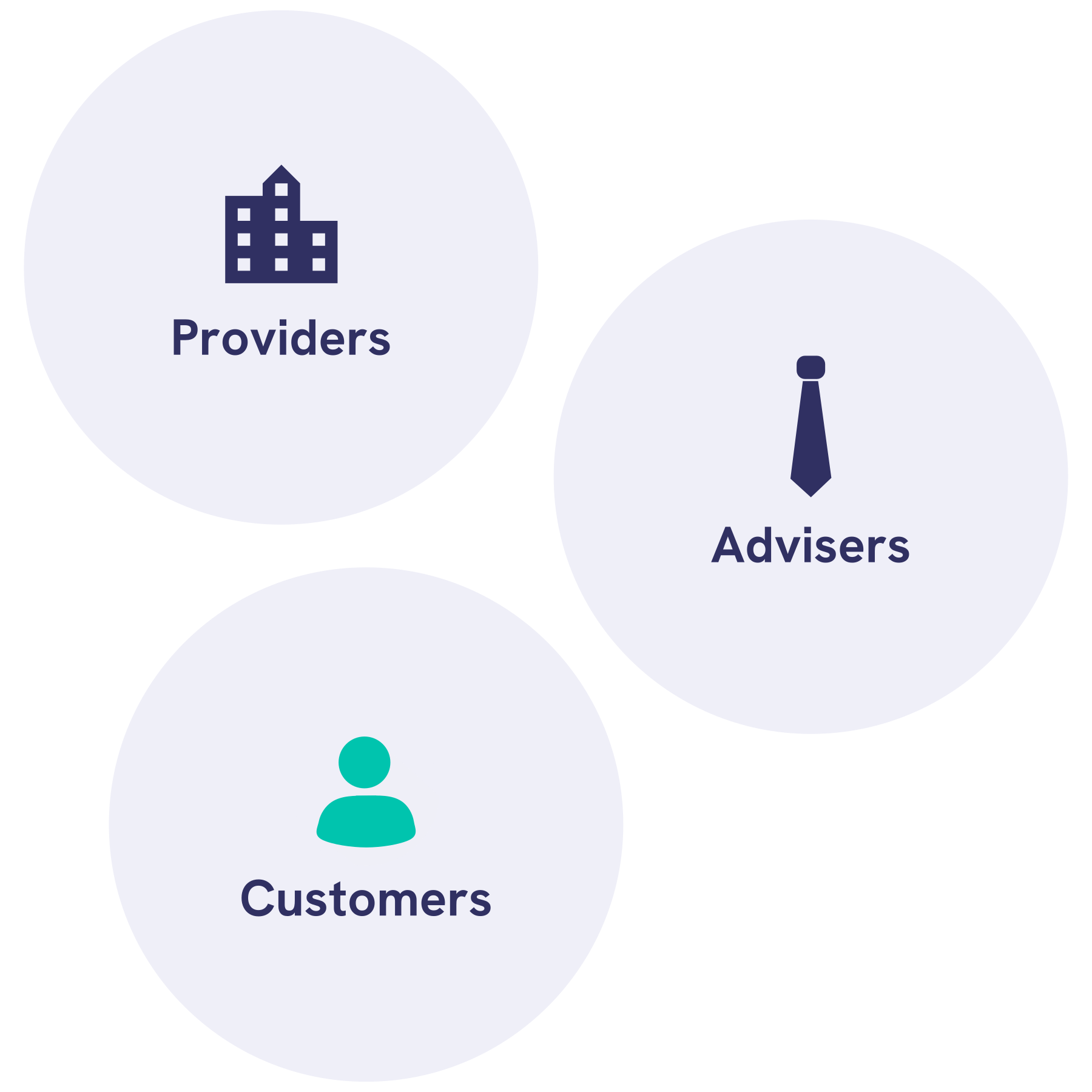
Trusted by advisers nationwide
Trusted by thousands of professionals
Join a growing community of advisers using Mailock to deliver peace of mind and meet their regulatory obligations.

Testimonial
Who wants to ring a client and say, "your account's been hacked"?
Although email is a simple way to share information, we should always be aware that unencrypted emails can easily be intercepted.
.png?width=500&height=500&name=Untitled%20design%20(28).png)


Plans
Mailock Pro: features
Explore the full set of features for secure email that supports compliance obligations tailored to small teams and individual advisers.

Integrations
Mailock for Outlook
Send and manage secure emails directly from your Outlook inbox with our easy-to-use add-in.

Resources
Mailock case studies
See how other adviser firms are using Mailock to protect data and improve client communication.

.png?width=1080&height=900&name=Professional%20woman%20using%20computer%20in%20office%20(1).png)
Questions?
Talk to us
Book a demo with our team or get started free to see how Mailock fits your workflow.

From ‘We Sent It’ to ‘We Know Who Received It’, in One Trusted Customer Journey
Mailock and LexisNexis® Risk Solutions connect customer data, LexisNexis® IDVerse® identity verification, and secure delivery in one customer journey.
Protecting Access: Fraud Controls Without Locking Legitimate People Out
How firms can keep strong fraud controls without locking genuine customers out of everyday payment accounts, with Kate Frankish of Suits Me.

Royal Mail's Access Price Dispute: Two Fair Arguments, One Direction Of Travel
Ofcom has suspended Royal Mail's access price rises while it rules on CCN 129. Paul Holland on what the dispute can settle, and what it cannot.