Features > Compose
Secure compose
Start a secure email your way
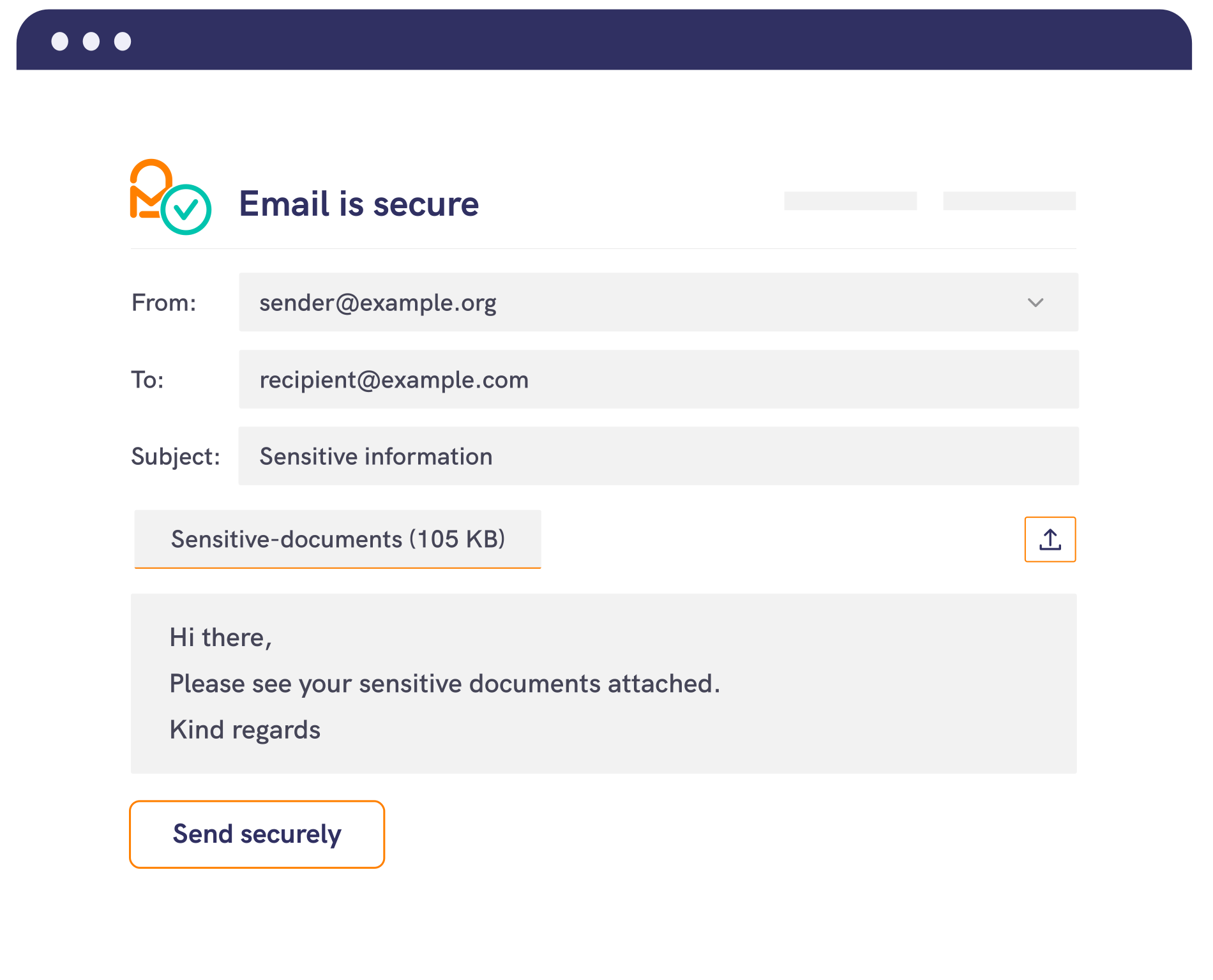
With Mailock®, protecting your emails is simple.
Whether you're working from your desktop, a web browser, through another email platform, or using automation, Mailock keeps your messages secure.
Wherever your emails begin, they’re protected with AES-256 encryption to keep sensitive information secure.
Outlook add-in
Send secure emails effortlessly using the Mailock for Windows Outlook add-in.
Switch between secure and regular emails with a single click.
The add-in can detect sensitive content and suggest encryption, helping you keep communications secure without added effort.
Web app
Our web app lets you send secure emails from any browser, complete with features like recipient authentication and secure attachments.
Ideal for occasional secure email use or working across devices - no software installation needed.
Other email services
If you use another email service or document production system, you can apply security using keywords or x-headers.
Automated delivery
Mailock’s automated delivery lets you securely batch and send large volumes of emails and attachments.
Set up rules or keywords to trigger encryption automatically, helping ensure your communications are delivered securely.

Plans & pricing

Building a Business Case for Secure Email: Risk, Cost-to-Serve, & Trust
Build a business case for secure email that links risk reduction, lower cost-to-serve, and stronger customer trust, with practical measures for regulated teams.

The Most Dangerous Button in Your Business: ‘Reply All’
Learn how ‘Reply All’ and misaddressed email mistakes cause data breaches, and which policies, training, and technical safeguards help reduce the risk.

Secure Messaging Showdown: Comparing Tools for Private Digital Comms
Compare Signal, WhatsApp, Telegram, Proton Mail, Microsoft Purview, Mailock, and other secure messaging and email tools on encryption and recipient checks.