
Secure Messaging Showdown: Comparing Tools for Private Digital Comms
 Sam Kendall


One guessed password brought down a business that had survived for over 150 years. When the stakes are that high, secure messaging has to be built in from the start.
Whether you're texting a friend or emailing a client, sensitive information shouldn't be left exposed. It needs the right protection in place.
Standard email and everyday chat apps can leave messages exposed.
Secure messaging tools help protect what you send by scrambling it with encryption. Some also confirm the identity of who receives it.
But not all secure tools are built the same. Certain platforms are great for a quick chat. Others are better for formal documents. Some keep no record of messages. Others offer full visibility and control.
Let’s compare the most widely used secure messaging and email tools - how they work, what they protect, and which might suit you best.
Comparison: We make Mailock, one of the products compared here, so we are not neutral. Details of other products come from their own published information and may have changed since this article was last reviewed. How we write comparisons.
Secure Messaging Apps
Secure messaging apps are now common for private and workplace chats.
They focus on real-time conversations protected by end-to-end encryption (known as E2EE), which makes sure only the sender and recipient can read the messages.
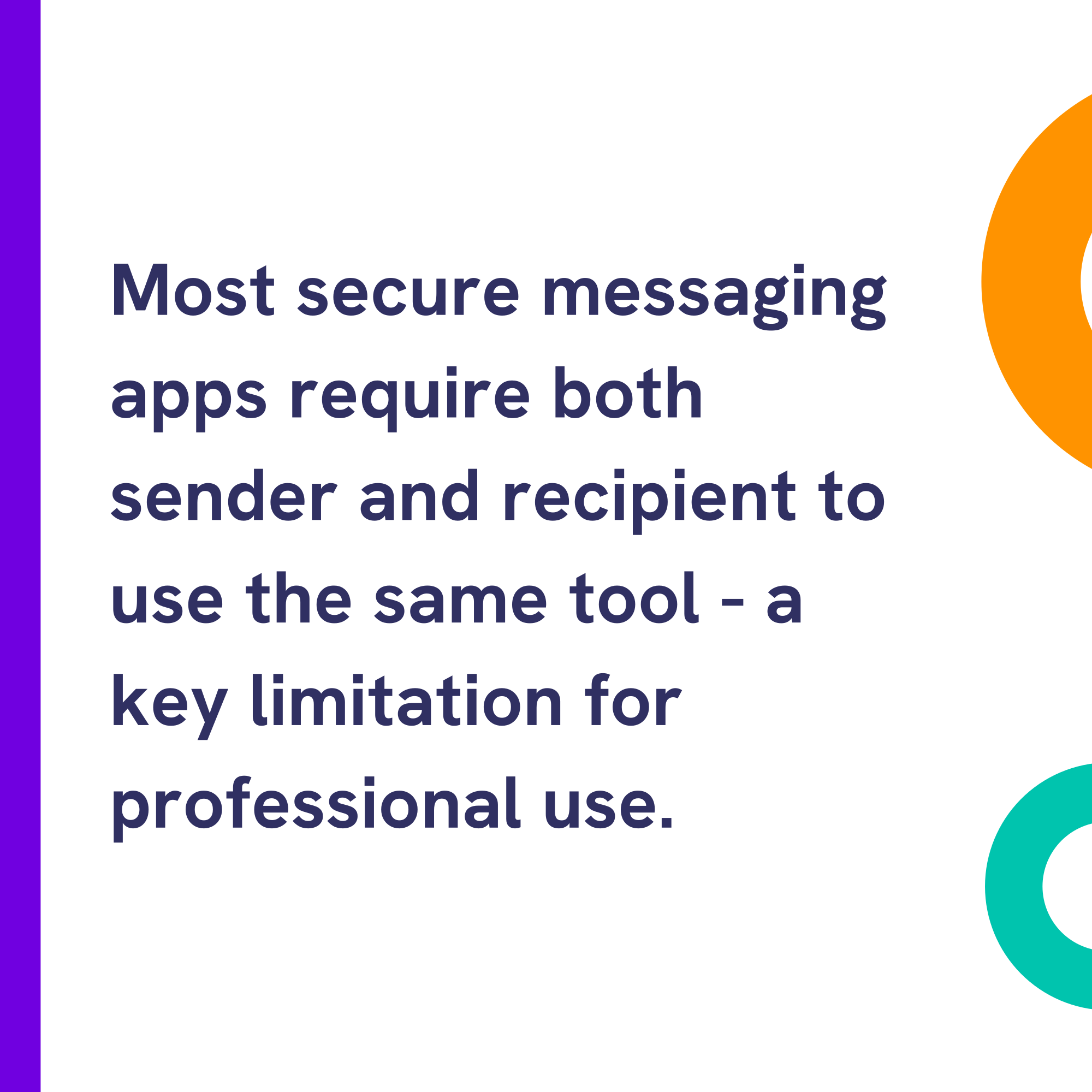
One problem with these tools is that they often require both parties to use the same app and don’t always offer controls for identity verification, audit logging, or business integration - making them less suitable for regulated environments.
Let's take a look at each of them in detail.
Signal
Signal is a free, open-source app widely recognised for its strong privacy protections. It uses the Signal Protocol - a highly regarded standard for end-to-end encryption.
Messages are encrypted locally, and Signal stores almost no metadata about who you message or when.
Pros: Strong encryption, minimal data collection, open-source code.
Cons: Requires a phone number to register (rather than an email address), lacks business tools and integrations (such as for auditing), and provides no recipient identity authentication or challenges.
Best for: Personal conversations where privacy is a priority.
WhatsApp uses the same encryption as Signal for chats, calls, and files. It’s widely used and offers a Business Platform for enterprise messaging.
However, it collects detailed metadata (such as contacts, device info, and usage stats), now used to display ads to free users.
The source code is also not fully open, so it's hard for independent experts to verify the security.
Though they do provide a business option, on the Business API, messages are decrypted so they can be processed by a company or chatbot - meaning they are not end-to-end encrypted.
Pros: Encrypted by default, familiar interface, business messaging tools.
Cons: Collects metadata, no full E2EE for business use, closed-source.
Best for: Day-to-day messaging and basic business chat with customer support.
Telegram
Telegram only uses end-to-end encryption for its “Secret Chats” - which must be manually enabled per conversation.
Regular chats are encrypted between your device and Telegram’s servers, meaning the company could technically access your messages.
This setup enables convenient features like multi-device sync and cloud backups but sacrifices full confidentiality.
Its encryption protocol, MTProto, is proprietary and less widely-reviewed than standards like the Signal Protocol.
Pros: Cloud sync, large group support, open-source client apps.
Cons: Not E2EE by default, closed server code, no recipient authentication.
Best for: Large group chats and broadcast channels where convenience matters more than confidentiality.
Secure Email Platforms
Secure email tools let you send protected messages and documents to any email address - without requiring the recipient to install an app or create an account.
They typically include encryption, identity verification, message tracking, and compliance controls - making them well suited for document-based communication and regulated business use.
Mailock
Mailock provides message-level encryption and verifies recipients using challenge questions or SMS codes, plus Unipass ID sign-in for financial services.
It includes proactive security alerts that prompt users to encrypt emails when sensitive information is detected, helping to prevent data loss.
The platform integrates with Outlook or works via a secure web app.
It offers tracking to show when a message is accessed or replied to and is designed to be simple for recipients to access without installing software.
Pros: Recipient authentication, message tracking, security alerts that prompt encryption, and no app or account needed to read messages.
Cons: No Gmail plugin (but browser access or server integration is available), uses message-level rather than end-to-end encryption, and is not built for real-time chat.
Best for: Businesses sending sensitive documents and messages to customers by email, particularly in regulated industries.
"Far too often, enhanced data security and effortless user experiences are seen as competing objectives.
This is a misconception. Security and usability can - and should - go hand in hand."
Paul Holland, Founder and CEO, Beyond Encryption (Mailock)
Proton Mail
Proton Mail offers end-to-end encryption between Proton users and stores all data in a zero-access format (meaning Proton cannot read your messages or see your contacts).
When emailing non-users, you can add a password so they can access the message securely in a browser.
However, it offers limited recipient authentication options (beyond a password - e.g., no SMS verification) and enterprise flexibility.
Pros: Zero-access encrypted storage, based in Switzerland (strong privacy laws), open-source.
Cons: Requires a separate Proton email address and inbox, limited identity verification.
Best for: Personal use and privacy-focused communication.
Tuta
Tuta (formerly Tutanota) encrypts everything from subject lines to calendars and contacts, using strong post-quantum algorithms.
It’s fully open source and claims not to track user data.
External recipients can access secure messages through a shared password, as with Proton Mail.
Pros: Full encryption coverage, no user tracking, open-source.
Cons: Requires an account, technical setup may not suit non-specialist users, fewer features for business users, recipient access limited to a shared password.
Best for: Technical users seeking a private, standalone encrypted mailbox.
Microsoft Outlook Encryption
Microsoft 365’s Purview Message Encryption offers email protection with built-in access controls.
External users can open secure messages using a passcode or by signing in with an account.
There are some logging, storage, and encryption options suited to the enterprise. However, it offers limited identity authentication.
Pros: Built into Outlook for Microsoft 365 users, integrates with Microsoft ecosystem, enterprise-grade compliance (ISO 27001, HIPAA).
Cons: Not zero-access (Microsoft retains access), external recipients use a sign-in or one-time-passcode portal; tracking and authentication depend on Purview configuration and licence.
Best for: Businesses already using Microsoft 365 and looking for native integration.
Gmail Confidential Mode
Gmail’s Confidential Mode adds basic privacy features such as message expiry and the ability to disable copying or forwarding, but messages are not end-to-end encrypted and remain accessible to Google.
Pros: Built-in for Gmail users, simple interface, restricts message actions.
Cons: Not end-to-end encryption, limited identity verification (an optional SMS passcode), Google retains access to message content.
Best for: Casual Gmail users who want added control - but not suited for sensitive or regulated data.
Virtru
Virtru adds encryption to Gmail and Outlook. You can choose who can read a message, revoke access, and view audit logs.
It uses client-side encryption, allowing businesses to manage their own encryption keys for flexibility and control.
Pros: Strong access controls, audit trails, works with Gmail and Outlook, enterprise hosting options.
Cons: More complex setup and geared towards enterprise users.
Best for: Larger organisations with strict compliance or zero trust architecture requirements.
Egress Protect
Egress, a KnowBe4 company, provides advanced encryption, recipient authentication, and AI-powered data loss prevention.
It alerts users if they’re about to send sensitive data to the wrong person or unsecured.
Egress is used widely in UK government and health sectors, and recipients usually sign in to an Egress account to access messages. Recipient access is account-based, or via a pre-shared secret or a one-click link.
Pros: Advanced data loss prevention, compliance with NHS and financial standards.
Cons: Usually requires account registration.
Best for: Public sector institutions managing high-risk communications.
Which Should You Choose?
Secure messaging apps are great for fast, informal conversations.
They’re intuitive, widely used, and offer strong privacy - but usually require both parties to use the same platform and don’t offer much control or compliance support.
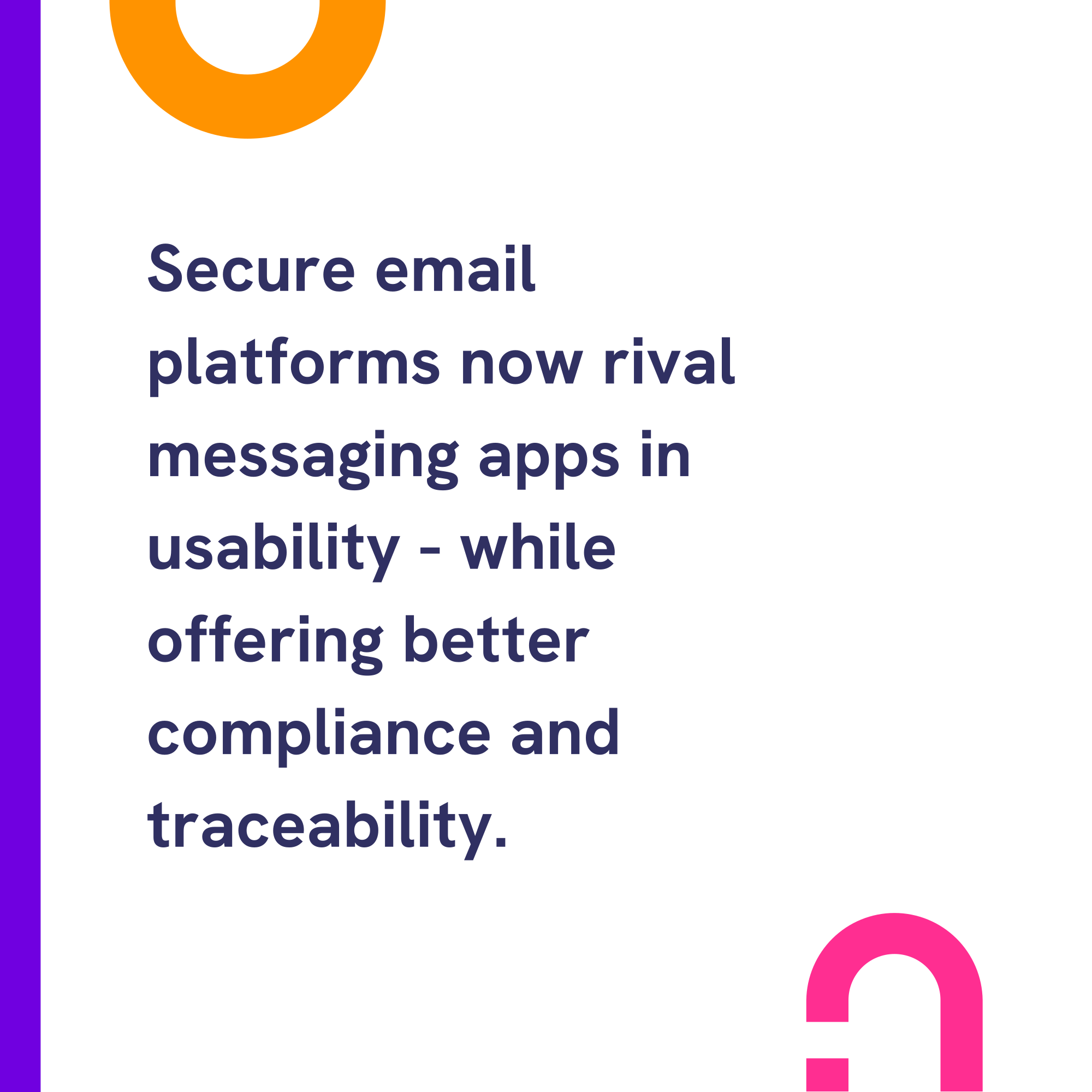
Secure email, on the other hand, works with any recipient. It adds verification, message tracking, and supports professional workflows like document delivery, approvals, and sensitive customer communications.
Messaging apps: Ideal for team chat and casual contact - but limited when cross-platform, accountability, or privacy assurance is required.
Secure email: More suitable for formal communication - especially when you need to send confidential documents or see when content was accessed.
For individuals, tools like Signal or Proton Mail provide simple, secure ways to protect personal conversations.
For businesses and professionals dealing with sensitive data, secure email tools such as Mailock, Microsoft Purview Message Encryption, Virtru, or Egress Protect provide encryption and access controls. The right one depends on the email clients you use, your licences, and how your recipients will access messages.
Choose the tool your audience will actually use - then check it still meets your encryption, identity, and compliance needs.
"Secure email allows businesses and their clients to exchange sensitive information with confidence while taking advantage of all the benefits of email."
Paul Holland, Founder and CEO, Beyond Encryption (Mailock)
Feature Comparison
Here’s how the leading secure messaging and email tools stack up across the most important features.
Signal
- Encryption: ✅ End-to-end
- Identity verification: ❌
- Recipient needs account: ✅
- Compliance features: ❌
- Best for: Personal privacy
WhatsApp (Consumer)
- Encryption: ✅ End-to-end
- Identity verification: ❌
- Recipient needs account: ✅
- Compliance features: ❌
- Best for: Everyday messaging
Telegram
- Encryption: ⚠️ Not default (only in Secret Chats)
- Identity verification: ❌
- Recipient needs account: ✅
- Compliance features: ❌
- Best for: Large groups, convenience
Mailock
- Encryption: ✅ AES-256 (message-level)
- Identity verification: ✅ (Q&A and SMS, plus Unipass ID sign-in)
- Recipient needs account: ❌
- Compliance features: ✅ (message tracking and security alerts)
- Best for: Document-based communication in regulated industries
Proton Mail
- Encryption: ✅ End-to-end
- Identity verification: ⚠️ Password for external users
- Recipient needs account: ⚠️ Usually yes
- Compliance features: ✅ (ISO 27001, GDPR)
- Best for: Privacy-focused individuals
Microsoft Outlook Encryption
- Encryption: ⚠️ Not zero-access
- Identity verification: ⚠️ Login or code
- Recipient needs account: ❌
- Compliance features: ✅ (HIPAA, ISO, NHS)
- Best for: Microsoft 365 businesses; external recipients via the encrypted-message portal
Gmail Confidential Mode
- Encryption: ❌ Not end-to-end
- Identity verification: ⚠️ SMS option
- Recipient needs account: ❌
- Compliance features: ❌
- Best for: Basic privacy controls for Gmail users
Virtru
- Encryption: ✅ Client-side management
- Identity verification: ✅ With access rules and audit logs
- Recipient needs account: ❌
- Compliance features: ✅ Custom key management, audit-ready
- Best for: Enterprise teams with advanced key control needs
Egress Protect
- Encryption: ✅ Additional AI scanning
- Recipient authentication: ✅ Egress account, pre-shared secret, or one-click link
- Recipient needs account: ⚠️ Usually, unless the sender uses one-click access
- Compliance features: ✅ (NHS, government)
- Best for: High-risk sectors like public and health
FAQs
What’s the Difference Between Secure Messaging and Secure Email?
Secure messaging usually refers to real-time chats between users of the same app, protected with end-to-end encryption.
Secure email protects longer-form communication, often adding identity verification, delivery tracking, and compatibility with any recipient.
Is End-To-End Encryption Enough to Protect My Messages?
It’s a strong foundation - but not a full solution. Encryption ensures content is unreadable in transit, but it doesn’t prove who’s reading it.
For sensitive data, choose tools that also include identity verification and access control.
Can Secure Email Be Used for Personal Communication?
Yes - tools like Mailock and Proton Mail let individuals send and receive secure messages without technical complexity.
This is especially useful for financial, legal, or medical documents.
What Is Message Tracking and Why Does It Matter?
Tracking lets you see when a message is accessed or replied to, helping you confirm delivery and maintain a record of sensitive communication.
References
Weak Password Allowed Hackers to Sink a 158-Year-Old Company, BBC News, 2025
Cyber Security Breaches Survey 2023, GOV.UK, 2023
WhatsApp to Start Showing More Adverts in Messaging App, BBC News, 2025
Time to Celebrate: Tutanota Is Now Tuta, Tuta, 2023
Reviewed by
Sam Kendall, 16.10.26
Read our editorial policy.
This content is for general information only and is not legal advice.
|
Originally posted on 24 07 25
Sam Kendall works on digital marketing for Mailock by Beyond Encryption, helping build B2B marketing activity around research, first principles, and sustainable growth. He writes about marketing effectiveness, positioning, customer communications, and digital culture, with longer-form work published at ATNL.net. |
Email Series
Subscribe to
Subscribe to Privacy Decoded, our monthly email briefing about privacy, digital trust, and the forces shaping our online world.
 Previous post
