To Secure or Not to Secure: What Counts as PII and Why?
 Sam Kendall


We all know we shouldn’t send certain information without protection - card numbers, passwords - but some data might sit in a mental grey area.
Names, dates of birth, even memorable words might seem harmless alone, yet combined they can expose far more than we realise.
Whether you’re sharing personal details with a friend or handling customer data at work, it’s worth asking: when does information become sensitive enough to secure?
Let’s explore what counts as personally identifiable information (PII), why it matters, and how to decide when - and how - to keep it safe.
What Counts as PII?
Understanding the Building Blocks of Identity
PII - or personally identifiable information - is any data that can identify a specific individual, either on its own or when combined with other information (see UK GDPR guidance).
UK data protection law uses the term personal data rather than PII: any information relating to an identified or identifiable living person. The two ideas overlap closely, so this article uses PII in its everyday sense.
Direct identifiers include details such as your name, address, or ID number.
Indirect identifiers might seem harmless - your job title, date of birth, or postcode - but linked together, they can reveal more than intended.
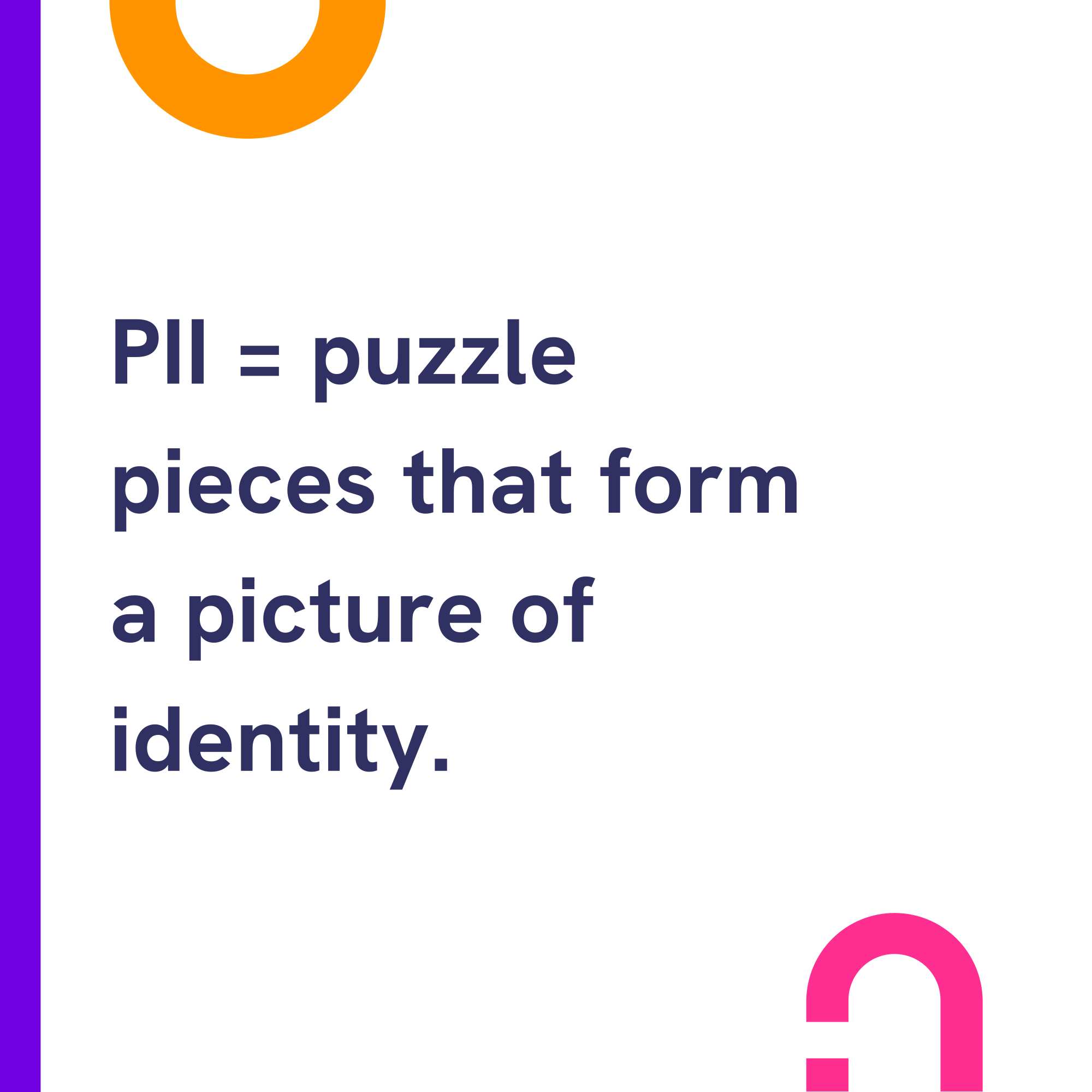
Think of PII as a puzzle: one piece on its own may not say much, but put several together and it forms a clear picture of who you are.
Why Protecting PII Matters - For You and Others
The Real-World Impact of Information Leaks
When information falls into the wrong hands, it can have serious consequences - for you and the people whose data you handle.
Personally, exposed details can lead to identity theft, fraud, or targeted scams.
At work, a single mis-sent email can put customer trust - and compliance - at risk.
And in both cases, there’s the emotional cost: stress, embarrassment, and a loss of confidence in everyday communication.
"Even ordinary details can become risky when combined - protecting them isn’t over-cautious, it’s responsible."
Paul Holland, Founder and CEO, Beyond Encryption (Mailock)
What to Secure and What’s (Usually) Safe
Examples to Help You Judge What Needs Protection
| Type | Examples | Should You Secure It? | Why |
|---|---|---|---|
| Financial details | Card numbers, account info, payslips | Always | Used for fraud or identity theft. |
| Personal identifiers | Name + address, DOB, NI number | Often | Low risk alone, high in combination. |
| Health or benefits data | Prescriptions, claims, medical notes | Always | Health data is “special category” data, and benefits data is often sensitive too. |
| Work data | Client info, ID numbers, internal reports | Always | Contains others’ personal data. |
| Public data | Job title, company name | Usually fine | Safe in isolation but watch the context. |
Use the table as a quick check, then think about how the details might combine in the message you are sending.
If you wouldn’t write it on a postcard, encrypt it.
At Work: Protecting Other People’s Information
Every Email Is a Responsibility
Many data breaches aren’t the result of hackers - they happen through everyday mistakes. Data emailed to the wrong recipient is the most frequently reported incident type in the ICO’s data security incident trends (see our analysis of the latest figures).
If you handle customer or colleague information, treat it like your own:
- Double-check the recipient before hitting send.
- Don’t forward sensitive messages to personal inboxes.
- Use secure email for anything containing PII or attachments.
- Delete files and messages when they’re no longer needed.
Some secure email tools also flag when an email might contain personal data, prompting the sender to protect it before it leaves the outbox.
At Home: Protecting Your Own Data
Simple Everyday Habits That Make a Difference
Good digital habits at home go a long way toward protecting your privacy:
- Be cautious when sharing personal information online or over email.
- Watch out for phishing emails or fake sender addresses.
- Turn on two-factor authentication for important accounts.
- Store ID documents and financial files in encrypted folders or apps.
- Use encrypted email when sending private documents.
- Follow NCSC tips for safer everyday online habits.
- Regularly delete old emails containing sensitive information.
Data security at home starts with small, repeatable habits.
The Golden Rule: The Postcard Test
If You’d Be Uncomfortable Posting It, Secure It
Before sending any message, ask yourself:
- Would I write this on a postcard?
- Would I be happy if a stranger saw it?
If the answer is no - encrypt it. And if it contains someone else’s information, always err on the side of caution.
Secure email tools can offer message-level encryption, recipient authentication, and the ability to revoke access if needed.
How Encryption and Authentication Work Together
Locking Messages and Checking Recipients
Encryption protects the contents of an email by converting it into unreadable code until the right person opens it.
Authentication adds a check on who is opening it - using a code, security question, or digital certificate.
Security alerts can also help you catch risks before you hit send, prompting you to encrypt or challenge recipients when sensitive content is detected.
Together, these controls protect the data and the people behind it.
"Encryption protects the message content. Authentication helps make sure the right person opens it. Used together, they address different parts of the same email risk."
Mike Wakefield, CTO, Beyond Encryption (Mailock)
Protect Personal Information Before You Send It
Protecting Information Protects People
Whether it’s your own details or someone else’s, protecting information is about respect and responsibility.
A few simple habits - and the right technology - can prevent costly mistakes and build lasting trust.
FAQs
Which Information Counts as PII?
PII includes any information that can identify someone - like names, addresses, ID numbers, or data that, when combined, reveals an individual.
Is It Overkill to Encrypt Everyday Emails?
No - many breaches come from routine communication. Encryption adds a layer of safety that can limit exposure if something goes wrong.
How Can I Make Sure I Don’t Send Data by Mistake?
Double-check recipients, and use secure email tools that flag sensitive content, require a check before access, and allow you to revoke messages after sending.
References
UK GDPR Guidance, ICO, 2024
Top Tips for Staying Secure Online, NCSC, 2025
What Is Personal Data?, Information Commissioner’s Office, accessed October 2026
Data Security Incident Trends, Information Commissioner’s Office, 2025
Reviewed by
Sam Kendall, 16.10.26
Read our editorial policy.
This content is for general information only and is not legal advice.
|
Originally posted on 11 11 25
Sam Kendall works on digital marketing for Mailock by Beyond Encryption, helping build B2B marketing activity around research, first principles, and sustainable growth. He writes about marketing effectiveness, positioning, customer communications, and digital culture, with longer-form work published at ATNL.net. |
Email Series
Subscribe to
Subscribe to Privacy Decoded, our monthly email briefing about privacy, digital trust, and the forces shaping our online world.
 Previous post
