
The Best Secure Email Services to Protect Your Business Data
 Sabrina McClune


Email is one of the most widely used communication methods in business, but without robust protections, every message could be a target for cyber attack or data breach.
Thankfully, there's a wide range of secure email services available to help your organisation protect sensitive information and maintain privacy.
We've assessed the most widely used secure email providers based on their encryption methods, authentication options, usability, and pricing.
What Is a Secure Email Service?
A secure email service adds multiple layers of protection to standard email, offering safeguards like encryption, identity authentication, audit trails, and message revoke features.
The goal is to reduce the risk of email-based threats such as interception, data loss, or misdelivery while helping businesses stay compliant.
Why Do You Need a Secure Email Service?
Email was never designed to be a secure channel. Yet today, it underpins most business communications.
With the rise in remote work and cloud platforms, threats are increasing. 32% of UK businesses reported a cyber attack or breach in 2022-2023. Phishing attacks accounted for 83% of those incidents.
What The Research Shows
Among UK businesses that reported a cyber attack or breach in 2022-23, phishing was the most common method, cited in 83% of incidents (The Latest Cyber Crime Statistics, AAG IT).
And it's not just malicious attacks. Misdirected emails remain a leading cause of breaches.
The majority of breaches involve a human element.
"Most firms do not need another inbox. They need outbound controls that fit how people already send email."
Adam Byford, COO, Beyond Encryption (Mailock)
Types of Secure Email Service
Different providers specialise in different threat vectors. Some offer protection from inbound threats, others focus on outbound security.
- Outbound email security protects sensitive data leaving your organisation, helping prevent unauthorised access.
- Inbound email security scans incoming messages for threats and ensures encryption until opened by the intended recipient.
Large organisations might opt for a secure email gateway to enforce policies at the server level.
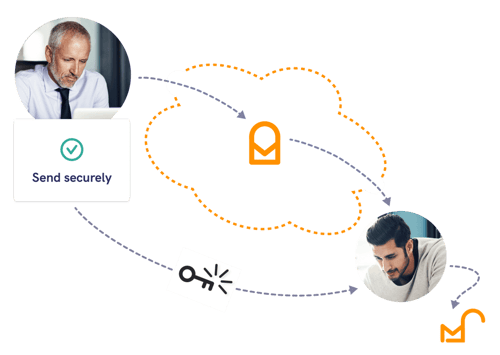
Smaller firms may prefer desktop-based software to apply protections on an individual user basis.
Choosing a Secure Email Service
Look for these key features when evaluating your options:
- AES-256 encryption (Advanced Encryption Standard), widely trusted across industries.
- Recipient authentication - add assurance about who opens a message before protected content is shown.
- Message revoke - close future access if you send something in error.
- Audit trails - track message access and prove compliance.
At a Glance
The table below summarises the providers covered in this guide. Check each vendor's site for current limits, features, and pricing before you choose.
| Provider | Encryption | Authentication | Best For |
|---|---|---|---|
| Mailock | AES-256 | SMS, Q&A, and email verification, plus Unipass ID sign-in | Outbound protection on your existing inbox |
| Microsoft Purview Message Encryption | AES-256 | Microsoft/Google login or one-time codes | Microsoft 365 enterprise estates |
| Egress | AES-256 | Q&A options | Inbound and outbound email security suite |
| Zivver | RSA 2048 | Access code and SMS | Large file transfer and outbound error reduction |
| Mimecast | AES-256 | Two-factor authentication for users | Large-scale enterprise email security |
| Proofpoint | AES-256 (policy-based) | Secure Mail web access | Compliance-led policy encryption |
Use the summary above as a starting point, then read the fuller notes on each provider below.
Best Secure Email Services
There's no one-size-fits-all. From Microsoft's Purview to Mailock's user-friendly encryption, each service offers a different mix of protections and experiences.
Mailock Secure Email
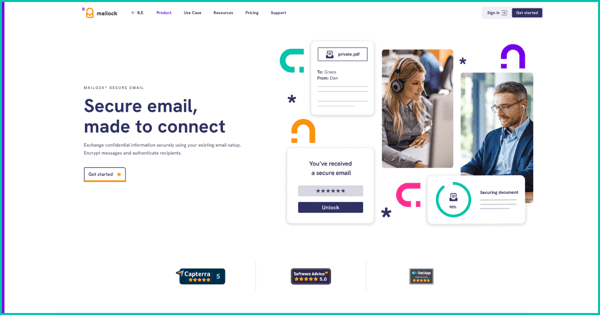
Mailock is a dedicated outbound email solution that secures sensitive customer information using your existing email setup.
Available as a desktop app or an enterprise gateway, it's suitable for organisations of all sizes.
Features include:
- AES-256 encryption, with unlimited secure replies for recipients.
- Recipient authentication via SMS, Q&A, or email verification, plus Unipass ID sign-in for financial services.
- Message revoke for sent messages and attachments.
- Notifications when protected content is accessed.
- Audit trails covering message access and revoke events.
- Security alerts that prompt secure sending based on message content.
Key considerations: Recipients can read and reply to Mailock emails without an account. A free account lets them send their own secure email. Includes an Outlook add-in for supported classic Outlook for Windows.
Explore Mailock Pro for professionals and small teams, or explore Mailock Enterprise for organisation-wide secure email.
Microsoft Purview Message Encryption
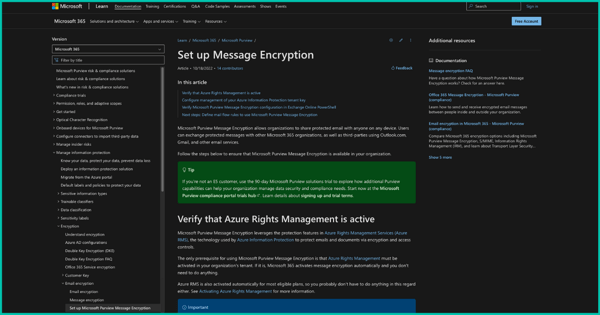
Microsoft Purview Message Encryption is included with several Microsoft 365 and Office 365 plans, including Enterprise E3/E5, Microsoft 365 Business Premium, and some education and government plans. Availability still depends on licence, tenant configuration, and policy setup.
Features include:
- AES-256 encryption, with encrypted replies.
- Conditional revocation for eligible link-based encrypted messages when Advanced Message Encryption is configured.
- Inbox access verification via Microsoft or Google login, or one-time codes.
- Read receipts, configurable by sender and recipient.
- Audit dashboard showing timestamps, recipients, and access status.
Key considerations: Access verification is via Microsoft or Google login or one-time codes, rather than selectable recipient checks such as SMS or Q&A, and there is no security-alert prompting. Setup may require assistance from a Microsoft specialist to configure Azure Information Rights Management.
Read our full review of Microsoft's secure email.
Egress Cloud Email Security Suite
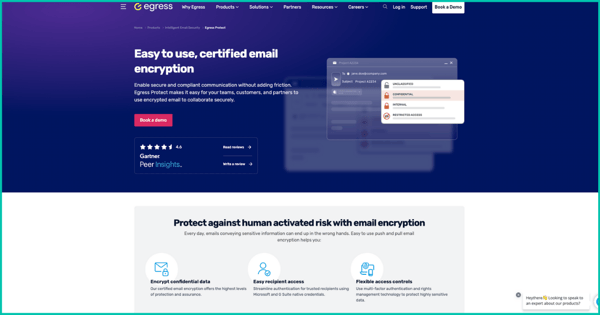
Egress, a KnowBe4 company since 2024, combines email protection tools into one suite, with Defend, Prevent, and Protect modules to guard against inbound and outbound threats.
Features include:
- AES-256 encryption, applied by users or admins.
- Access privileges such as restrictions on forwarding or downloading.
- Recipient authentication via an Egress account with SSO support, a pre-shared secret, or a one-time URL.
- Machine learning prompts for secure sending.
- Microsoft 365 integration with Outlook add-in.
Key considerations: Recipients usually sign in to a free Egress account to read and reply, unless the sender uses one-click access. Check Egress for current reply limits and credit allowances.
Zivver Secure Email
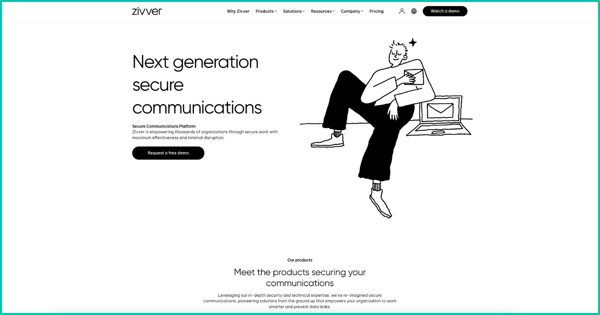
Zivver, acquired by Kiteworks in 2025, helps reduce the risk of outbound errors, with machine learning tools and secure file transfers up to 5TB.
Features include:
- RSA 2048 encryption for messages and attachments.
- Access code, SMS, and email authentication.
- Secure file transfer (large file sizes).
- Email expiration and recall features.
- Contextual correction using AI prompts.
Key considerations: Zivver offers an Outlook add-in and Chrome extension. Some features vary by licence tier.
Read our Zivver vs Mailock guide.
Mimecast Secure Email Messaging
Mimecast is best suited to enterprises needing high-scale email security and continuity.
Features include:
- AES-256 encryption based on rules or manual triggers.
- Message expiration and recall options.
- Two-factor authentication for users.
- Read notifications for senders.
- Custom branding for outbound secure messages.
Key considerations: Capterra lists Mimecast Email Security at 4.3/5 from 80 reviews. Mimecast does not publish clear standard pricing for secure messaging on its product page, so buyers should request current pricing.
See how Mimecast compares to Mailock.
Proofpoint Email Encryption
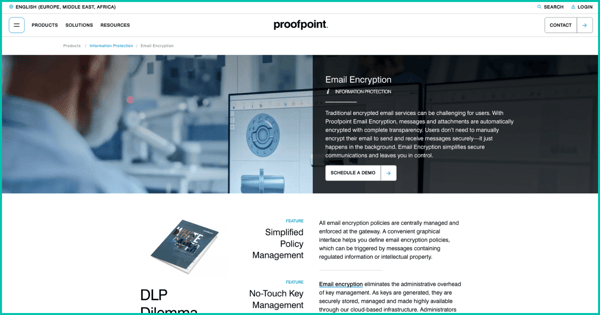
Proofpoint is a compliance-focused provider with robust admin controls and policy-based encryption settings.
Features include:
- AES-256 encryption configured through content rules.
- Message revoke at admin level.
- Integration with Outlook and Gmail.
Key considerations: External recipients use Proofpoint Secure Mail, a web-based interface, to read and respond to encrypted emails.
Proofpoint's newer encryption experience lists a default 30-day encrypted thread access period, with options to enforce shorter access periods.
Explore our Proofpoint vs Mailock comparison.
The Best Secure Email?
Email isn't going anywhere - but the way we secure it must evolve.
Each provider offers a unique mix of protections.
"There is no single best secure email for every firm. The right choice depends on whether you need outbound protection on your existing inbox, enterprise gateway rules, or a full inbound and outbound suite."
Paul Holland, Founder and CEO, Beyond Encryption (Mailock)
For many businesses, Mailock strikes a practical balance between security, usability, and compliance, whether you're a sole trader or a large enterprise.
Start a free 14-day Mailock Pro trial to protect customer data with encrypted email that works with your existing setup.
FAQs
What Should Businesses Compare in Secure Email Services?
Compare encryption, authentication, recipient experience, secure replies, integrations, admin controls, audit trails, and pricing fit.
Why Does Workflow Matter When Choosing a Provider?
A secure email service only works well if senders and recipients can use it consistently in real business communication.
How Should Firms Compare Recipient Access and Audit Evidence?
Check whether recipients need accounts, how identity is verified, whether replies stay protected, and what records are available after sending.
References
The Latest Cyber Crime Statistics, AAG IT, 2023
2026 Data Breach Investigations Report, Verizon, 2026
Reviewed by
Sam Kendall, 03.06.26
Sabrina McClune, 07.06.24
This content is for general information only and is not legal advice.
|
Originally posted on 17 07 23
Sabrina McClune writes about cybersecurity, data protection, digital identity, and digital transformation for Mailock by Beyond Encryption, helping regulated sectors understand complex technology and compliance topics with greater clarity. |
Email Series
Subscribe to
.svg)
Subscribe to Privacy Decoded, our monthly email briefing about privacy, digital trust, and the forces shaping our online world.
 Previous post